Matrix ETERNITY NE System Manual 149
• Select dB level for Bypass Gain, from -31 to 31. Default: -9 dB.
Pass Through Fax packets are transported using RTP protocol. Normally, fax calls require less gain
compared to voice calls. However, to improve fax reception, SARVAM UCS allows you to configure gain
settings for fax (Data Gain and Bypass Gain).
SARVAM UCS supports Fax Receive Gain for SIP to Digital Trunk calls as well as SIP to SLT Calls.
• Configure Pass Through FAX Rx Gain (SIP to SLT Call), if you want to improve quality of Pass Through
Fax received on a fax machine connected to a SLT port. This parameter has relevance only when you
select ‘Pass Through’ as Fax Type.
• Select dB level for Data Gain, from -31 to 31. Default: -11 dB.
• Select dB level for Bypass Gain, from -31 to 31. Default: -9 dB.
• Click Submit.
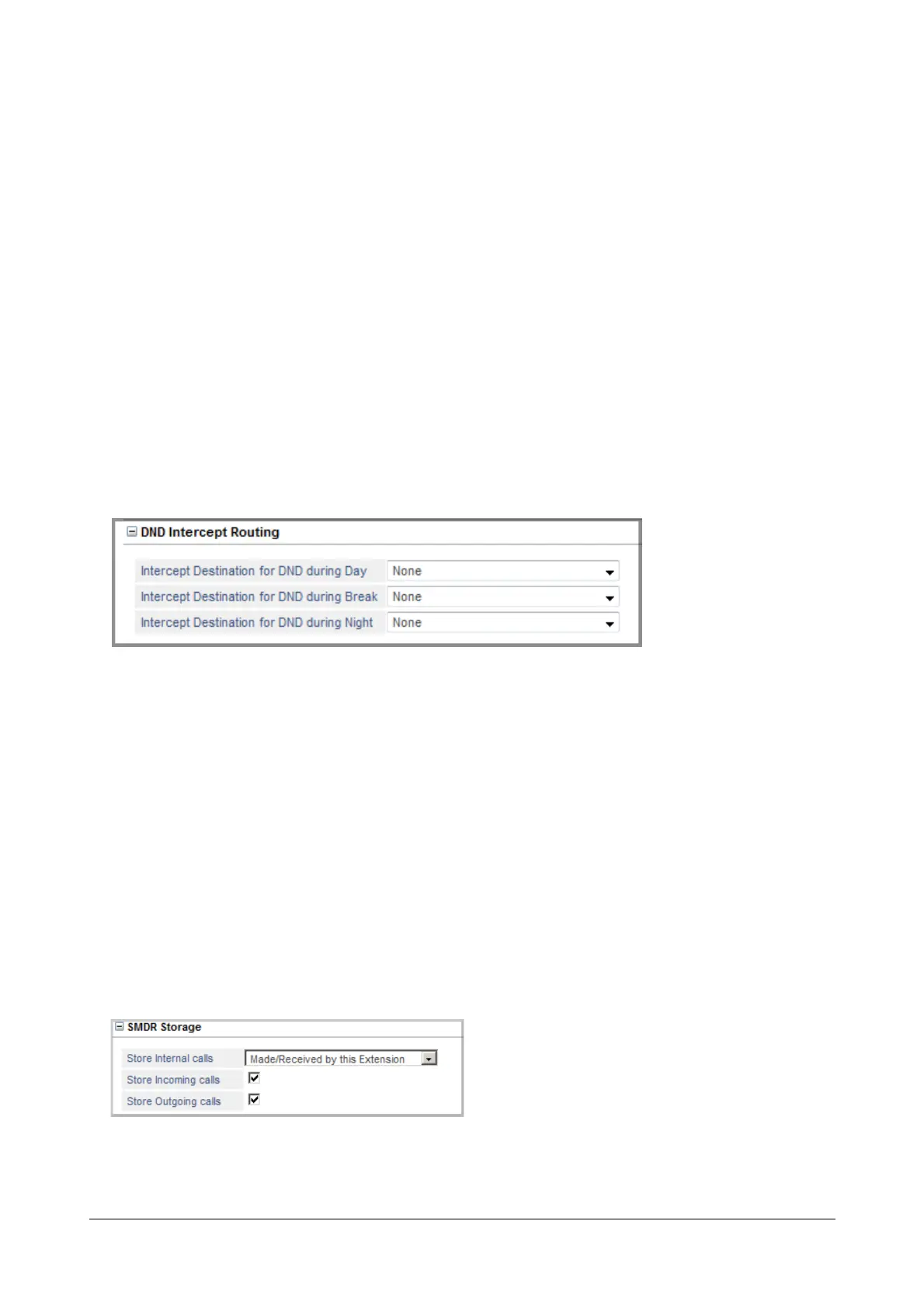
DND Intercept Routing
When the DND set extension users wants their calls to be attended by someone even if DND is set, they must
select an Intercept Destination. Incoming calls landing on extension that has set DND will be routed to the Intercept
Destination. This destination can be the users own mailbox or another extension (SLT, SIP). See “Do Not Disturb
(DND)” for more details.
• Select the Intercept Destination for DND during Day. You may select:
• None
• any SLT Extension
• any SIP Extension
•Voicemail
Default: None
Similarly, you may select Intercept Destination for DND during Break and Intercept Destination for DND
during Night.
SMDR Storage



 To Next Page