150 Matrix ETERNITY NE System Manual
The Station Message Detail Recording (SMDR) feature of SARVAM UCS enables you to record the details of
Internal, Incoming (IC) and Outgoing (OG) calls made from/to all its extensions. To obtain SMDR as a report, you
must enable SMDR Storage, and set filters. See “Station Message Detail Recording (SMDR)” to know more.
• Click SMDR Storage to expand.
• Select the type of internal calls to be stored from the combo box Store Internal Calls. You can select from
the following options:
• Made/received by this extension: the system will store all calls made to and received from this
extension.
• Made by this extension: the system will store outgoing calls made from this extension.
• Received by this extension: the system will store only incoming calls from other extensions.
• Never: the system will not store internal calls
• To store details of incoming calls from external numbers, select Store Incoming Calls. Default: selected.
• To store details of outgoing calls made by the extension user to external numbers, select Store Outgoing
Calls. Default: selected.
• Click Submit.
Call Budget
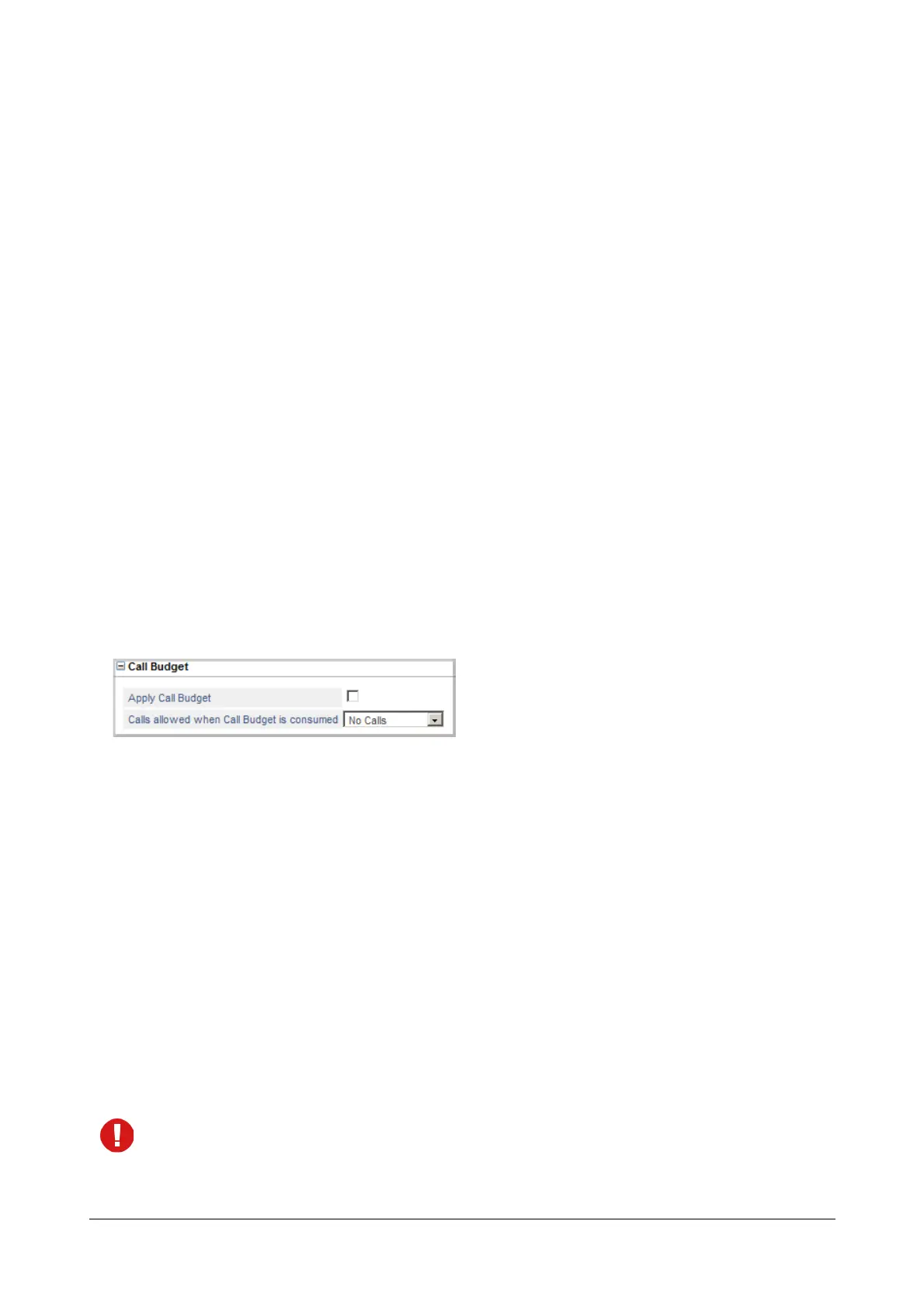
Using the Call Budget feature, you can allot a 'budget' limit for outgoing calls made by the extension. See “Call
Budget on Extension” for more information. If you want to enable this feature on this extension,
• Click Call Budget to expand.
• Select the Apply Call Budget check box.
• You may define the calling permission for the extension, after it has consumed the call budget allotted to it.
Select the type of Calls to be allowed when Call Budget is consumed from the following:
•No Calls
• Local Calls
• Regional Calls
• National Calls
• International Calls
• All Calls
Default: No Calls.
Click the Settings icon to view the Toll Control - Allowed-Denied Numbers page. This icon does not
appear when you select No Calls or All Calls option.



 To Next Page