Matrix ETERNITY NE System Manual 151
• Click Submit.
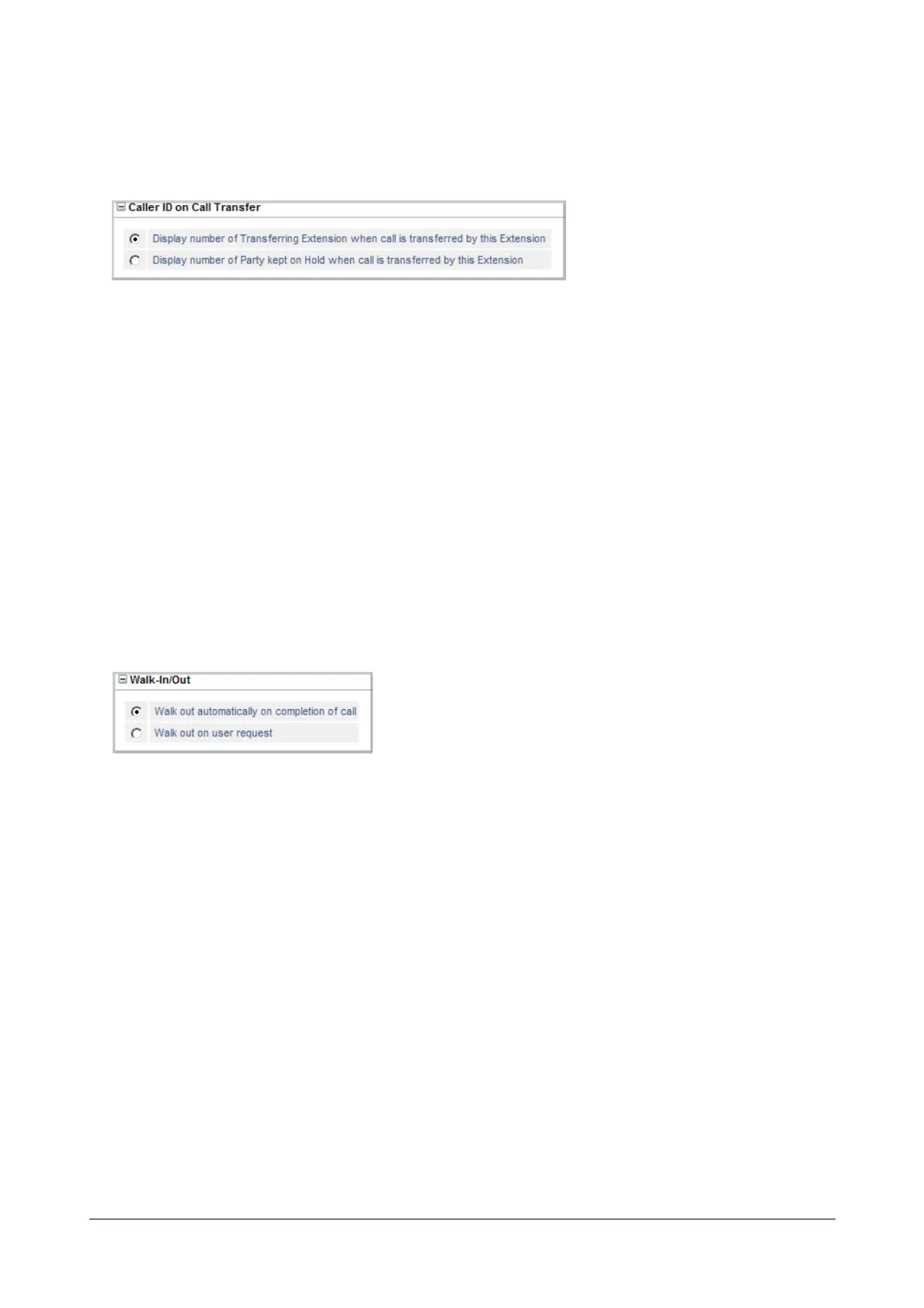
Caller ID on Call Transfer
This parameter is related to the CLIP feature. It allows you to choose whether the system should display the CLI of
the ‘Held Party’ or the CLI of the ‘Transferring Party’ to the transfer destination extension while the call is being
transferred.
See the feature description for “Calling Line Identification and Presentation (CLIP)” to know more.
• Click Caller ID on Call Transfer to expand.
• Select the radio button of the desired option:
• Display Number of Transferring Extension when call is transferred on this extension.
• Display Number of Party kept on Hold when call is transferred on this extension.
• Click Submit.
Walk-In/Walk-Out
This parameter is related to the feature Walk-In Class of Service. SARVAM UCS offers two types of Walk-In: i)
One-Call per Walk-In, where the extension user is automatically logged out after a call. ii) Walk-In until Logout,
where the extension user remains logged on until s/he manually walks out or a second user walks into the same
extension. To know more about this feature, see “Walk-In Class of Service”.
• Click Walk-In/Walk-Out to expand.
• Select the radio button of the type of Walk-Out mode you want to assign to the extension:
• Walk-Out automatically on completion of call: Select this option, if you want to assign One-Call per
Walk-In to the extension.
• Walk-Out on user request: Select this option, if you want to assign Walk-In until Logout to the
extension.
• Click Submit.



 To Next Page