Matrix ETERNITY NE System Manual 159
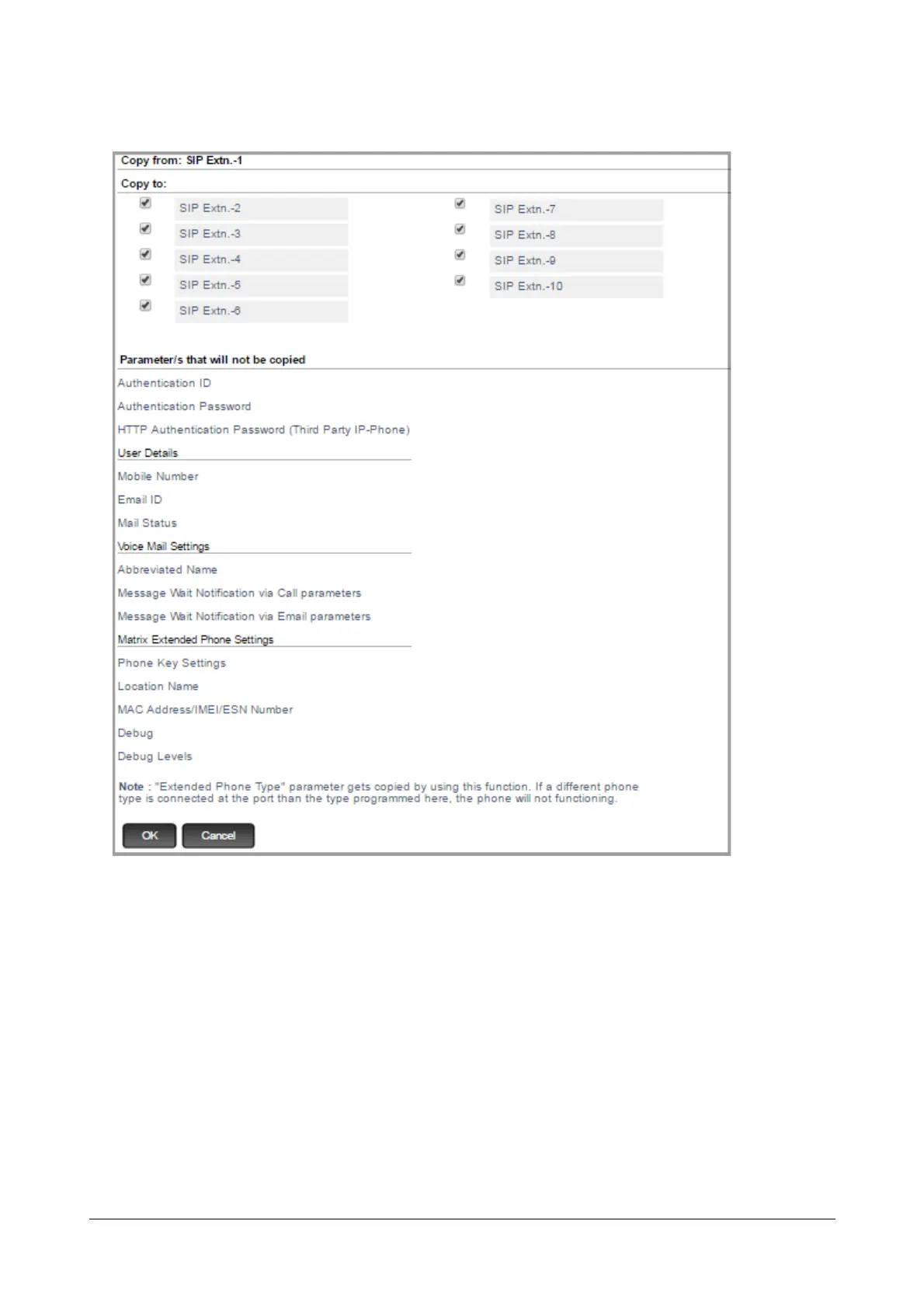
The Copy page opens in another tab.
The copy page displays the number and/or name of the current extension in Copy from:. It also lists the
numbers and/or names of the extensions to which you can copy the extension settings under Copy To:.
• Select the respective Copy to check boxes of the SIP Extensions to which you want to apply the current
SIP Extension settings.
• Click OK.
All the parameter values of the current SIP Extensions except those listed below Parameter/s that will not be
copied, will be applied to the selected SIP Extensions.
You may also copy the parameter values of a specific link under current SIP Extension to the same link under any
other extension page. To do so,


 To Next Page
 Loading...

