160 Matrix ETERNITY NE System Manual
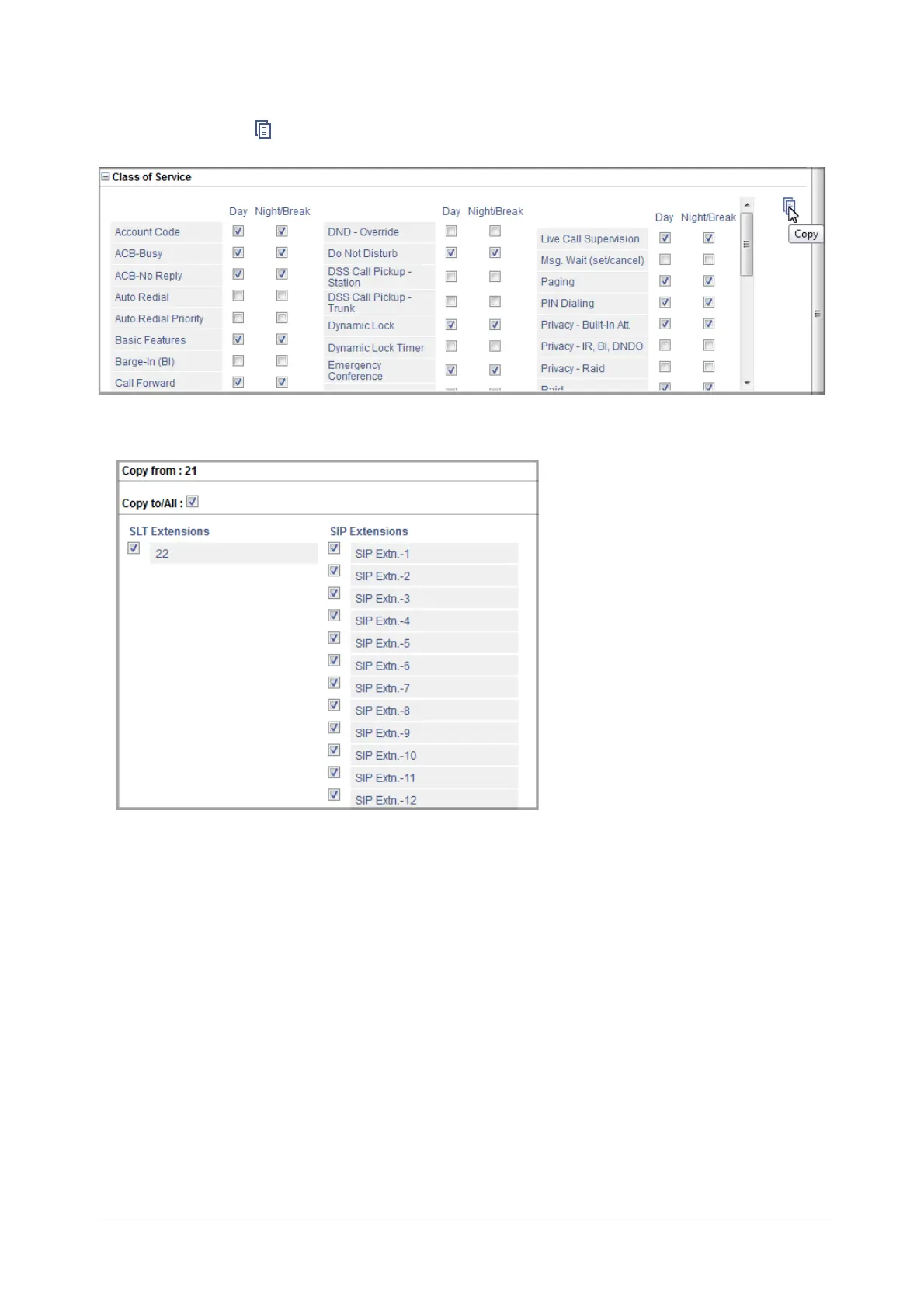
• Click the Copy icon besides the desired link.
The Copy page opens in another tab.
The Copy page displays the numbers and/or names of the extensions to which you can copy the extension
settings under the Copy To/All:.
• Select the Copy to/All check box, to apply the link settings to the same link under all other Extensions.
OR
You may also apply the link settings to the desired Extensions only, by selecting the respective check
boxes.
• Click OK.


 To Next Page
 Loading...

