Matrix ETERNITY NE System Manual 197
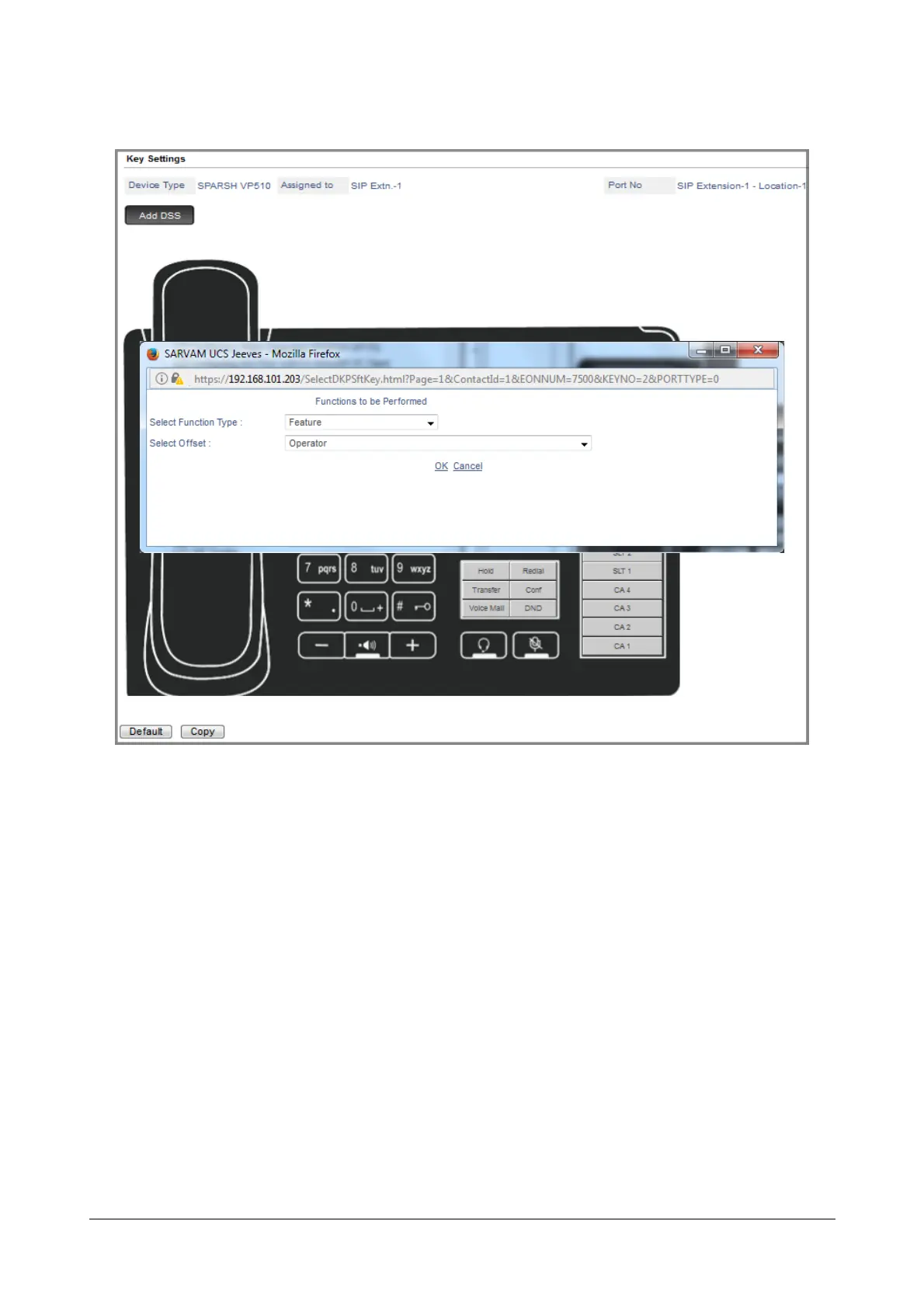
The Functions to be Performed by the key opens in a new window.
•In the Select Function Type list, select the function to be performed by the key. For example, you want to
use the key to call the Operator.
The Operator function is a Feature, so select the option Feature from the Select Function Type list box.
From the Select Offset drop down list, all the features that can be assigned to keys are listed.
• Select Operator from the list of features in the Select Offset box.
• Click OK.



 To Next Page