216 Matrix ETERNITY NE System Manual
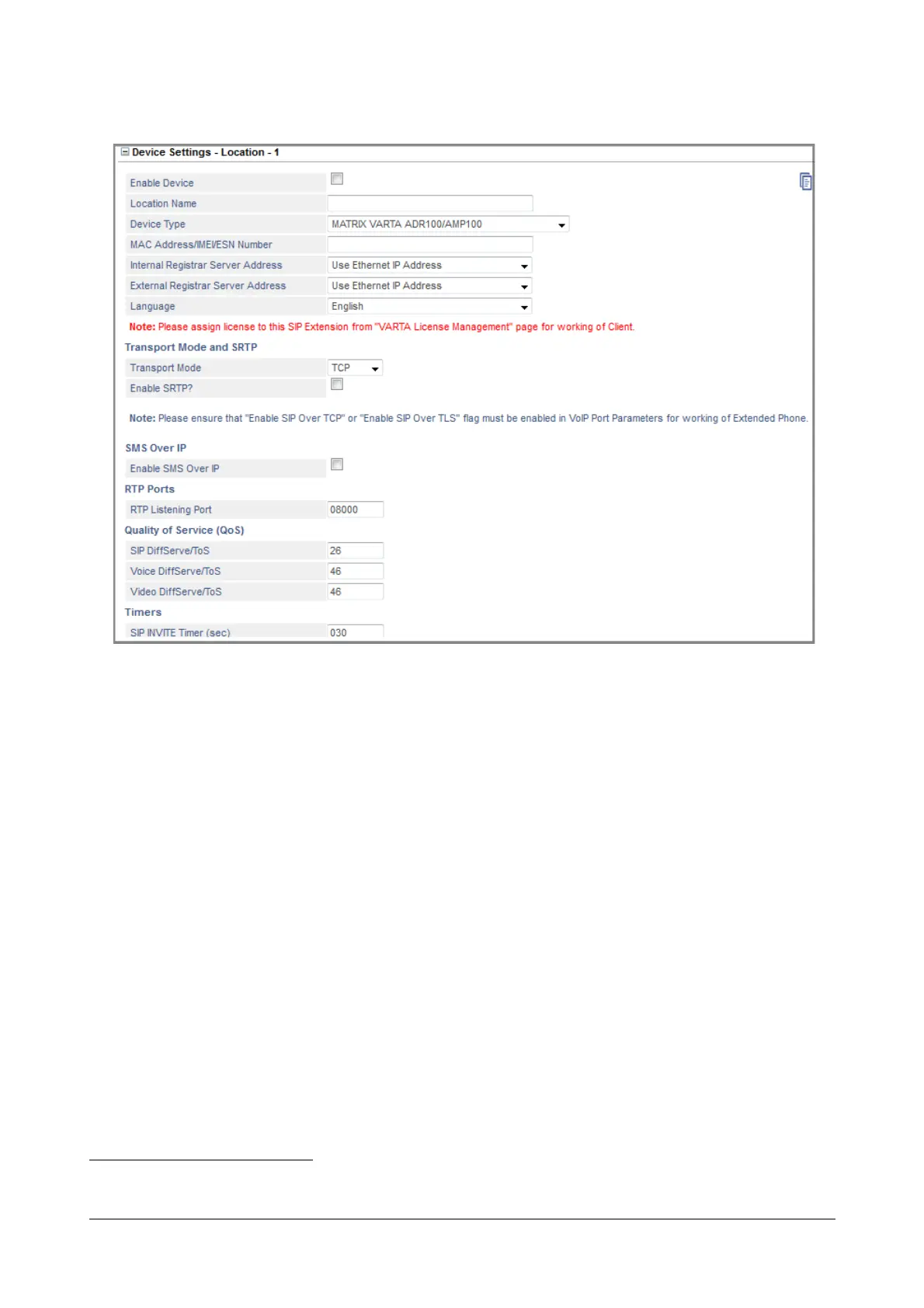
• Click Device Settings - Location 1 to expand.
• Select the Enable Device check box. Default: Disabled.
• Enter the Location Name of your choice. The Location Name may consist of 18 characters (maximum).
Default: Blank.
• Select MATRIX VARTA ADR100/AMP100 (for the Android/iPhone Application) as the Device Type at this
location and click Submit to save.
• Enter the MAC Address/IMEI Number
44
/ESN Number of the Matrix SPARSH Mobile Softphone Client.
If you are using an iPhone, enter the Device ID here. Default: blank.
SARVAM UCS validates the Matrix SPARSH Mobile Softphone Clients on the basis of the MAC Address/
IMEI Number/ESN number or the Device ID, and provides configuration on validation.
As SARVAM UCS allows registration of the SIP Extension from three different locations, it identifies the
SIP Extension in each location by the programmed MAC Address/IMEI Number/ESN number or Device ID.
• Select the appropriate Internal Registrar Server Address to register the application with the SIP
Registrar of SARVAM UCS within a private network. Select the appropriate option as per your installation
scenario:
• If you want the application to register using the LAN/WAN network, select Use Ethernet Port IP
Address as the Internal Registrar Server Address.
44. IMEI Number is the unique identification number of the GSM engine used in the Mobile handset.



 To Next Page