Matrix ETERNITY NE System Manual 277
• Select the Trunk Auto Answer Busy Bye Message you want the system to play to callers when the
landing destination extension is busy, from the following options:
• None
• Bye Message1
• Bye Message2
• Bye Message3
• Bye Message4
If you do not want Busy Bye message to be played, select None. The system will not play Busy Tone to
the caller. Default: None.
When you select a Bye Message (1–4), you must record a Voice Module with the desired Bye Message
and assign the Voice Module to Trunk Auto Answer Bye Message application
You can record 4 different Bye Messages for Trunk Auto Answer and assign a different Bye message for
the Day, Break and Night. See “Voice Message Applications” for instructions on recording and assigning
voice modules for Bye messages.
• Follow the same instructions as described above to configure Incoming Call Routing to Route Calls
during Break to and Route Calls during Night to.
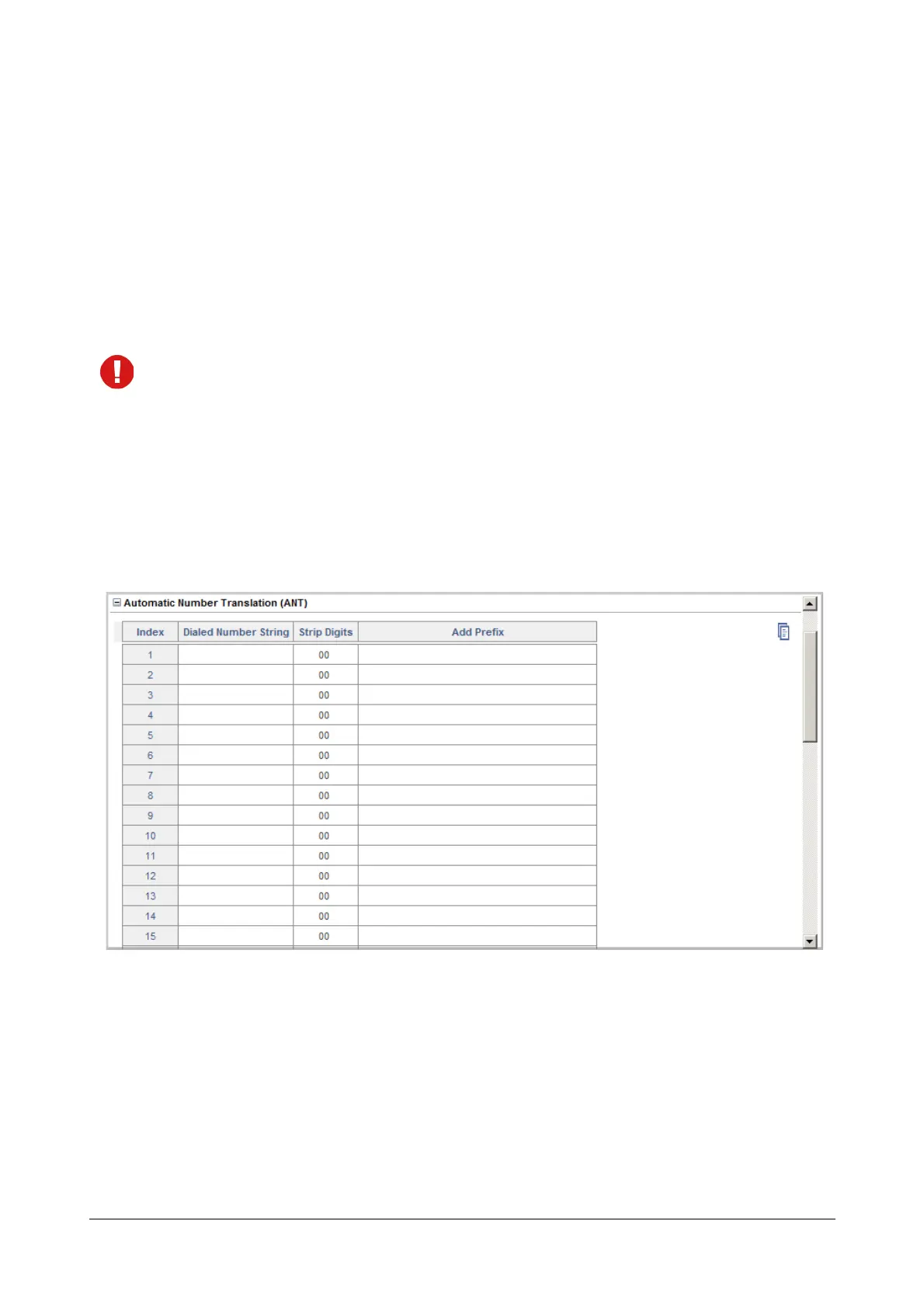
Automatic Number Translation (ANT)
The feature, Automatic Number Translation of SARVAM UCS modifies dialed numbers or part thereof to match the
specific route numbering plan understood by the destination network—CO, GSM, VoIP—by adding or stripping
country and area codes.
For example, you can configure Automatic Number Translation such that when an extension user dials a local
landline number, the SARVAM UCS prefixes the number with the appropriate country-area code when it routes the
call through the GSM network.
To apply Automatic Number Translation (ANT) on the CO Trunk,
• Click Automatic Number Translation to expand.



 To Next Page