278 Matrix ETERNITY NE System Manual
• The Automatic Number Translation table appears.
The ANT table has three columns: Dialed Number String, Strip Digits, Add Prefix. Each number string is
stored against an Index number, from 1 to 32. You can enter as many as 32 entries in the ANT table.
• In the Dialed Number String column, configure the numbers you expect the extension users to dial.
The Dialed Numbers can be a maximum of 16 characters. Default: Blank.
When you want to specify number-length without specifying the numeric digits, use the character X to
represent the digit. X represents any number from 0 to 9.
• In the Strip Digit column, enter the number of digits you want the system to strip off from the Dialed
Number String before dialing out this number. The valid range is from 00 to 16. Default: 0.
• In the Add Prefix column, enter the number you want the system to add as a prefix to the Dialed
Number String before the system dials out this number. The Prefix can be a maximum of 40 characters.
Default: Blank.
• Click Submit to save your entries.
For more details, see the description for “Automatic Number Translation”.
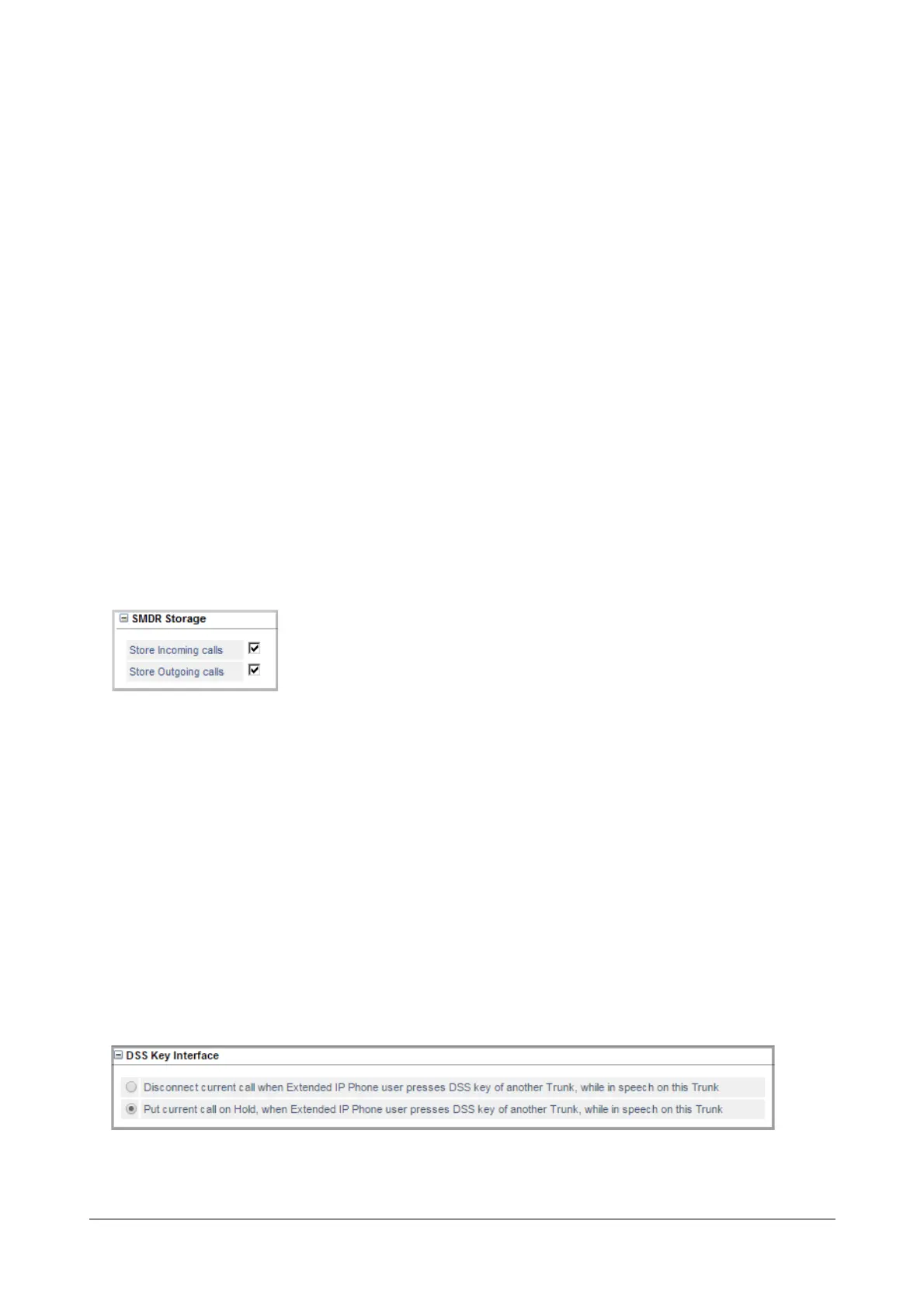
SMDR Storage
The Station Message Detail Recording (SMDR) feature of SARVAM UCS enables you to record the details of
Internal, Incoming (IC) and Outgoing (OG) calls made from/to all its trunks and extensions. To obtain SMDR as a
report, you must enable SMDR Storage, and set filters. See “Station Message Detail Recording (SMDR)” and
“Station Message Detail Recording–Storage” to know more.
• Click SMDR Storage to expand.
• To store details of incoming calls landing on this trunk, select the check box Store Incoming Calls.
Default: Enabled.
• To store details of outgoing calls made from this trunk, select the check box Store Outgoing Calls.
Default: Enabled.
• Click Submit.
DSS Key Interface



 To Next Page