Matrix ETERNITY NE System Manual 281
The consumed Call Budget Amount/Minutes/Number of Calls can be reset from SE and SA Mode, referred
to as Manual Reset. Refer “Call Budget on Trunk” for more details.
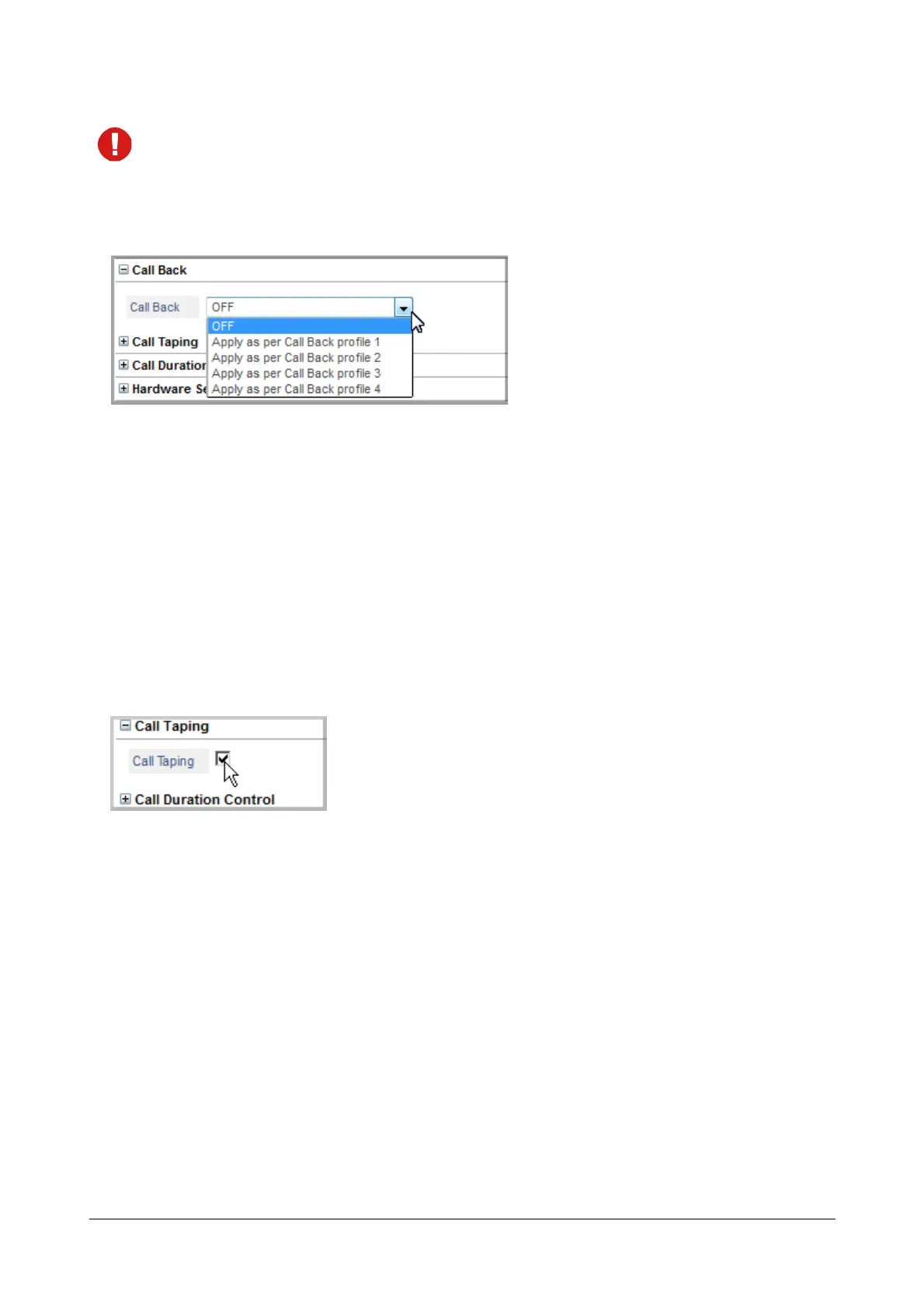
Call Back
Configure this parameter if you want to enable the ‘Call Back on Trunk Port’ feature on the trunk. See “Call Back on
Trunk Ports” to know more.
• Select a Call Back Profile, 1 to 4, for the trunk port from the combo box.
Make sure you also configure the Call Back profile you select here.
To configure the profile, click the Settings icon. This icon does not appear when the Call Back is OFF.
• A new window opens.
• Configure the Profile Number. See “Call Back on Trunk Ports” for instructions.
• Click Submit to save your profile.
• Close the window.
Call Taping
To use “Call Taping” feature on the trunk,
• Click Call Taping to expand.
• Select the check box to enable Call Taping on the trunk. Default: Enabled.
To disable Call Taping on the trunk, clear the check box.
• Click Submit.
See “Call Taping” to know more.



 To Next Page