Matrix ETERNITY NE System Manual 297
• If you select Voice Mail Auto Attendant as the landing destination for calls during the day, then configure
the “Voice Mail Auto Attendant Menu”.
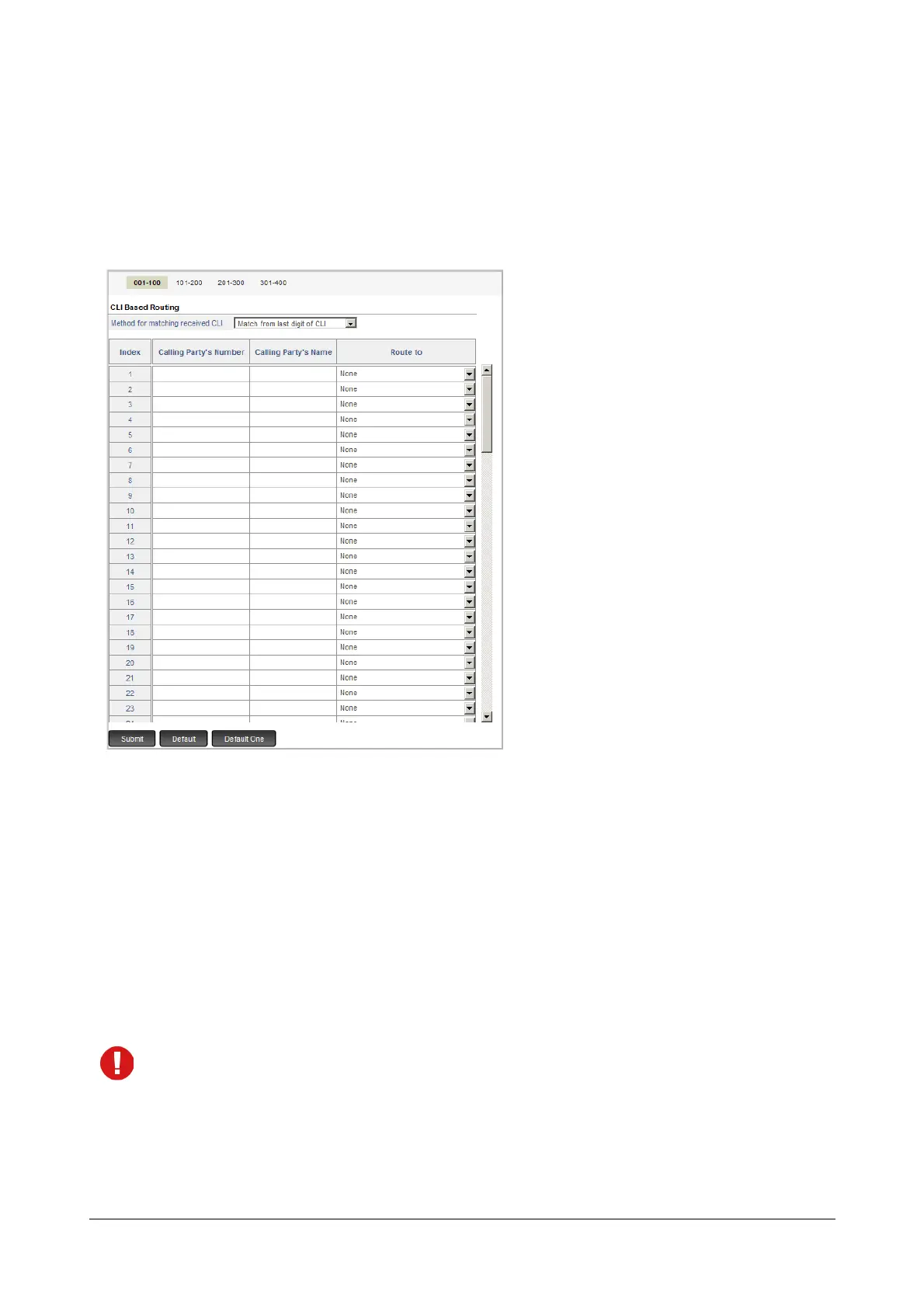
• To enable CLI Based Routing on the Mobile Trunk during day, select the Apply CLI Based Routing check
box. Default: Disabled.
• Click the Settings icon. A new window opens.
To configure the CLI Based Routing Table parameters, see “CLI Based Routing”.
• To enable “Direct Inward System Access (DISA)” on the Mobile Port, select the desired Direct Inward
System Access option. Default: Disabled.
• PIN Authentication–Multiple calls: Select this option if you want to enable DISA with PIN
Authentication and allow multiple calls during the DISA login session.
• CLI Authentication–Multiple calls: Select this option if you want to enable DISA login with CLI
Authentication and allow multiple calls to be made during the DISA login session.
• CLI Authentication–One call: Select this option if you want to enable DISA session with CLI
Authentication, and allow only a single call to be made during the DISA login session.
If you select CLI Authentication Multiple Calls or CLI Authentication One Call as CLI Authentication, you
must configure the DISA CLI Authentication Table under Advanced Settings. See “Direct Inward System
Access (DISA)”.
• To enable “Trunk Auto Answer”
66
on the trunk, select the type of Trunk Auto Answer you want:
• For all Calls: the system will answer all incoming calls landing on the trunk line.



 To Next Page