Matrix ETERNITY NE System Manual 301
• Click Submit.
For more details, see the description for “Automatic Number Translation”.
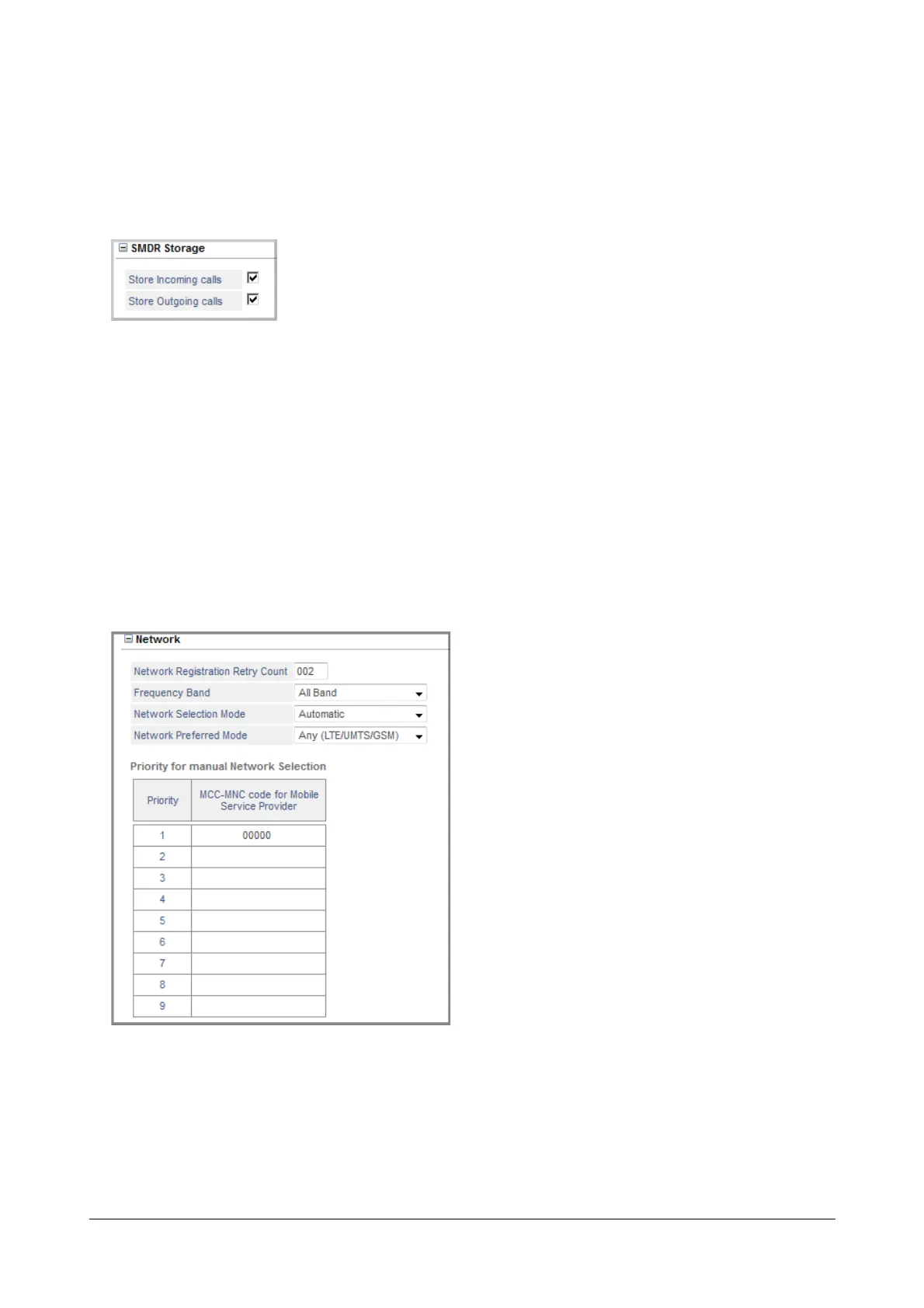
SMDR Storage
• To record details and generate reports of Internal, Incoming and Outgoing calls made from/to the mobile
trunk, enable SMDR Storage. See “Station Message Detail Recording (SMDR)” and “Station Message
Detail Recording–Storage” to know more.
• Click SMDR Storage to expand options.
• Select the Store Incoming Calls check box to store details of incoming calls landing on this trunk.
Default: selected.
• Select the Store Outgoing Calls check box to store details of outgoing calls made from this trunk.
Default: selected.
Network
• Click Network to expand.
• Set the Network Registration Retry Count from 1 to 255. This is the number of attempts the Mobile
Port will make to register with the network of the service provider whose SIM you have inserted in the
port. Default: 02 attempts.


 To Next Page
 Loading...

