300 Matrix ETERNITY NE System Manual
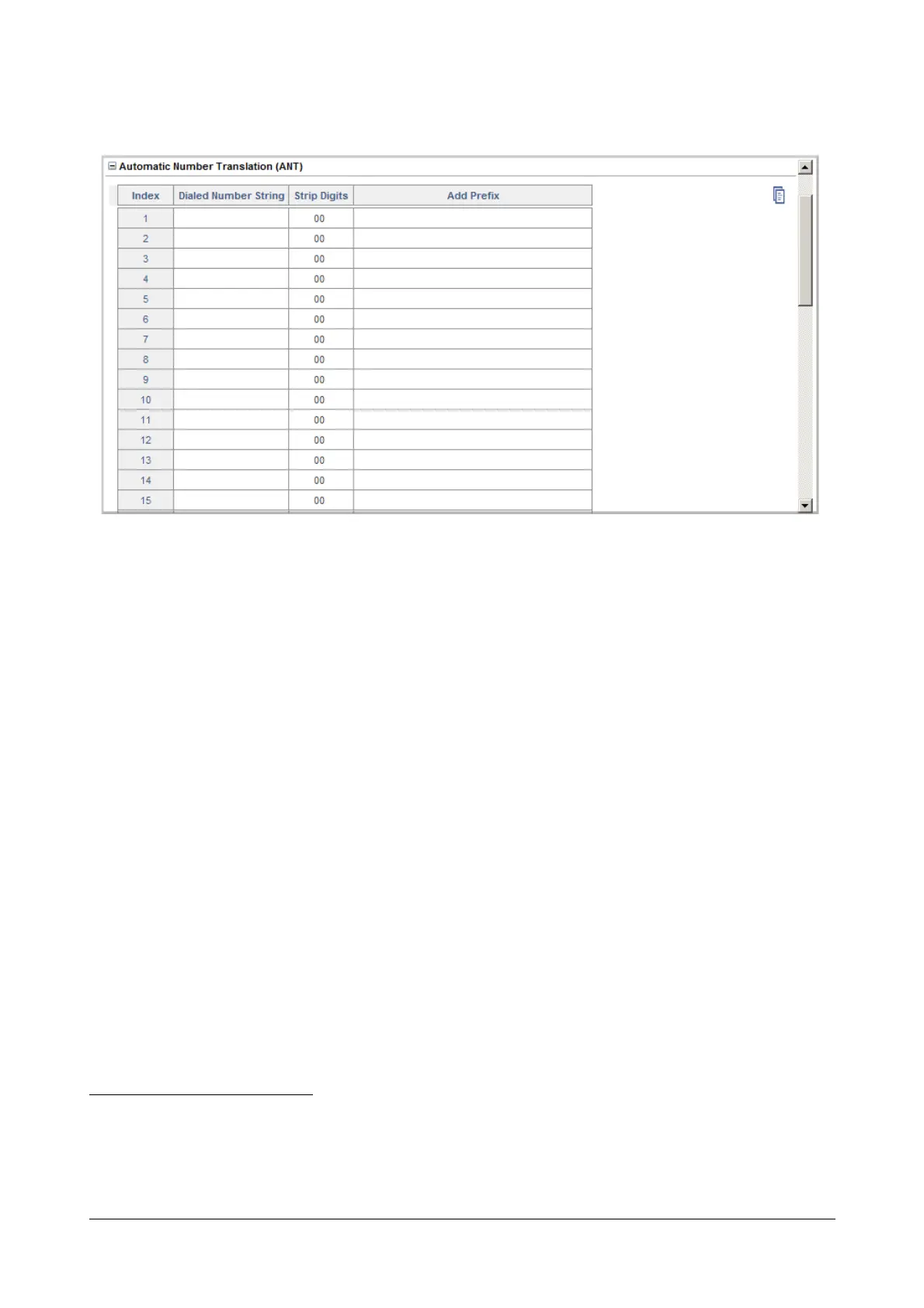
Automatic Number Translation (ANT)
The feature, Automatic Number Translation of SARVAM UCS modifies dialed numbers or part thereof to match the
specific route numbering plan understood by the destination network—CO, GSM, VoIP—by adding or stripping
country and area codes.
For example, you can configure Automatic Number Translation such that when an extension user dials a local
landline number, the SARVAM UCS prefixes the number with the appropriate country-area code when it routes the
call through the GSM network.
• To apply the Automatic Number Translation
67
feature on the Mobile Trunk,
• Click Automatic Number Translation to expand.
The ANT table has three columns: Dialed Number String, Strip Digits, Add Prefix. Each number string is
stored against an Index number, from 1 to 32. You can enter as many as 32 entries in the ANT table.
• In the Dialed Number String column, configure the numbers you expect the extension users to dial.
The Dialed Numbers can be a maximum of 16 characters. Default: Blank.
When you want to specify number-length without specifying the numeric digits, use the character X to
represent the digit. X represents any number from 0 to 9.
• In the Strip Digit column, enter the number of digits you want the system to strip off from the Dialed
Number String before dialing out this number. The valid range is from 00 to 16. Default: 0.
• In the Add Prefix column, enter the number you want the system to add as a prefix to the Dialed
Number String before the system dials out this number. The Prefix can be a maximum of 40 characters.
Default: Blank.
67. Automatic Number Translation modifies dialed numbers or part thereof to match the specific route numbering plan understood by
the destination network—CO, GSM, VoIP—by adding or stripping country and area codes.For example, you can configure Auto-
matic Number Translation such that when an extension user dials a local landline number, the SARVAM UCS prefixes the number
with the appropriate country-area code when it routes the call through the GSM network.To know more about this feature, see the
description for “Automatic Number Translation”.



 To Next Page