Matrix ETERNITY NE System Manual 319
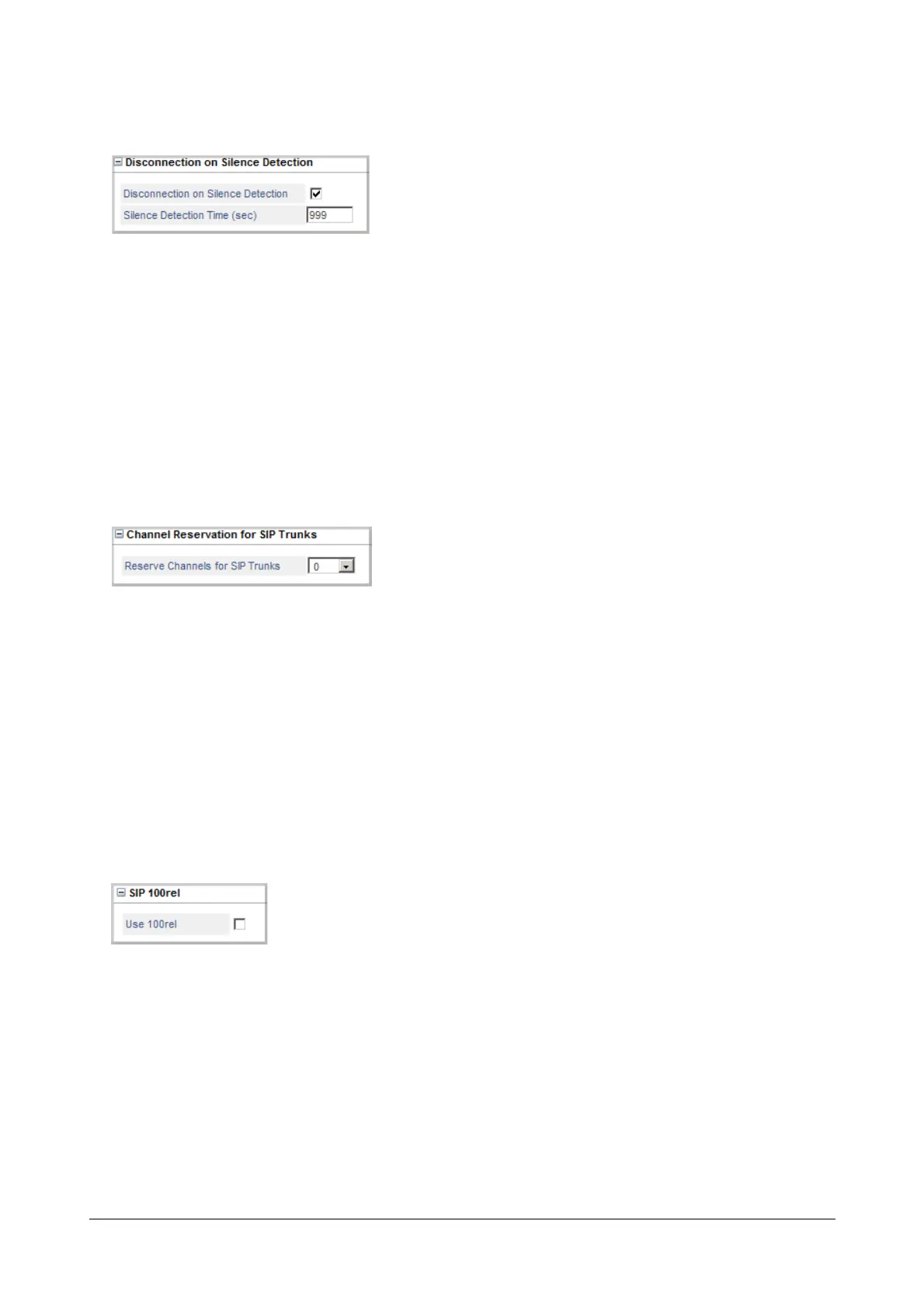
Disconnection on Silence Detection
You can have any matured incoming or outgoing call to be disconnected automatically, if silence (No RTP Packets)
is detected for more than a specified duration of time. To use this feature,
• Click Disconnection on Silence Detection to expand.
• Select the Disconnection on Silence Detection check box. Default: enabled.
• Define Detection Time (sec). This Timer defines the duration for which silence must be detected
continuously, for the system to consider it as silence detection and disconnect the call. The valid range of
this Timer is from 001 to 999 seconds. By default, it is set to 999 seconds.
Channel Reservation for SIP Trunks
• Click Channel Reservation for SIP Trunks to expand.
• Define the number of voice channels you would like to reserve for SIP trunk calls in the Reserve
Channels for SIP Trunks. Default: 0.
SARVAM UCS supports 8 voice channels, which can be used by SIP Extensions and SIP trunks.
It may happen that SIP Extension users use up most of the voice channels, leaving few or none for
making/receiving SIP Trunk calls. This can be avoided by reserving some voice channels exclusively for
SIP trunk calls.
SIP100rel
This parameter is to be configured if you want to support reliable transmission of (SIP) provisional responses and to
use PRACK (Provisional Acknowledgement).
• Click SIP 100rel to expand.
• To enable SIP 100rel, select the check box Use 100rel. Default: Disabled.



 To Next Page