Matrix ETERNITY NE System Manual 355
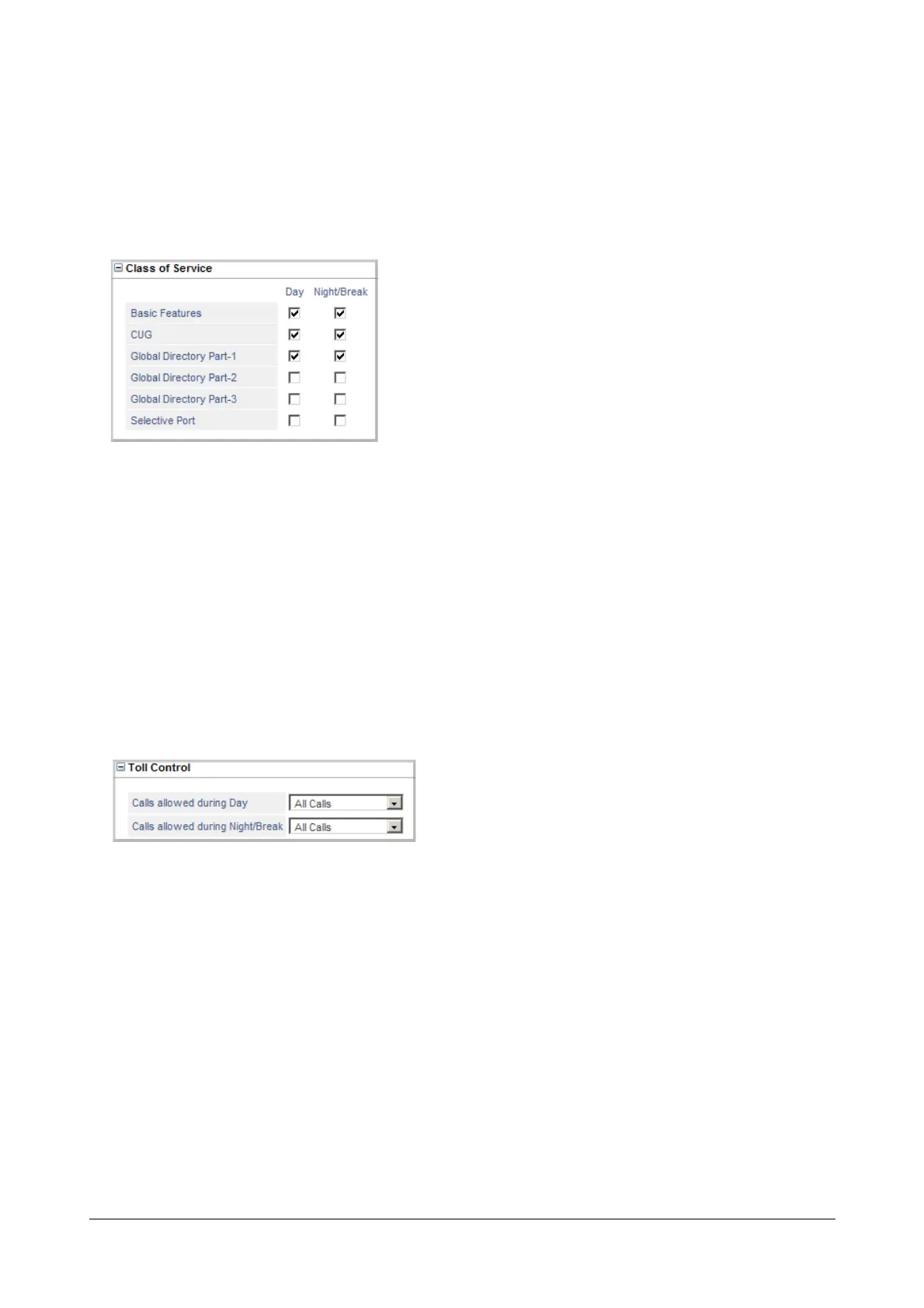
Class of Service
If you set the SIP Trunk mode as Peer-to-Peer and selected Treat Incoming Call as Station, configure class of
service.
• Click Class of Service to expand options.
Define the Class of Service for the SLT extension for Day time and Night/Break time.
• To allow a feature, select the check box of the feature.
• To deny a feature, clear the check box.
Toll Control
If you set the SIP Trunk mode as Peer-to-Peer and selected Treat Incoming Call as Station, configure Toll
Control.
• Click Toll Control to expand options. Set the desired Toll Control for the SIP trunk for the Day and Night/
Break.
• Select the type of Calls Allowed during Day: All Calls, No Calls, Local Calls, Regional Calls, National
Calls, International Calls, Limited Calls 1, Limited Calls 2, Limited Calls 3. Default: Regional Calls.
• Select the type of Calls Allowed during Night/Break: All Calls, No Calls, Local Calls, Regional Calls,
National Calls, International Calls, Limited Calls 1, Limited Calls 2, Limited Calls 3. Default: Regional Calls.
You can configure the Toll Control - Allowed-Denied Numbers for each type. To do this,
• Click the Settings icon. This opens Toll Control - Allowed-Denied Numbers page in a new window. This
icon does not appear when Toll Control is selected as All Calls or No Calls.



 To Next Page