354 Matrix ETERNITY NE System Manual
information as well as the new call information in the INVITE/REINVITE requests generated on the
target. Default: Disabled.
• If you have selected Generate new Call as the Call Redirection Type, select the desired option in
CLI while Diversion/Redirection. You may select Self or Received. Default: Self.
If you select Self, the system will send SIP Trunks's Identity and if you select Received the system will
send the received CLI to the target.
• Select the Call Transfer Type as supported by your ITSP. System will send the Call Transfer request to
the transferee only if calls are routed through the same SIP Trunk. You may select:
• System: In this option, the SARVAM UCS will handle the Call Transfer locally.
• Network: In this option, the Call Transfer is handled by the Network.
Default: System.
If you have configured the above parameters, click Submit at the bottom of the page to save your settings.
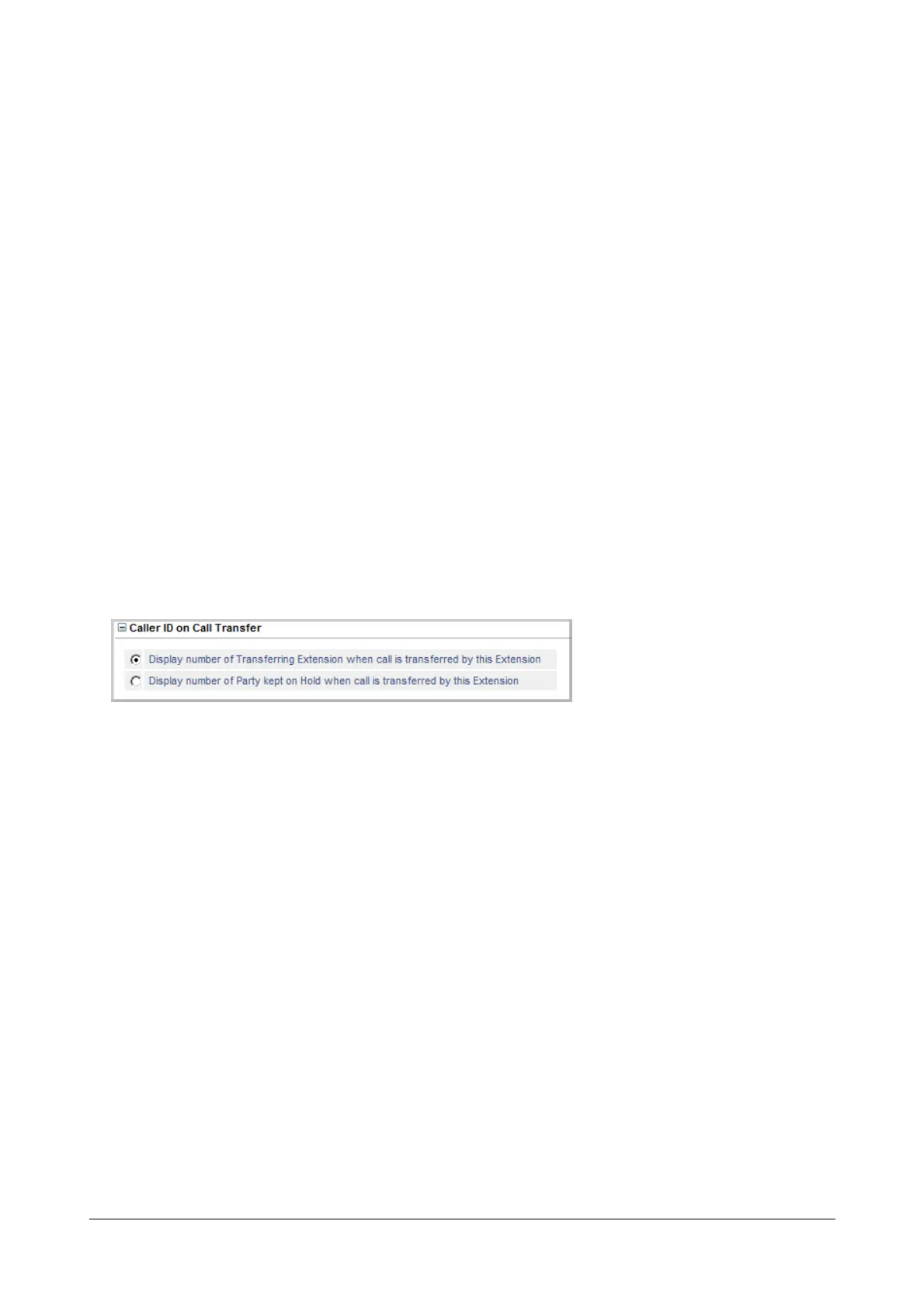
Caller ID on Call Transfer
If you set the SIP Trunk mode as Peer-to-Peer and selected Treat Incoming Call as Station, you may configure
Caller ID on Call Transfer.
You can choose whether the system should display the CLI of the ‘Held Party’ or the CLI of the ‘Transferring Party’
to the transfer destination extension while the call is being transferred.
See the feature description for “Calling Line Identification and Presentation (CLIP)” to know more.
• Click Caller ID on Call Transfer to expand.
• Select the radio button of the desired option:
• Display number of Transferring Extension when call is transferred by this Extension.
• Display number of Party kept on Hold when call is transferred by this Extension



 To Next Page