358 Matrix ETERNITY NE System Manual
• Double-click the field. A multiple selection box opens.
• Select trunks, placing your cursor on the desired trunk, and clicking Select>>.
• Change the sequence of the trunks you selected, if required, using the Up and Down arrow buttons on
the right display box. Delete trunks from the ones you have selected, if required.
• Enable Rotation, if you have selected more than one trunk. Default: Disabled.
• Click OK.
All the trunks appear in Trunks allowed for dialing ‘5’, in the sequence you selected, separated by
commas.
• Choose a Least Cost Routing method, if you want to apply it on the trunks. Default: OFF.
• Configure the Least Cost Routing method you selected by clicking the Settings icon. See “Least Cost
Routing (LCR)” under Advanced Settings for instructions.
Similarly, you will be able to select outgoing trunks for Trunk Access Code 3, 4, 5 and 6, if you have
assigned access codes to them in “Extension and Feature Codes”.
• Click Submit to save the settings.
More Features
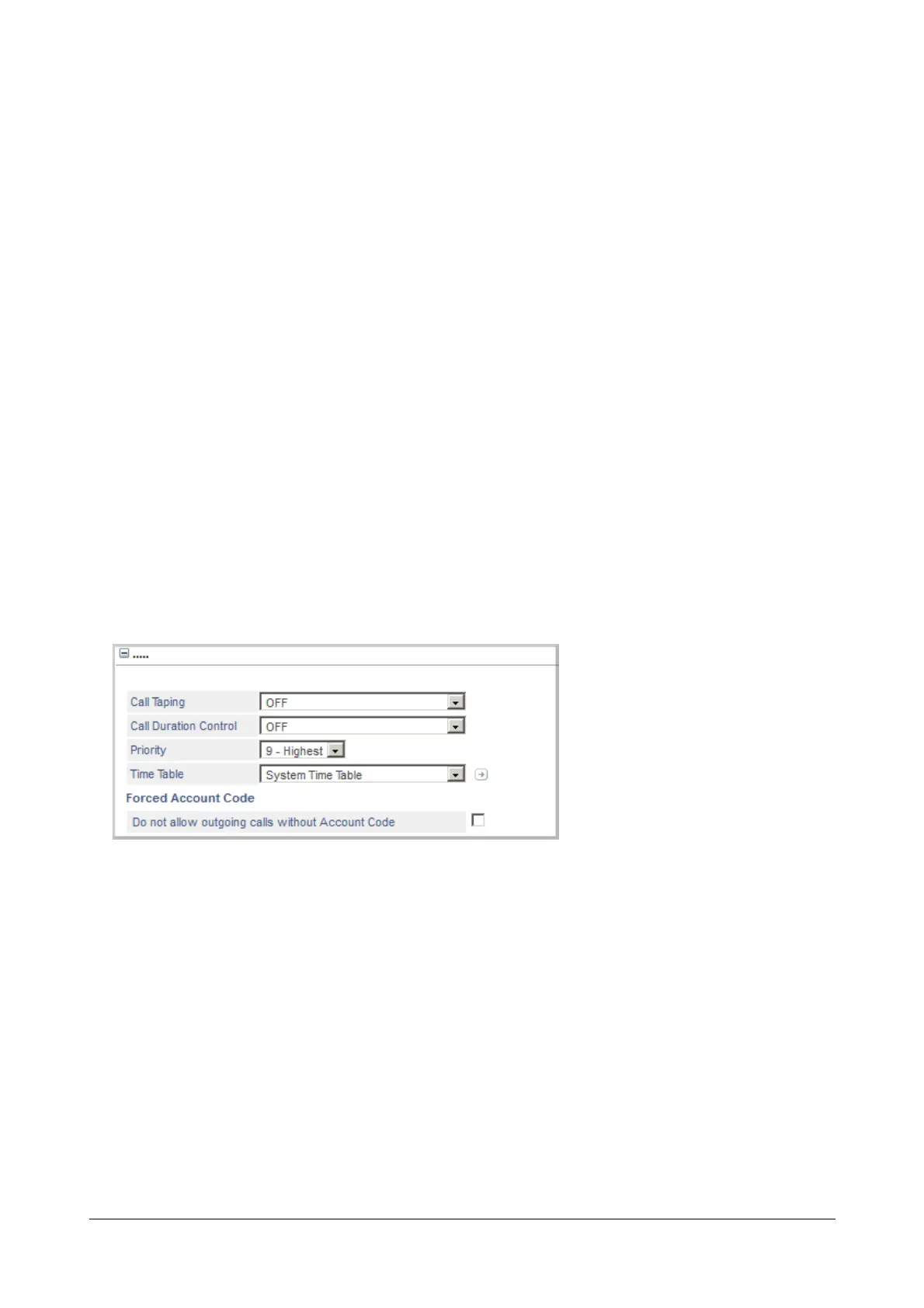
Call Taping
If you have set the SIP Trunk Mode to Peer-to-Peer and Treat incoming call as Station, you may also enable Call
Taping.
• Click Call Taping to expand options.
• Select the type of Call Taping to be applied from the options:
•OFF
• Apply as per profile 1
• Apply as per profile 2
• Apply as per profile 3
• Apply as per profile 4
If you do not want to apply Call Taping, select OFF.



 To Next Page