382 Matrix ETERNITY NE System Manual
• Enable UDP NAT Keep Alive: Select this check box to send UDP NAT Keep Alive messages
periodically to refresh the binding in the NAT router. Default: Disabled.
• Interval (sec): Select Time period after which the Ethernet Port should send UDP NAT Keep Alive
messages. This time period should be less than the UDP Binding Timer of the router. The valid range is
001-999 seconds. Default: 180 seconds.
• Type of Message: Select the type of message type to be sent when UDP NAT Keep Alive is enabled.
Select either REGISTER or NOTIFY. Default:NOTIFY.
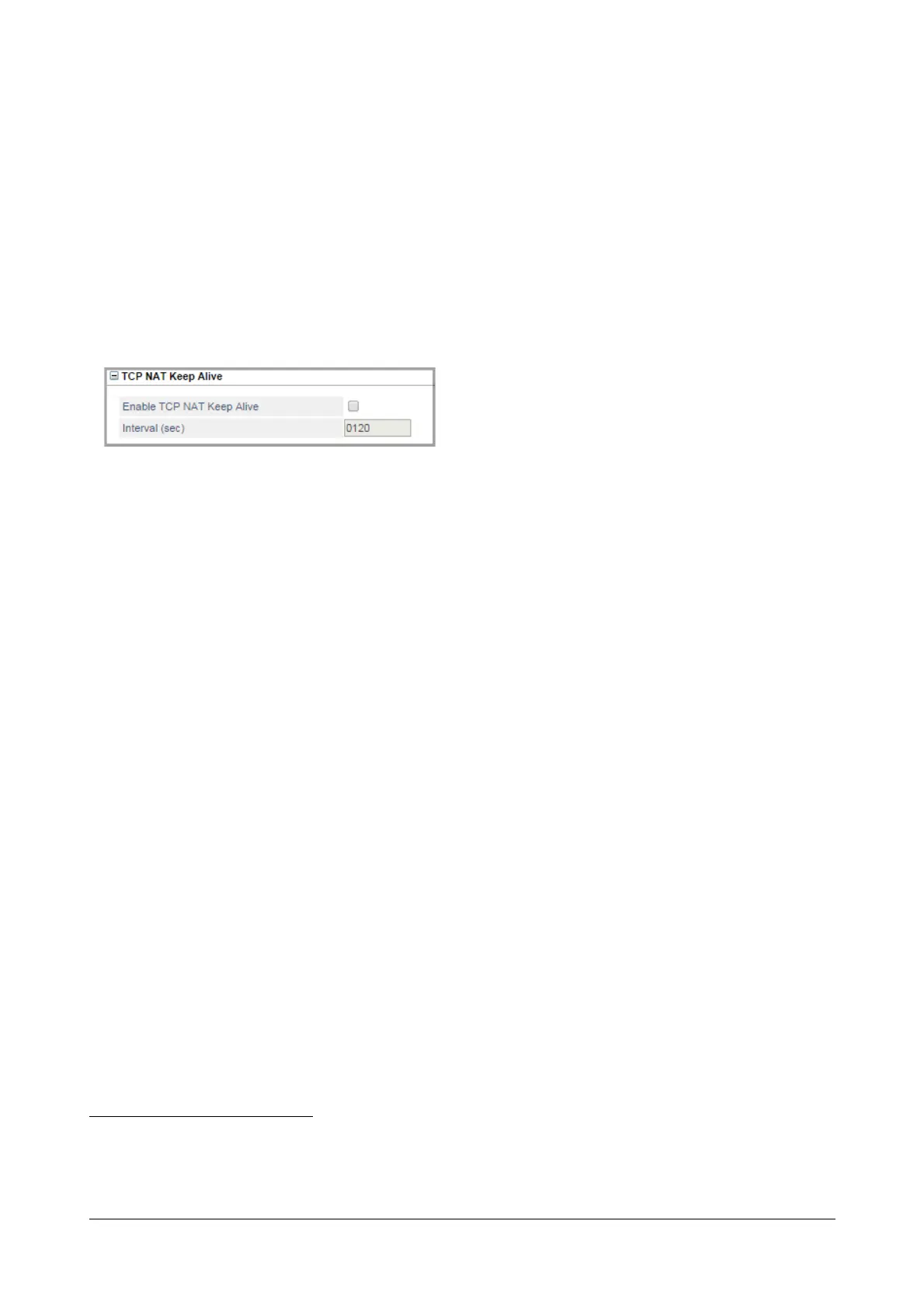
TCP NAT Keep Alive
•Click TCP NAT Keep Alive to expand.
TCP NAT Keep Alive is to configured when the Ethernet Port is connected behind a NAT router and SIP
messages are transported over TCP. TCP NAT Keep Alive messages must be sent to refresh the TCP
binding in the NAT router.
• Enable TCP NAT Keep Alive: Select this check box to send TCP NAT Keep Alive messages
periodically to refresh the binding in the NAT router. Default: Disabled.
• Interval: Select Time period after which the Ethernet Port should send TCP NAT Keep Alive
messages. This time period should be less than the Binding Timer of the router. The valid range is
0001-9999 seconds. Default: 120 seconds.
Click Submit to save settings.
83. Network Address Traversal (NAT) allows multiple hosts in the network to share the single public routable IP address. Means all the
hosts in the private network shall be identified by single public IP address in the global IP cloud.



 To Next Page