Matrix ETERNITY NE System Manual 381
•Click Layer 2 VLAN/Cos to expand.
Layer 2 VLAN/CoS is to be configured if the Ethernet port is to be connected in VLAN network.
This parameter enables the SARVAM UCS to add VLAN header to the packets generated by it. The VLAN
header consists of the VLAN ID (12-bit) and Class of Service (CoS, 3-bit) for prioritization of
traffic
82
.
VLAN Tag is applied on all packets generated by system (SIP, RTP, DNS, ARP, etc.), whereas CoS bits
are applied only for SIP and RTP packets generated by system.
The corresponding meaning of CoS bits with respect to traffic type is as follows:
• Enable Layer 2 VLAN/CoS: Select this check box, if you want all packets generated by the system
(SIP, RTP, DNS, ARP, etc.) to be tagged with VLAN ID as configured. The CoS bits as configured for
SIP and RTP packets will be included in the VLAN header. Default: Disabled.
• VLAN ID: Consult your network administrator and configure the VLAN ID. The valid range for this is
from 0 - 4094. Default: 1.
• SIP CoS: Define the CoS (priority) bits in all SIP packets. The range of CoS bits is from 0 to 7. Default:
3.
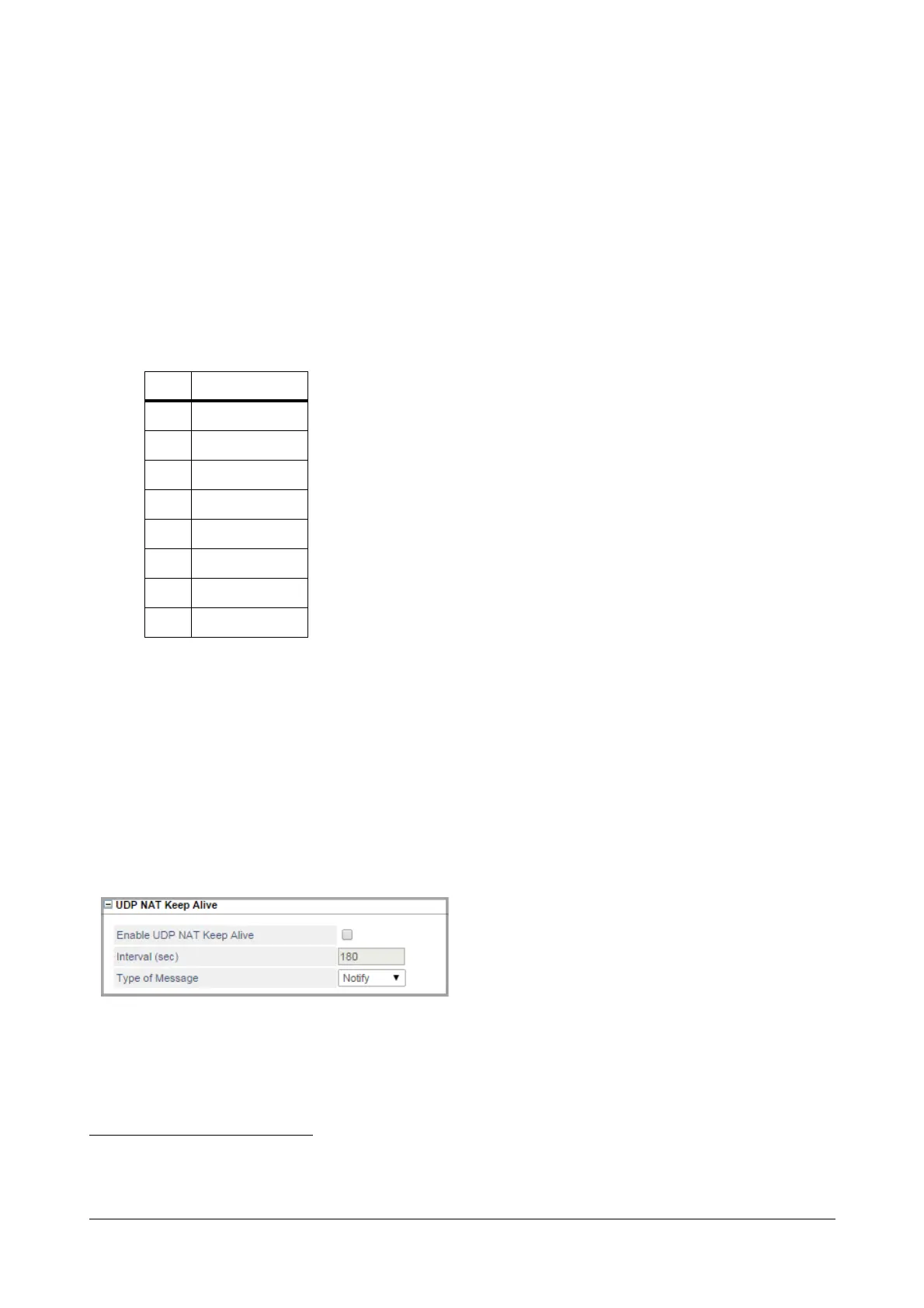
UDP NAT Keep Alive
•Click UDP NAT Keep Alive to expand.
UDP NAT Keep Alive is to be configured when the Ethernet port is connected behind a NAT router
83
and
SIP messages are transported over UDP. UDP NAT Keep Alive messages must be sent to refresh the
UDP binding in the NAT router.
82. The IEEE 802.1P standard allows Layer2 switches to prioritize the traffic, thus providing Quality of Service (QoS), better handling
of data that pass over a network, thereby resulting in greater reliability and quality. Quality of Service (QoS) on Layer2 is referred to
as Class of Service (CoS) which is defined by IEEE 802.1P.
COS Traffic Type
0 Best Effort
1 Background
2Spare
3 Excellent Effort
4 Controlled Load
5Video
6Voice
7 Network Control



 To Next Page