Matrix ETERNITY NE System Manual 387
• Force complex SIP Authentication Password: By default, this check box is enabled. You must
configure complex SIP/HTTP Authentication Password for the “SIP Extensions”. Password must be of
minimum 8 characters and can be a maximum of 12 characters. It must include at least one upper-case,
one lower-case, one number and one special character. All ASCII characters (except Percentage %, Hash
#, Equal to =, Plus +, And &, Backslash \, Less than <, Greater than >, Apostrophe ’ , Double Quote " and
Space) and digits 0 to 9 are allowed.
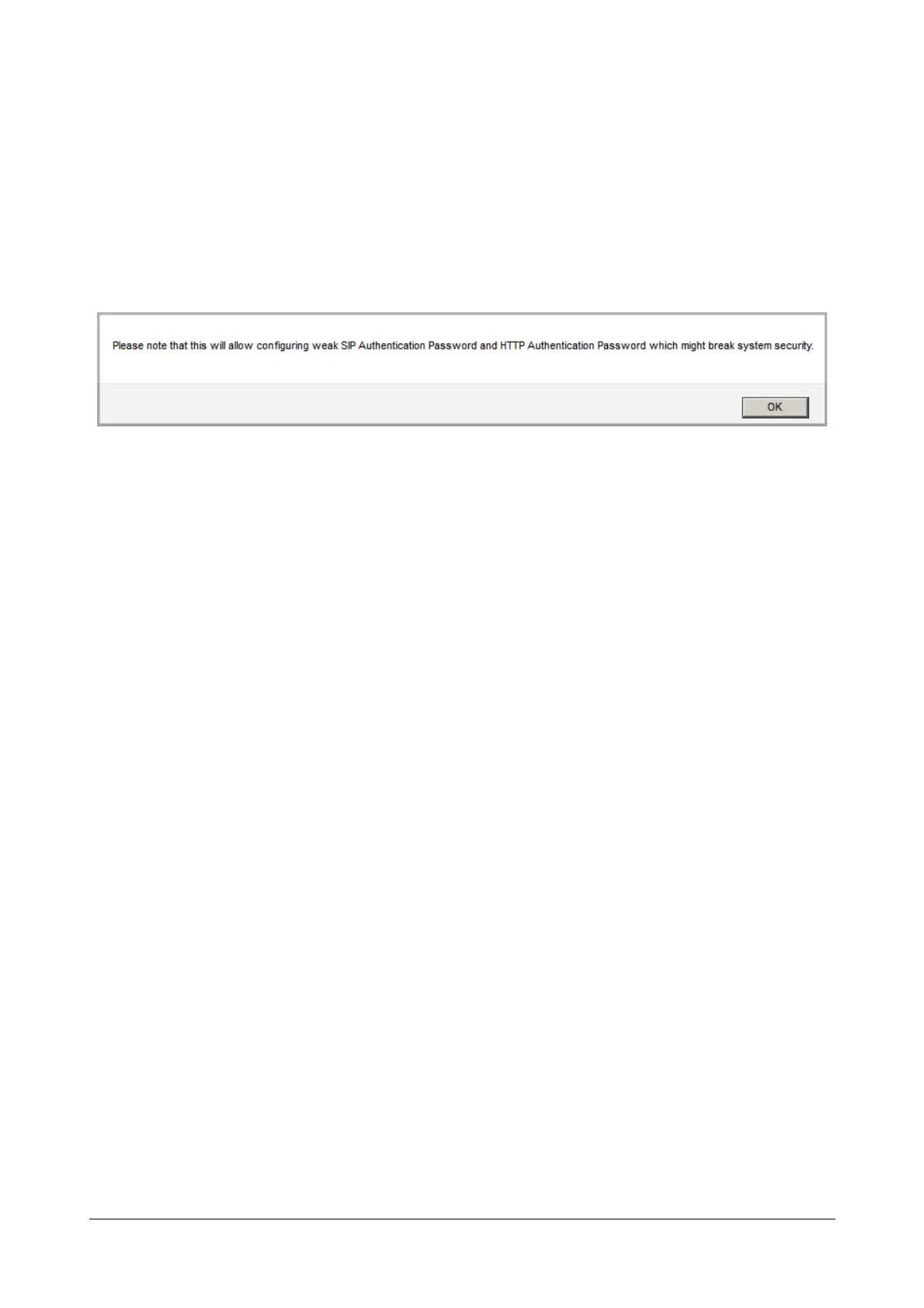
Disable this check box, if you want the system to allow configuration of simple SIP/HTTP Authentication
Password. When you disable this check box, the following alert message appears.
Click OK. You will be able to configure Authentication password of minimum 2 characters. Allowed
characters are 0-9, a-z, A-Z, all special characters except %, =, #, +, &, \, <, >, ", ' and space.
• Click Submit.



 To Next Page