402 Matrix ETERNITY NE System Manual
For General Mailbox:
If you disable the check box, the General Mailbox will not be assigned and the system will not allow you
to access the General Mailbox.
• Mailbox Number: The Mailbox Number is displayed as a status when the Personal Mailbox is
assigned to the respective Extension, Department Group or General Mailbox, if you have enabled the
Personal Mailbox check box. If Personal Mailbox is not assigned, the Mailbox Number will be displayed
as Blank.
Mailbox
86
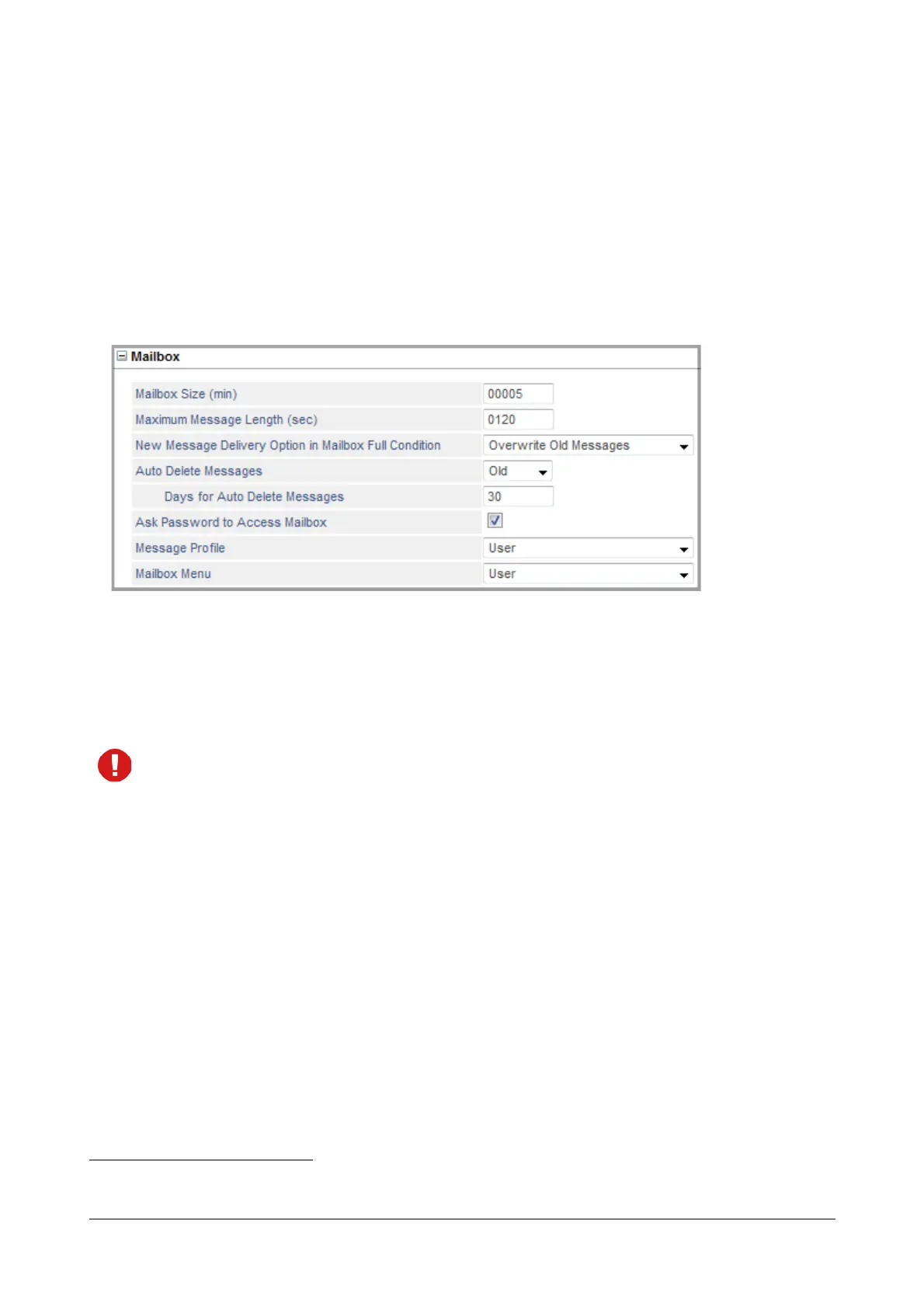
•In Mailbox Size (min), configure the maximum allowed size for message storage. You may configure from
1 to 60000 minutes.
•In Maximum Message Length (sec), configure the maximum time for which a message can be recorded
by the caller. You may configure from 1 to 3600 seconds.
In case the Maximum Message Length is more than the Mailbox Size, the Mailbox size will be considered
for recording.
•In New Message Delivery Option in Mailbox Full Condition, select an option for delivering the New
Message when your Personal Mailbox is full.
You can select from any of the options described below:
• Do not offer to leave message, if you do not want the system to allow any new message to be
delivered when the Personal Mailbox is full.
• Deliver to General Mailbox, if you want the system to deliver the new message to the General
Mailbox when Personal Mailbox is full.
• Overwrite Old Messages, if you want the system to delete the old messages and allow the new
message to be stored when the Personal Mailbox is full.
In case, the recorded message size is greater than the old message that is to be overwritten then the
recorded message wll not be delivered. A prompt will be played for the same. Note: The old message
will be deleted.
86. Not applicable when you select Operator as the “Select Number” option.



 To Next Page