404 Matrix ETERNITY NE System Manual
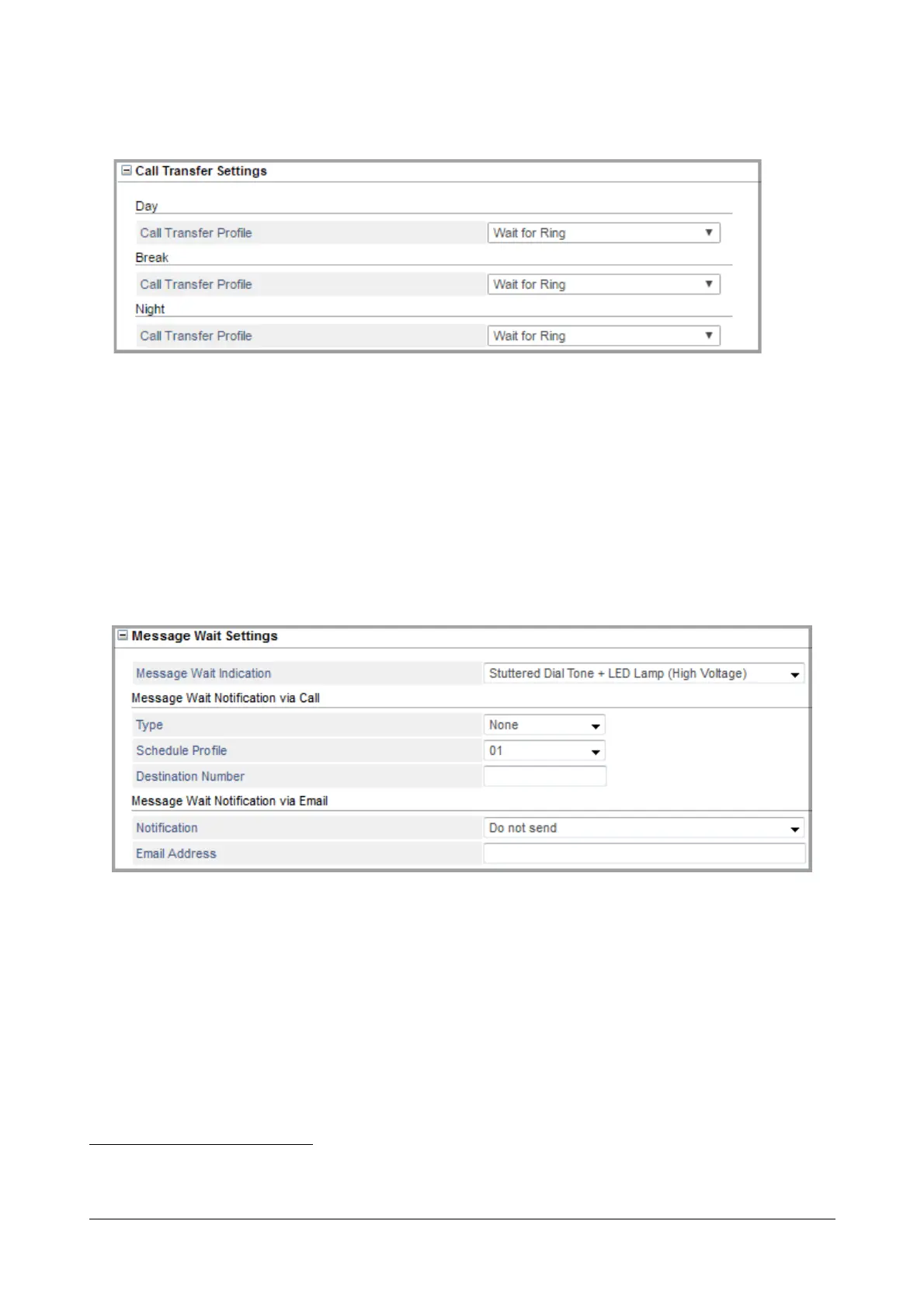
Call Transfer Settings
87
• Under Day, select the Call Transfer Profile you want system to use for transferring the calls during Working
Hours. The drop down list will include the profiles you configure in the “Call Transfer Profile”.
• Under Break, select the Call Transfer Profile you want system to use for transferring the calls during Break
Hours. The drop down list will include the profiles you configure in the “Call Transfer Profile”.
• Under Night, select the Call Transfer Profile you want system to use for transferring the calls during Non-
Working Hours. The drop down list will include the profiles you configure in the “Call Transfer Profile”.
Message Wait Settings
88
•In Message Wait Indication, select the type of indication to be given to the extension user for new
messages in the mailbox and message wait set by another extension user. This is only applicable when
you select Extension as the “Select Number” option.
You can select from any of the four types of indicators described below for new messages:
• Stuttered Dial Tone/Voice Message: When the extension user goes OFF-Hook, s/he will hear a voice
message, if a pre-recorded Voice Module has been assigned for Message Wait Notification. If no voice
module is recorded and assigned, the extension user will hear a stuttered dial tone instead.
87. Not applicable when you select General Mailbox as the “Select Number” option.
88. Not applicable when you select Operator as the “Select Number” option.



 To Next Page