442 Matrix ETERNITY NE System Manual
• Listen Recorded Message: The system will play the recorded message to the extension user and then
play the message leave options again. This is applicable only if you have enabled the Message
Verification check box.
• Append to Recorded Message: The system will let the extension user record a new message again and
add it to the existing recorded message. This is applicable only if you have enabled the Message
Verification check box.
System will check — Maximum Message Length, New Message Delivery Option in Mailbox Full Condition
etc — before allowing the extension user to append the recorded message.
The Message, that is, the recorded message along with the appended message cannot exceed the
Maximum Message Length. Hence, the system will allow recording of the appending message only till it
reaches the Maximum Message Length.
•In No Digit Dialed Action, if no digit is dialed by the extension user, the system will take action as per the
Message Type and Message Sensitivity configured.
This is applicable only if you have enabled the Message Verification check box or selected the Ask Caller
as the Message Type and/or Message Sensitivity option.
Based on the configuration, you may select the desired action — Normal+Normal, Urgent+Normal,
Normal+Private or Urgent+Private.
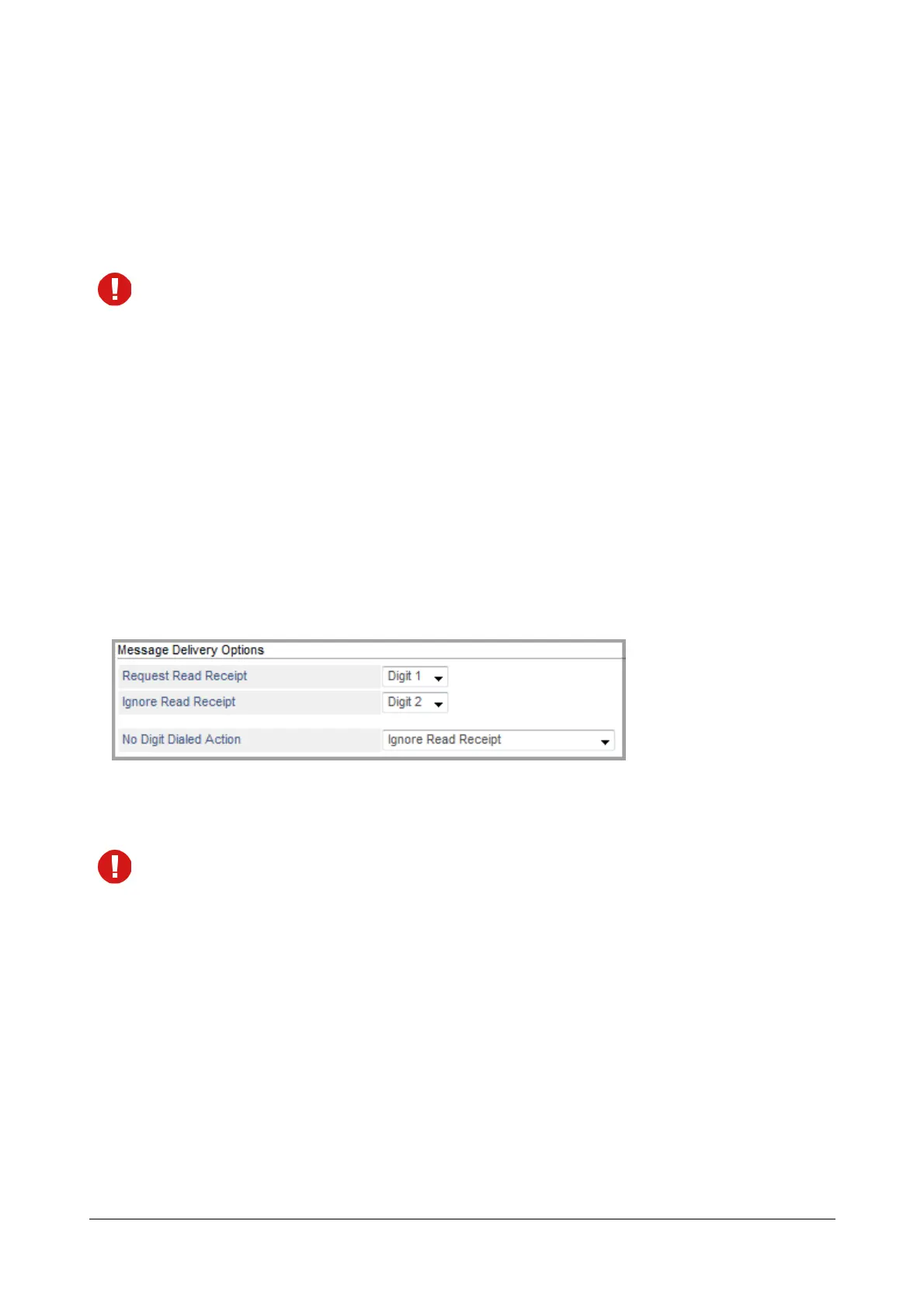
Message Delivery Options
You can assign the Digits (0-9, *, # or None) to each of the options — Request Read Receipt or Ignore Read
Receipt.
Make sure you do not assign the same digit to multiple options.
The digit you configure will be played as the digit to be dialed by the extension user to select the respective option.
The options will be played in the sequence — 1-9, 0, *, #. The option for which the Digit selected is None will not be
played.
After the digits have been assigned, the system will proceed further as per the options selected by you. Brief
description of each option is explained below:
• Request Read Receipt: The system will provide an option to the extension user for requesting the read
receipt to be played whenever the message is read by the destination number.
As soon as the destination number reads the message, the extension user will receive a read receipt in
form of a voice mail. To retrieve the read receipt, access your voice mail. The read receipt includes the
name, destination number and the first five seconds of the message sent or forwarded.


 To Next Page
 Loading...

