Matrix ETERNITY NE System Manual 443
In case of multiple destination numbers, the extension user will receive multiple read receipts in form of a
voice message after the message has been read by the destination numbers.
• Ignore Read Receipt: The system will provide an option to the extension user for ignoring the read receipt
i.e. no read receipt will be played back to the extension user.
•In No Digit Dialed Action, select the option — Request Read Receipt, Ignore Read Receipt. This is
applicable when the extension user has not dialed any digit for Message Delivery Option. The system will
carry out the function when no digit is dialed as per the option you select.
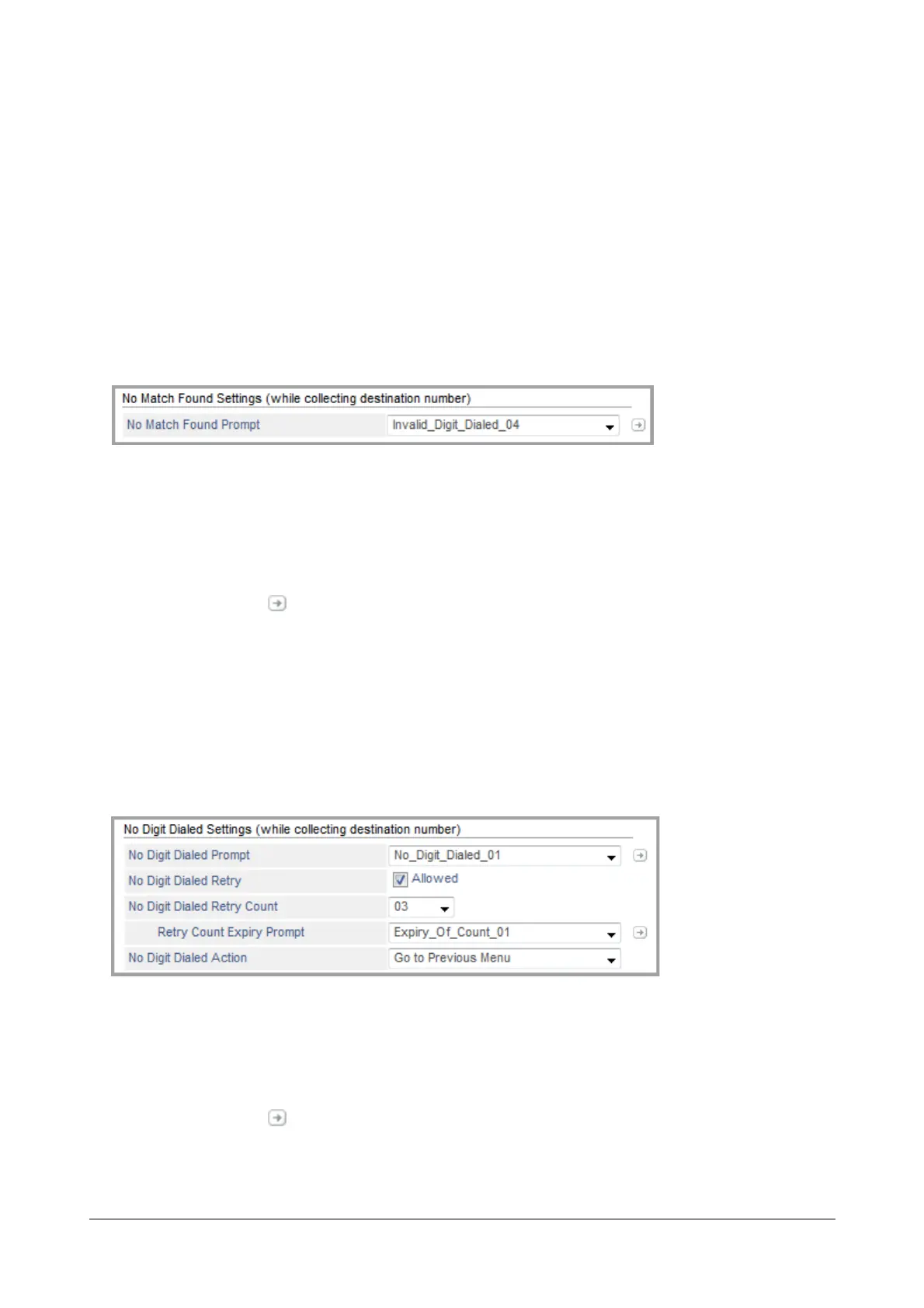
No Match Found Settings (while collecting destination number)
No Match Found Settings are applicable when no valid match is found as the Destination Number.
•In No Match Found Prompt, select the prompt which you wish to play when the extension user has dialed
an invalid destination number/s for sending/forwarding the message.
Select None, if you do not wish to play any prompt when extension user has dialed an invalid destination
number.
• Click Settings . The Prompts Management page opens.
You may add a new prompt from here. For further details, see “Prompts Management”.
Once the files are uploaded these appear as options for No Match Found Prompt.
No Digit Dialed Settings (while collecting destination number)
No Digit Dialed Settings are applicable when extension user has not dialed the destination number and the first digit
wait timer has expired.
•In No Digit Dialed Prompt, select the prompt which you wish to play when extension user has not dialed
any digit for destination number.
Select None, if you do not wish to play any prompt when extension user has not dialed any digit.
• Click Settings . The Prompts Management page opens.
You may add a new prompt from here. For further details, see “Prompts Management”.


 To Next Page
 Loading...

