Matrix ETERNITY NE System Manual 463
•In Call Transfer Profile, select the desired Call Transfer Profile as per your requirement. By default, As
Configured for Transfer Number is selected.
Click Settings to configure the parameters of the selected profile.
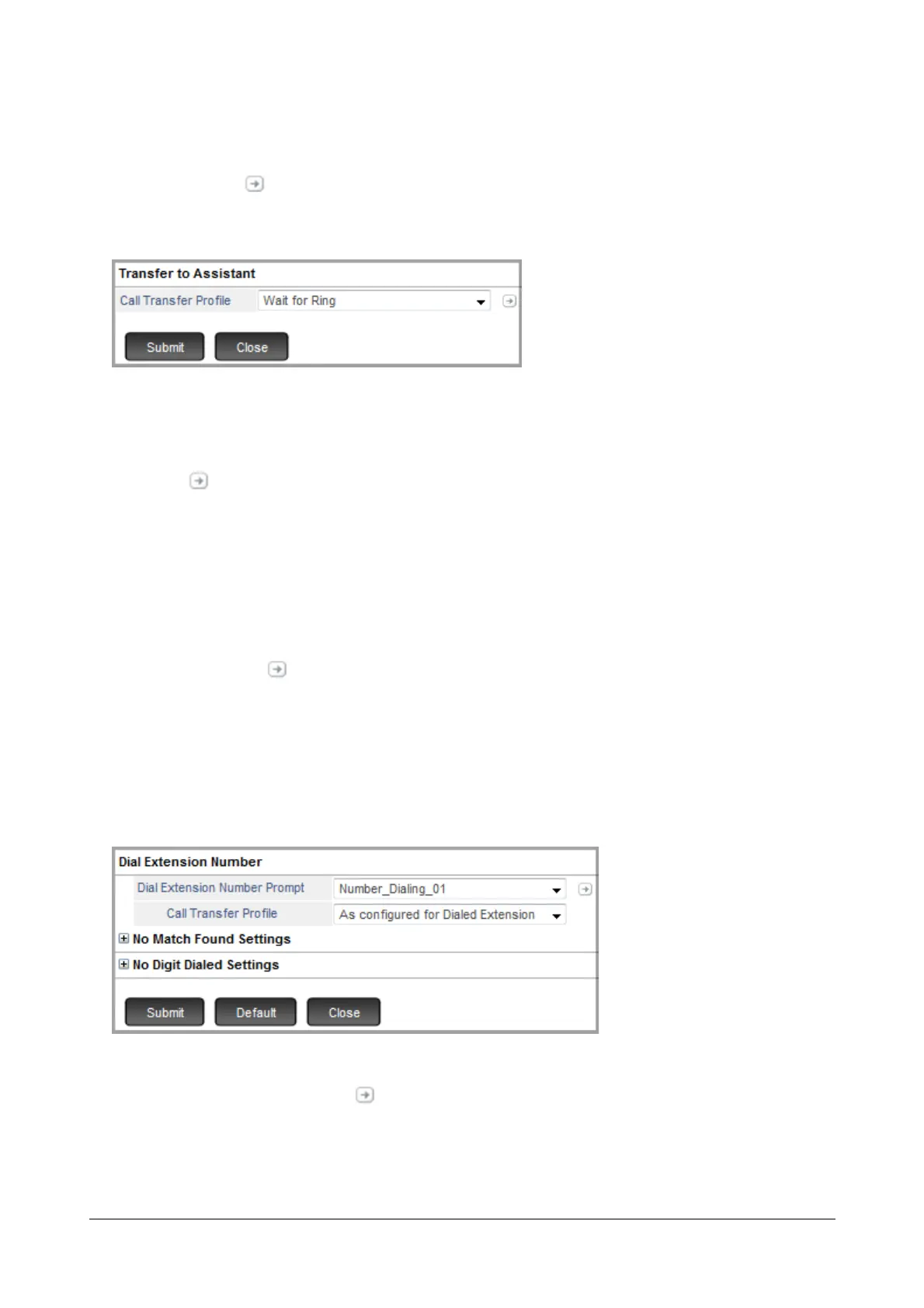
Transfer to Assistant
If you assign a digit for this option, make sure you have programmed the Assistant Number. For detailed
instructions, refer “Number Programming (Assistant/Personal)” in “Mailbox Menu”.
Click Settings to configure the parameter.
•In Call Transfer Profile, select the desired Call Transfer Profile you want the system to use. Make sure
you have configured the parameters for this profile. By default, Wait for Ring is selected, that is, the system
will use the Call Transfer profile configured for transfer number.
•In Call Transfer Profile, select the desired Call Transfer Profile as per your requirement. By default,
Wait for Ring is selected.
Click Settings to configure the parameters of the selected profile.
Transfer to Alternate/Mobile Number
If you assign a digit for this option, make sure you have programmed the Alternate/Mobile Number. For detailed
instructions, refer “Number Programming (Assistant/Personal)” in “Mailbox Menu”.
Dial Extension Number
After you assign the digit, click Settings to configure the parameters.
•In Dial Extension Number Prompt, select the prompt you wish to play to the caller to dial the desired
extension number.



 To Next Page