Matrix ETERNITY NE System Manual 489
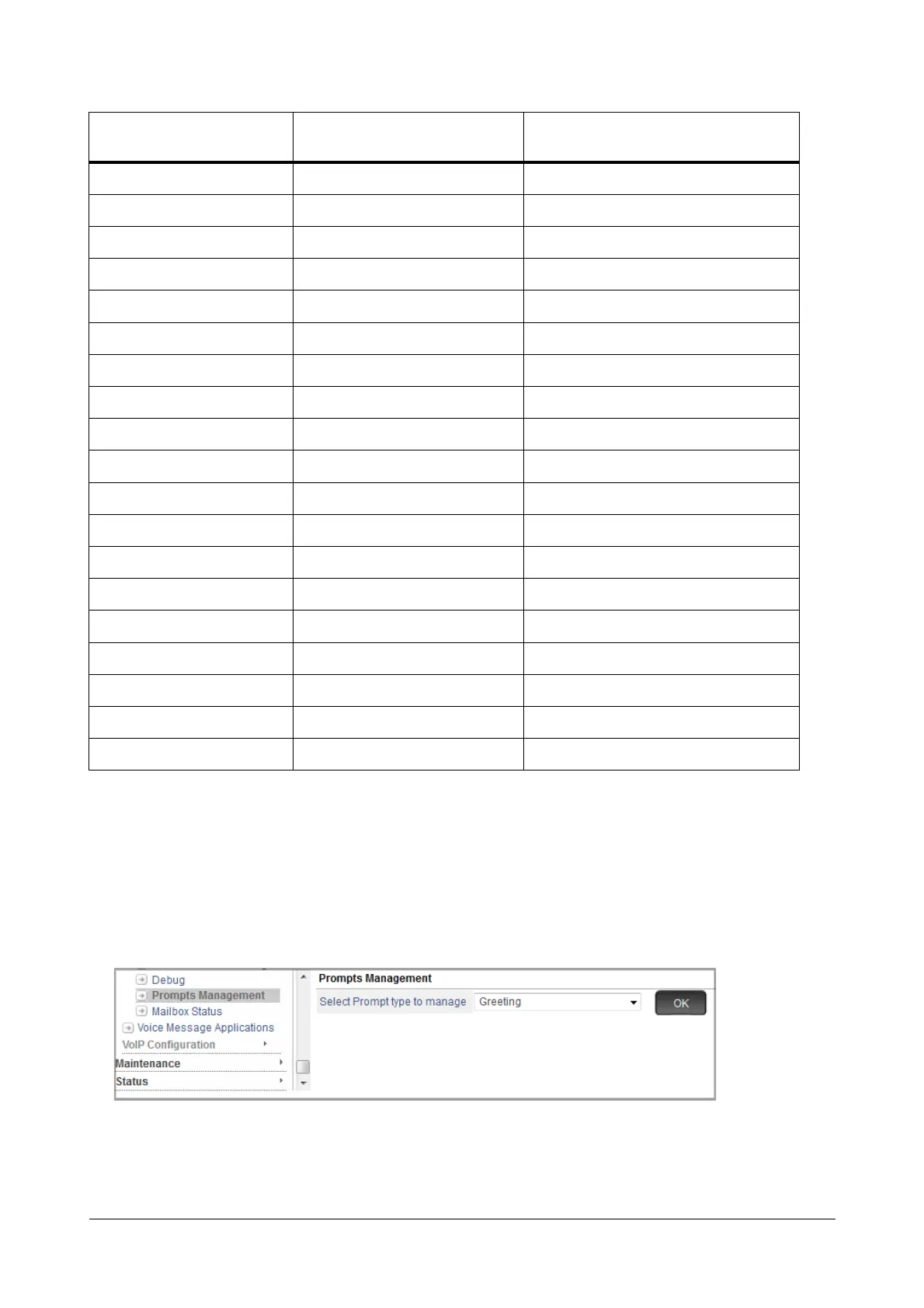
How to configure
• Login as System Engineer.
• Under Advanced Settings, click VMS Configuration.
• Click Prompts Management.
•In Select Prompt type to manage, select the desired folder.
• Click OK.
Number Dialing 12 120
No Digit Dialed 12 120
Invalid Digit Dialed 12 120
Expiry of Count 12 120
Call Transfer Type 12 120
Call Transfer Unsuccessful 12 120
Information 24 180
MoH 12 180
Disconnect 12 120
Language 01 120
Dial by Name 13 120
Call Transfer 16 120
Message Record 19 120
Message Send Forward 30 120
Mailbox Access 29 120
Mailbox Access Menu 50 120
Number 46 120
Alarm 53 120
Miscellaneous 24 120
Folder Name Maximum Prompt files supported
Maximum length allowed for each folder
(seconds)



 To Next Page