490 Matrix ETERNITY NE System Manual
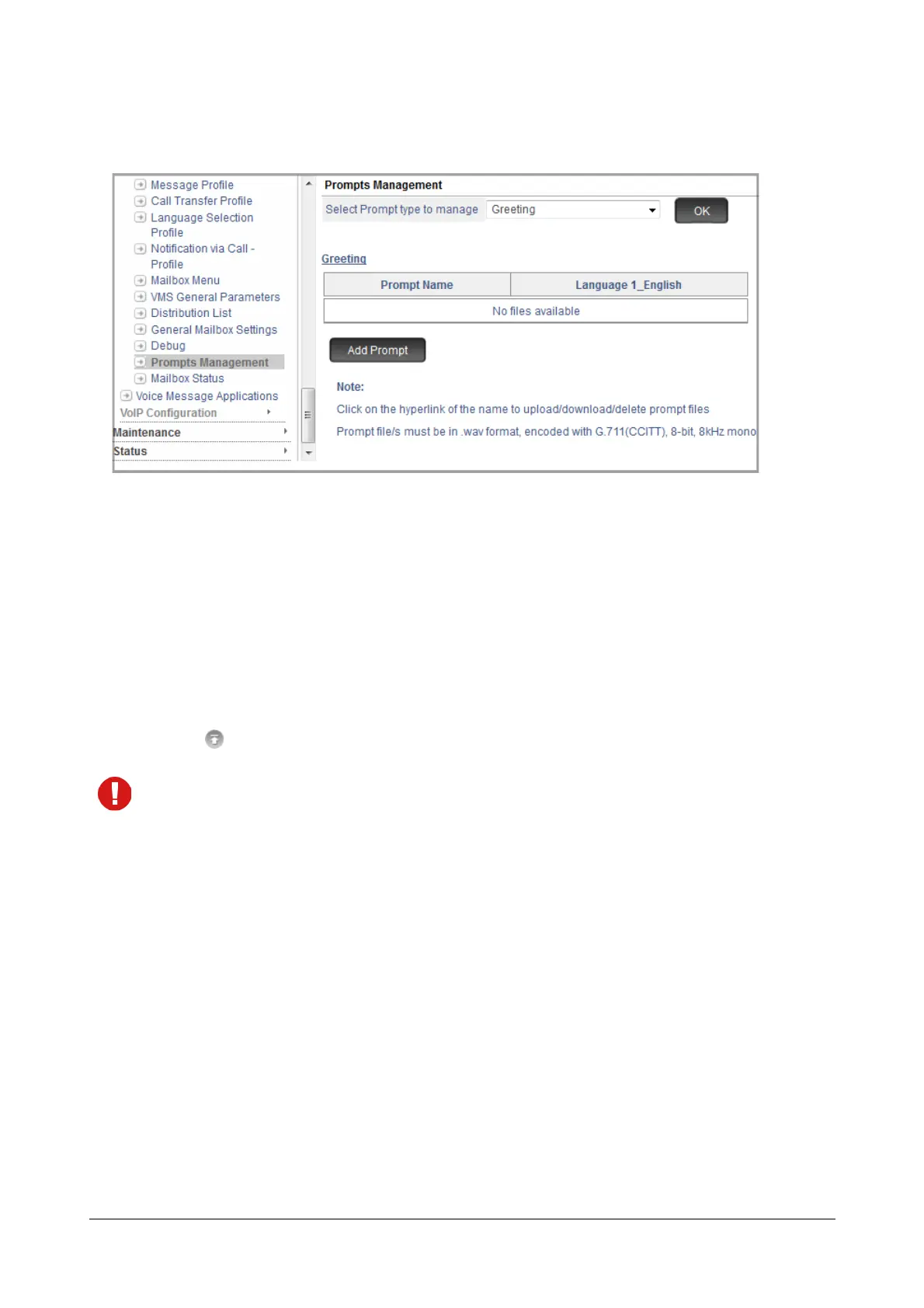
All the prompt files present in the respective language folders of the selected Prompt Type will be
displayed.
You can upload or download the entire folder for the respective Prompt Type for each of the languages.
To add a new prompt in a Flexible Folder,
• Click the Add Prompt button at the bottom of the page.
The Add/Edit Prompt window opens.
• Click the Browse button to reach the location on the local disk where the respective prompts are stored
in your PC.
• Click to upload.
Make sure the folder you upload is a zip file.
Make sure the prompt files within the folder are in .wav format and have the following attributes:
• Audio Format: u-law
• Channel : 1 (mono)
• Sampling Frequency: 8 KHz
• Audio Sample Size: 8 bit



 To Next Page