494 Matrix ETERNITY NE System Manual
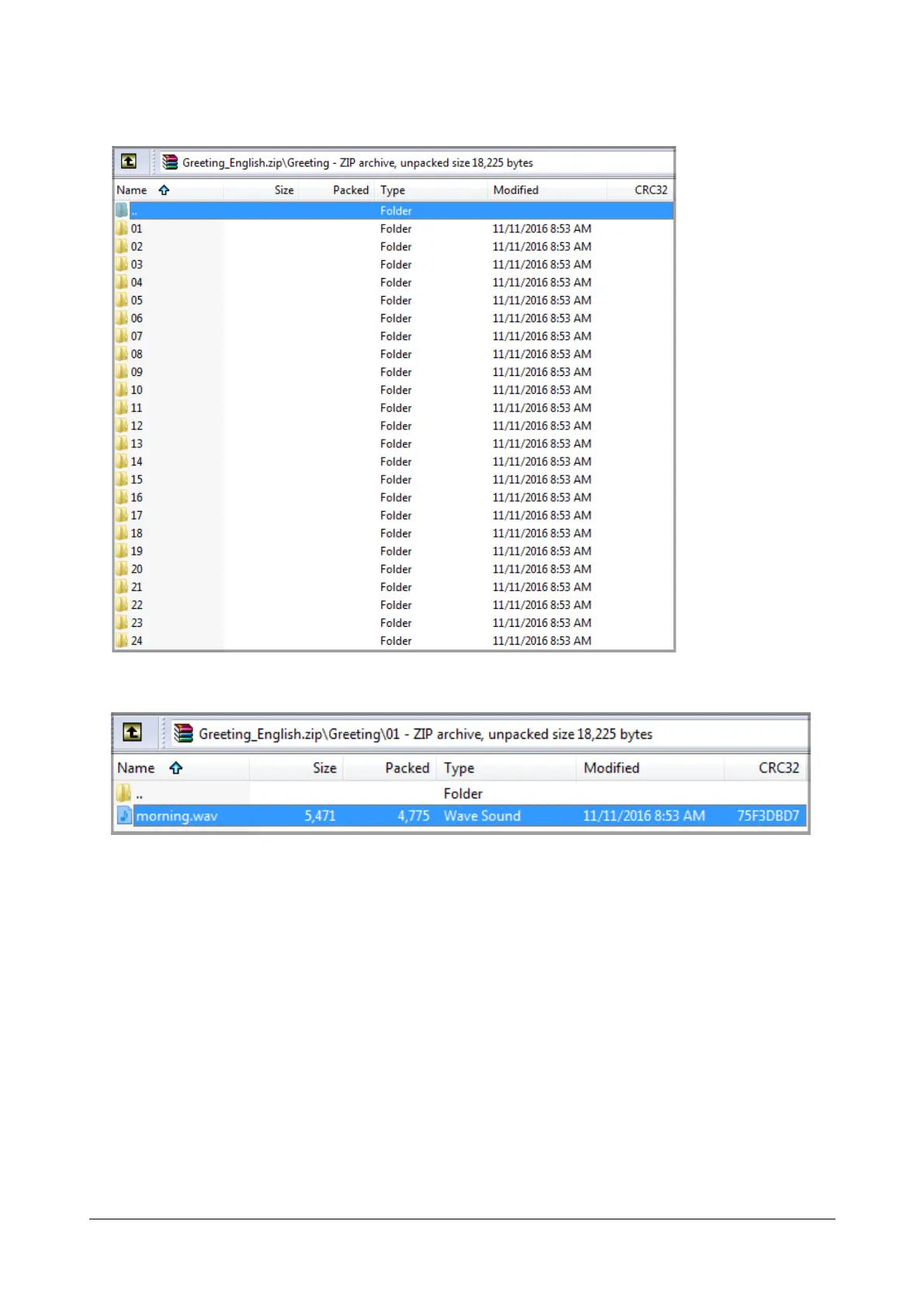
• Now, open the Prompt Type folder to view all the subfolders containing the prompts.
• Open the subfolder containing the prompt.
You may now upload, download or delete a prompt file to/from a folder. The files present in the Fixed
Folders cannot be deleted or added, but the existing files can be overwritten by a new one.



 To Next Page