528 Matrix ETERNITY NE System Manual
Least Cost Routing
Least Cost Routing (also referred to as Automatic Route Selection) is an expense control feature of ETERNITY.
Least Cost Routing (LCR) is useful when there are different Mobile Ports for sending messages, and the service
providers offer different schemes for SMS. These schemes may be for certain numbers or during a particular time
of the day.
When an SMS is sent from the system, LCR recognizes where the SMS is going to be delivered. It selects the
lowest cost port from among all the ports allotted for sending SMS, depending upon how the LCR is configured.
The system can be configured to select the most cost effective trunk for the time of the day when the SMS is sent,
or to select the most cost effective trunk for the destination number to which the SMS is sent, or to select the most
cost effective trunk considering both time of the day and destination number.
You can configure Time or Number or both as per your requirement.
• If you have configured only the Time, the system will check the time while sending the SMS and then route
it according to the selected preference. For example you want to send SMS from one group of trunks
during 9:00 a.m. to 2:00 p.m. and from 3:00 p.m. to 8:00 a.m. through another group.
• If you have configured only the Numbers, the system will check the destination number while sending the
SMS and then route it according to the selected preference. For example SMS to numbers that begin with
99 and 97 can be routed through different trunk groups.
• If you have configured both, the time and number, the system will check the time as well as the destination
number while sending the SMS and then route it according to the selected preference.
Configuring LCR
• Login as System Engineer.
• Under Advanced Settings, click SMS Routing.
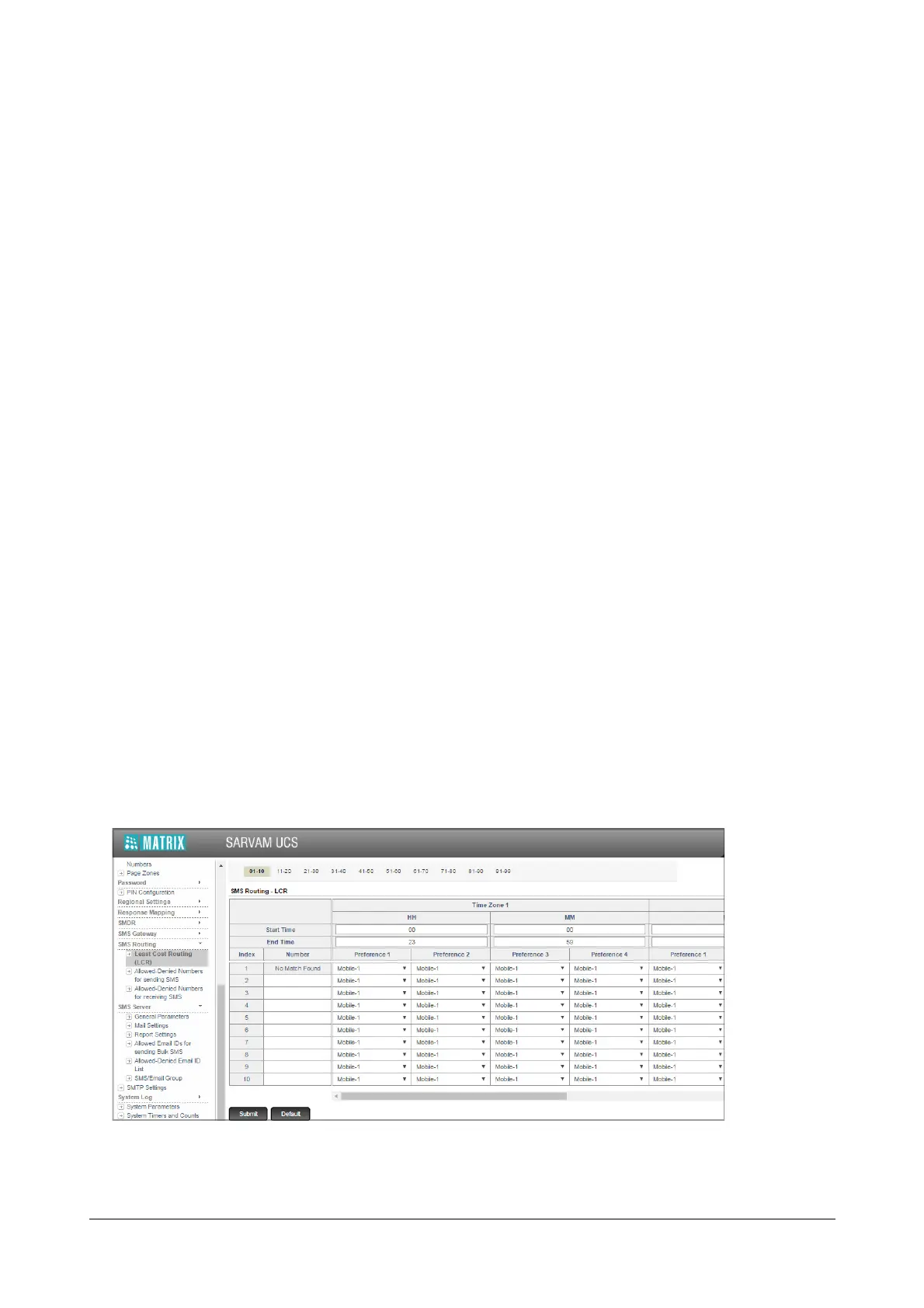
• Click Least Cost Routing (LCR). The SMS Routing-LCR table opens.
• Configure the following parameters:



 To Next Page