536 Matrix ETERNITY NE System Manual
• The minimum and maximum number of parts in which an SMS can be sent is from 1 to 8. Select the
Part of SMS for which you want to generate the report. After you have selected the Part of SMS value,
select the desired filter—All, Equal to, Less Than or More than—to be applied to that value. For
example is you select 5 as the Part of the SMS and More than as filter, the report will be generated for
all the SMS sent in more than 5 parts.
• If you want reports to be generated for certain numbers, select the Filter Numbers check box and
configure the desired numbers in the table.
• If you want reports to be generated for certain Email IDs, select the Filter Email Ids check box and
configure the desired Email IDs in the table.
• Click Submit.
• To view the report, click Generate Report. The report is displayed in a new window.
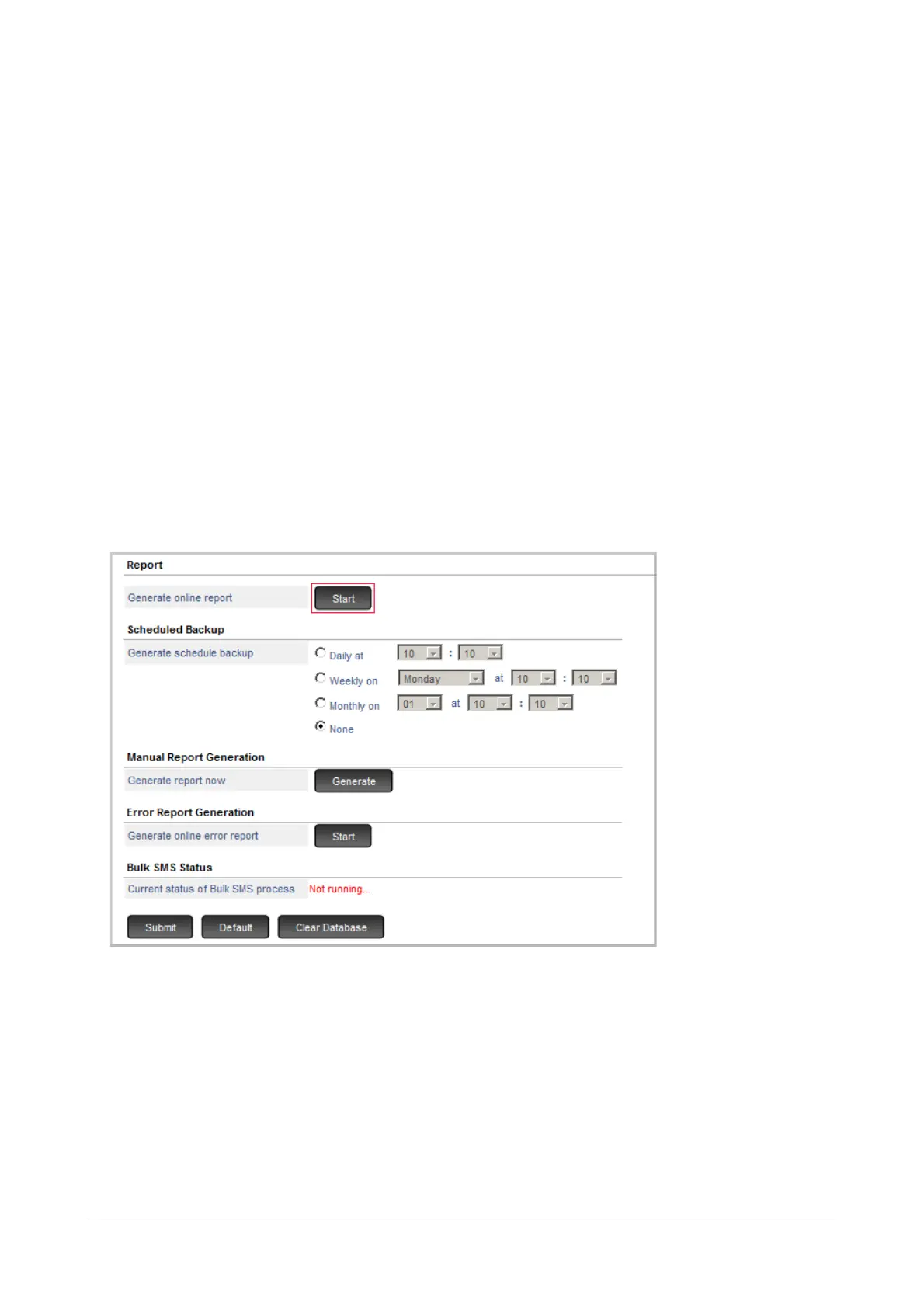
Online Report Generation
• Under SMS Server, click Report.
•To Generate online report, click Start.
• To stop printing, click Stop.
Scheduled Report Generation
• Under SMS Server, click Report.



 To Next Page