542 Matrix ETERNITY NE System Manual
• When the destination is an Email ID, the further handling of the SMS will be done by the SMS Server
Application. See “SMS Server” for more details.
• When the destination is an Extension Number, the system will search for the Extension Number in its
database. When a match is found and it is a SIP extension, the system will check if the option SMS
over IP is enabled for this SIP extension. If it is enabled the SMS will be forwarded as an IM. If this
option is disabled, the further handling of the SMS will be done by the SMS Server Application. See
“SMS Server” for more details.
When the destination is an Extension Number other than SIP extension, the further handling of the
SMS will be done by the SMS Server Application. See “SMS Server” for more details.
• When the destination is a Name, the system will search for the Name in its database. When a match is
found, the system will check the corresponding Extension number. If it is a SIP extension the SMS will
be forwarded as an IM. If the Extension Number is any other extension or if a match is not found the
further handling of the SMS will be done by the SMS Server Application. See “SMS Server” for more
details.
Forwarding an IM as an SMS
You can send a message as an IM or SMS using Matrix VARTA Mobile UC Clients only.
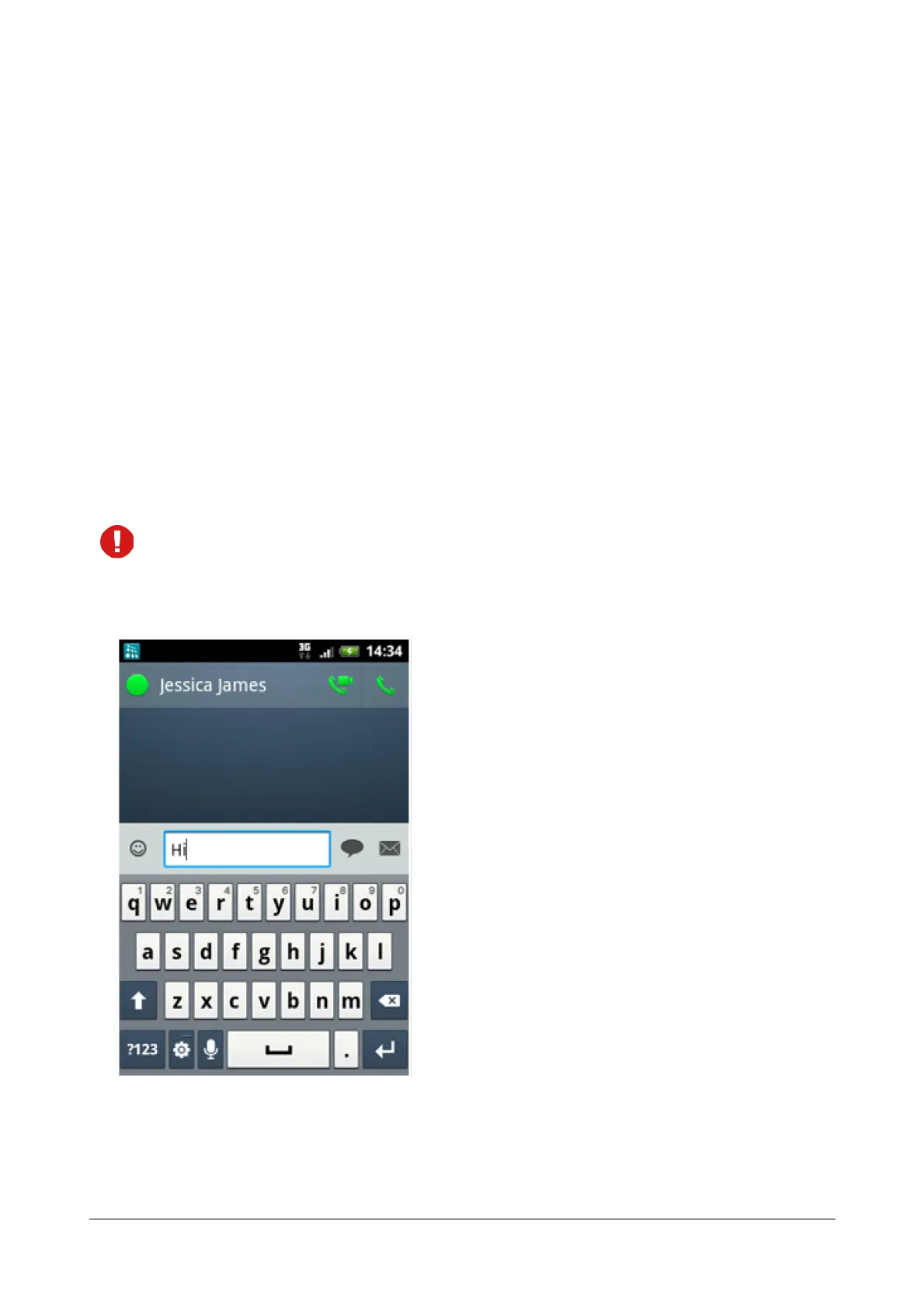
To forward an IM as an SMS, refer to the illustration below:
Here,
• The SIP extension user is typing a message to Jessica James. This message can either be sent as an IM
or an SMS.



 To Next Page