558 Matrix ETERNITY NE System Manual
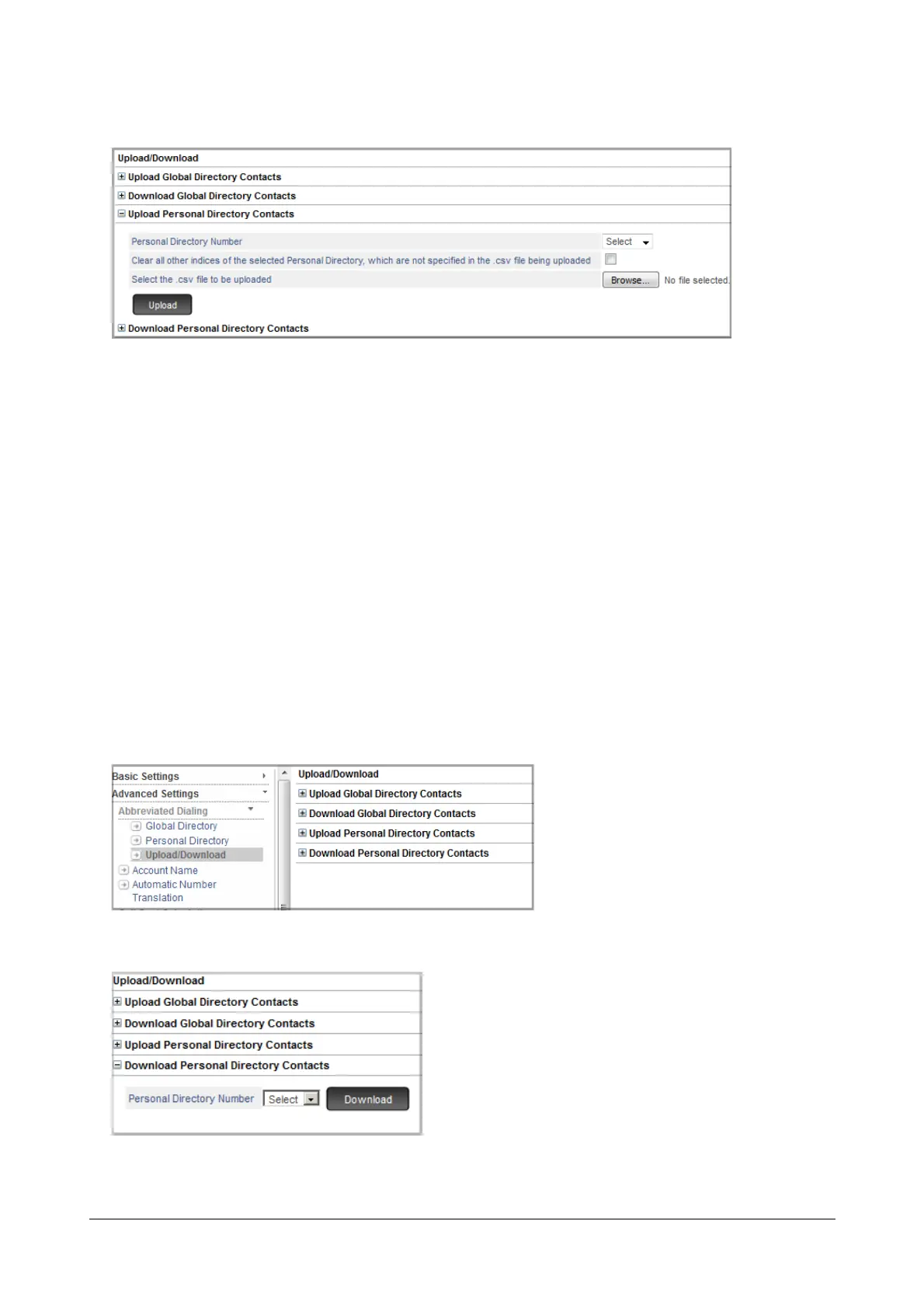
• Click Upload Personal Directory Contacts to expand.
•In Personal Directory Number, select the number of the personal directory in which you want to
upload the contacts from the CSV file.
• Select the Clear all other indices of the selected Personal Directory, which are not specified in
the .csv file being uploaded check box, to overwrite the existing contacts in the Personal directory
with the contacts of CSV file. Default: Disabled.
• Click Browse to Select the .csv file to be uploaded from the location on the local disk.
• Click Upload.
• All the contacts of the CSV file will be uploaded in the selected Personal Directory. To view, click the
respective Personal Directory link.
Download Personal Directory CSV file
• Under Advanced Settings, click Abbreviated Dialing.
•Click Upload/Download. The Upload/Download page opens.
• Click Download Personal Directory Contacts to expand.



 To Next Page