Matrix ETERNITY NE System Manual 559
•In Personal Directory Number, select the number of the personal directory from which you want to
download the contacts.
• Click Download.
• You will get a prompt with an option to open the Opening Personal_Directory_01.csv file or save the
file to a location. Save the file on the local disk.
• To open the Personal_Directory_01.csv file from the location on the local disk, follow the steps given
below:
• DO NOT OPEN THE CSV FILE DIRECTLY WITH EXCEL!
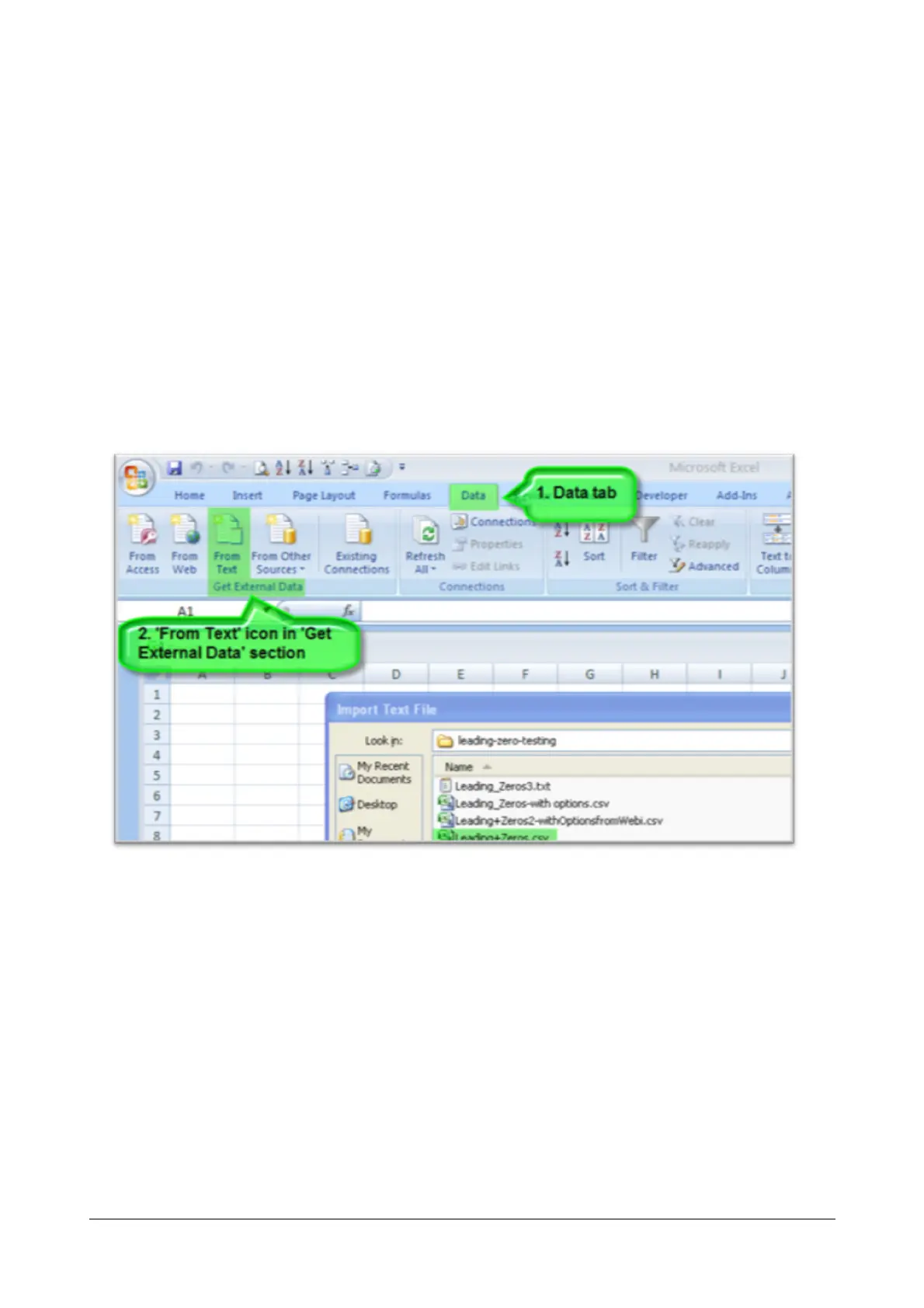
• Open a New worksheet in Excel.
• Open the Data tab and select From text button in the Get External Data.



 To Next Page