582 Matrix ETERNITY NE System Manual
• The names must not exceed 12 characters. All ASCII characters except < > and “(double quote) are
allowed. For example:
You need not follow a cardinal numbering sequence when assigning Account Codes.
You may assign any code to any client. For instance, you can assign code '111' to Midas Business
Solutions, '222' to Jet-Set Holidays, '333' to Bacchus Vineyard.
Configuring Account Codes
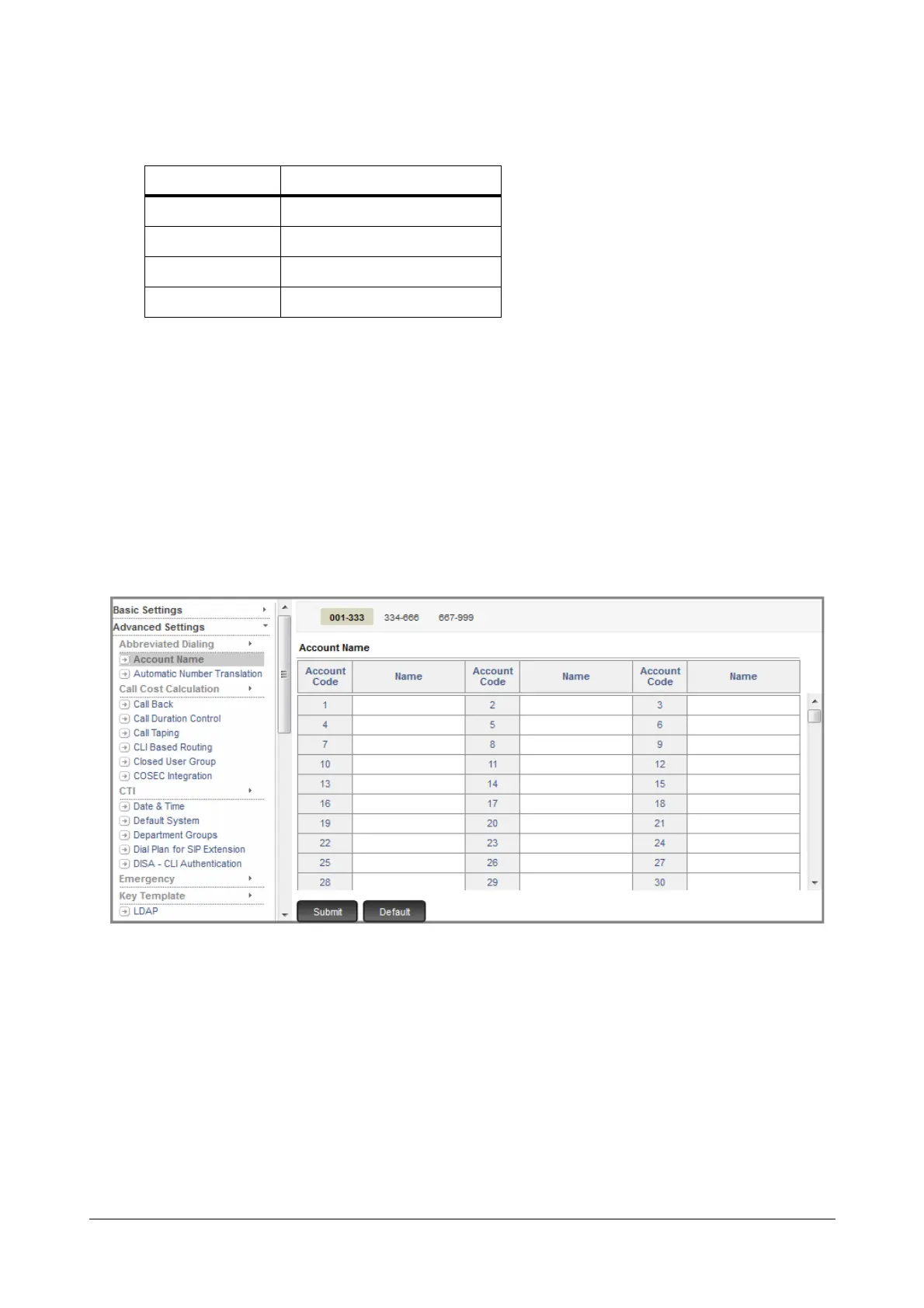
To configure Account Name list,
• Login as System Engineer.
• Under Advanced Settings, click Account Name.
• Enter the Names of the clients against the account codes you have assigned to them. Refer the paper with
the two-column table you created.
• Click Submit.
To enable Account Code on extensions,
• Click Basic Settings.
• Click the extension type—SLT, SIP—to which you want to allow this feature.
• Select the extension number to which you want to allow this feature.
Account Code Client Account Name
001 Midas Biz
002 Jet Set
:
010 Bacchus



 To Next Page