584 Matrix ETERNITY NE System Manual
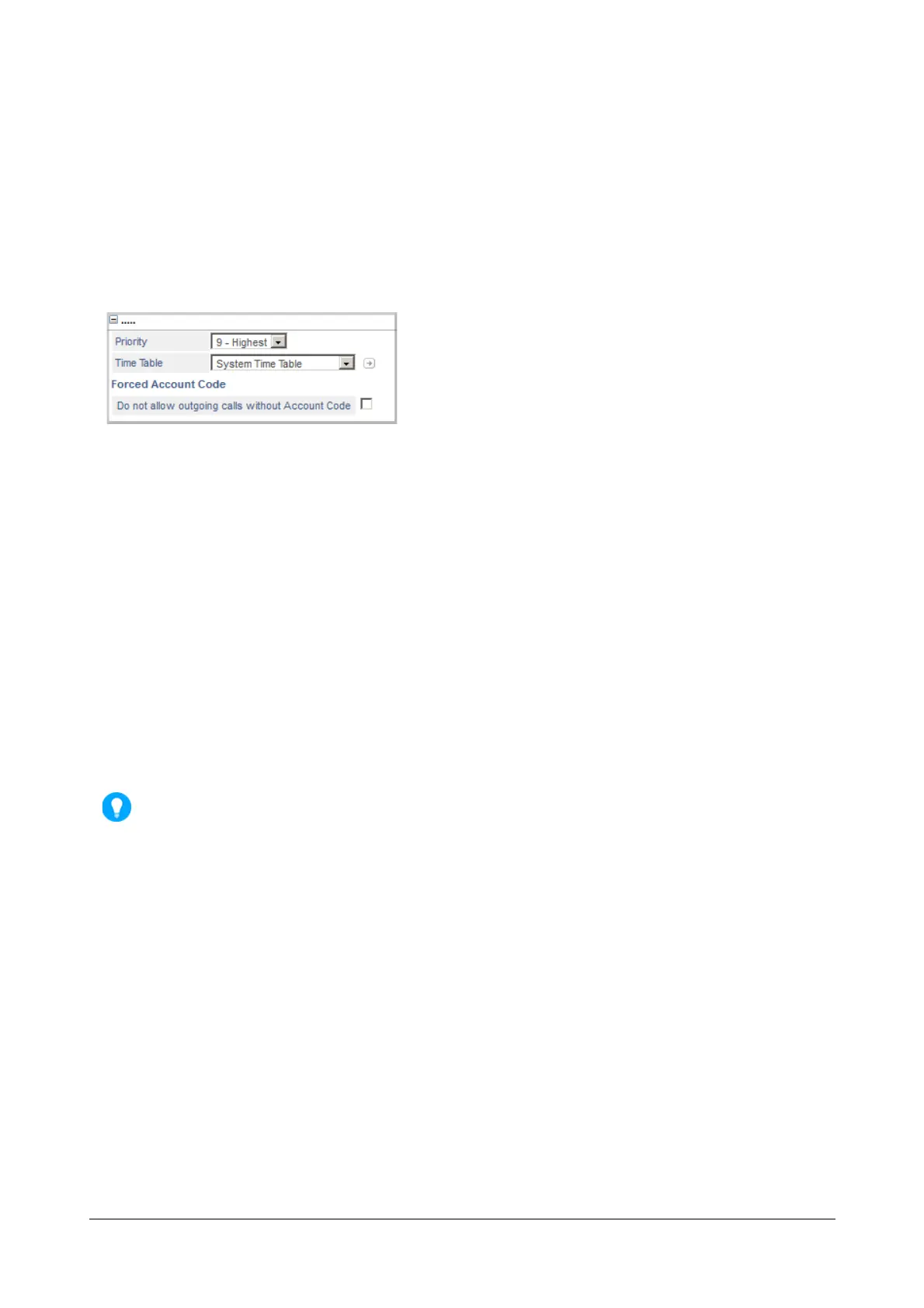
To enable Forced Account Code on trunks,
• Click the link of the trunk type—CO, Mobile, SIP—to which you want to allow this feature.
• Select the trunk you on which you want to assign this feature.
• On the respective trunk port page, click the More... link.
• Click Forced Account Code on the trunk.
• Select the Do not allow outgoing calls without Account Code check box to enable this feature on the
trunk.
• Click Submit.
How to use
Account Codes can be dialed in two ways: by Number and by Names.
Account codes, i.e. number and names, can be dialed:
• before making the call,
• during the call,
• when grabbing a trunk (if Forced Account Code check box is enabled).
Print and hand out copies of the Account Code List to everyone in the organization for reference while
making calls.
Dialing Account Code by Number
To enter Account Code Number before making the call:
• Press DSS Key assigned to 'Account Code by Number'.
OR
• Dial 1058
• Enter Account Code.
• Dial Trunk Access Code.
• Dial the number of the client.
To enter Account Code Number during the call:
• Press ‘Transfer’ Key.
• Press DSS Key assigned to Account Code by Number.
OR
• Dial 1058



 To Next Page