600 Matrix ETERNITY NE System Manual
To cancel Alarms
• Press key assigned the 'Remote Alarm' function.
• Enter Extension Number.
• Select 'Cancel All'.
• Press 'Enter' Key.
Using Commands:
To set Alarm for the extension user
• Pick up the handset.
•Dial 1072-003.
• Enter Extension number.
• Enter Time in HH:MM
• Dial 1 for Once Only or Dial 2 for Daily
• Dial 1 for Personalized or Dial 2 for Automated.
• Press 'Enter' key to set Alarm.
• You get a confirmation tone and a text message with the phone number for which the alarm is set.
• Replace handset or you get dial tone after 3 seconds.
To cancel Alarms
• Pick up the handset.
•Dial 1072-003.
• Enter Extension Number.
•Dial #.
• You get a confirmation tone and a text message with the phone number for which the alarm is canceled.
• Replace handset or you get dial tone after 3 seconds.
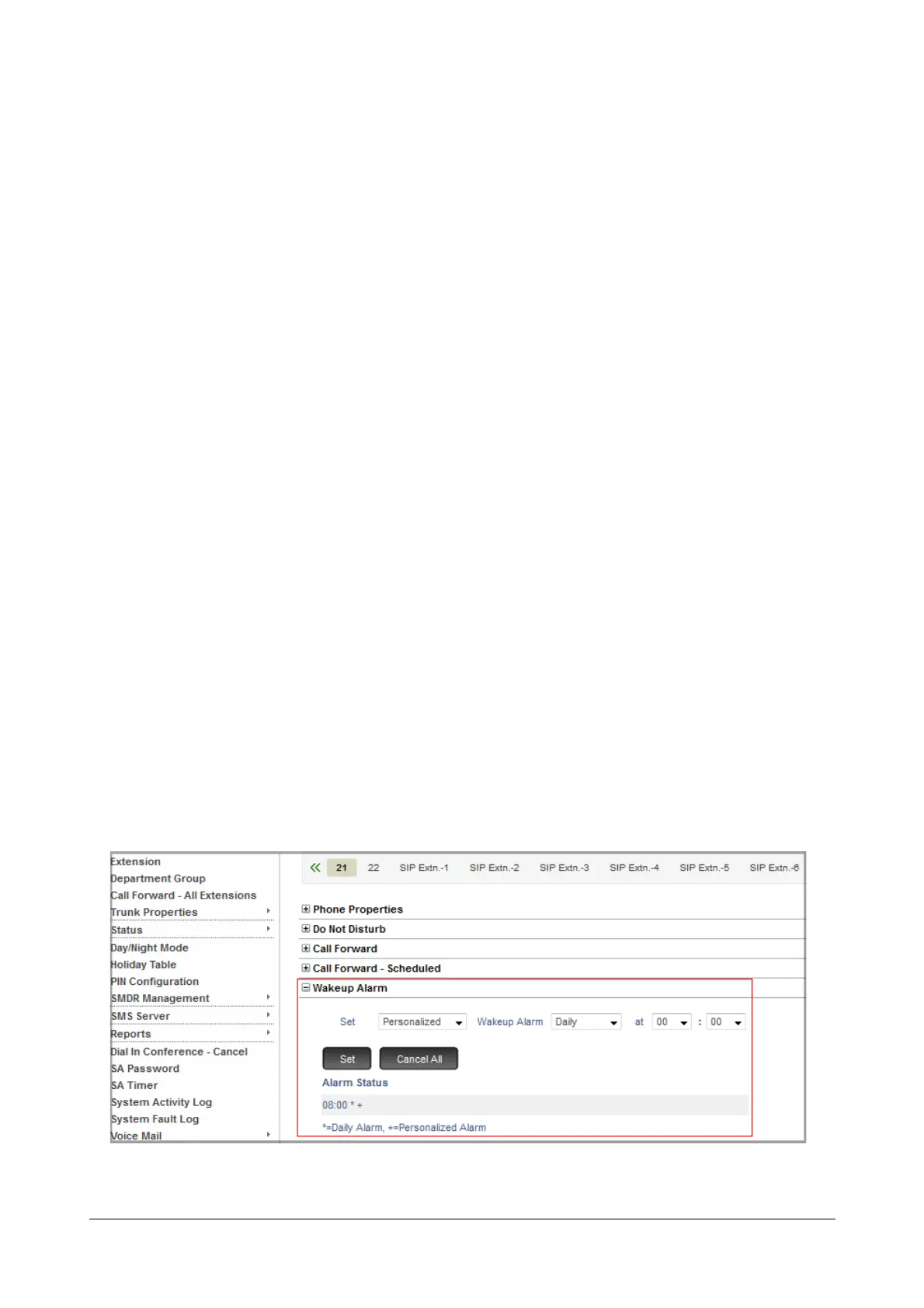
Using Jeeves:
• Login as System Administrator.
• Click Extensions.
• Click the desired Extension tab. The Extension page will open.
• Now set the desired type of alarm on this extension.



 To Next Page