Matrix ETERNITY NE System Manual 621
How to configure
Auto Call Back is a “Class of Service (CoS)” dependent feature. An extension user can set/cancel Auto Call Back
only if it is enabled in the extension's Class of Service.
The only configuration involved in this feature is enabling/disabling Auto Call Back in the Class of Service and
changing the duration of the Auto Call Back Ring Timer, if required.
By default, all extensions of SARVAM UCS are allowed Auto Call Back feature for the day and night/break in their
Class of Service. So, all extensions of SARVAM UCS can set/cancel Auto Call Back if the called number is busy or
does not reply.
However, if Auto Call Back Busy/No Reply is to be denied to any of the extensions, you may disable this feature in
the class of service of these extensions. For instructions on enabling/disabling this feature on the different
extension types, refer the topics “SLT Extensions” and “SIP Extensions”under Basic Settings.
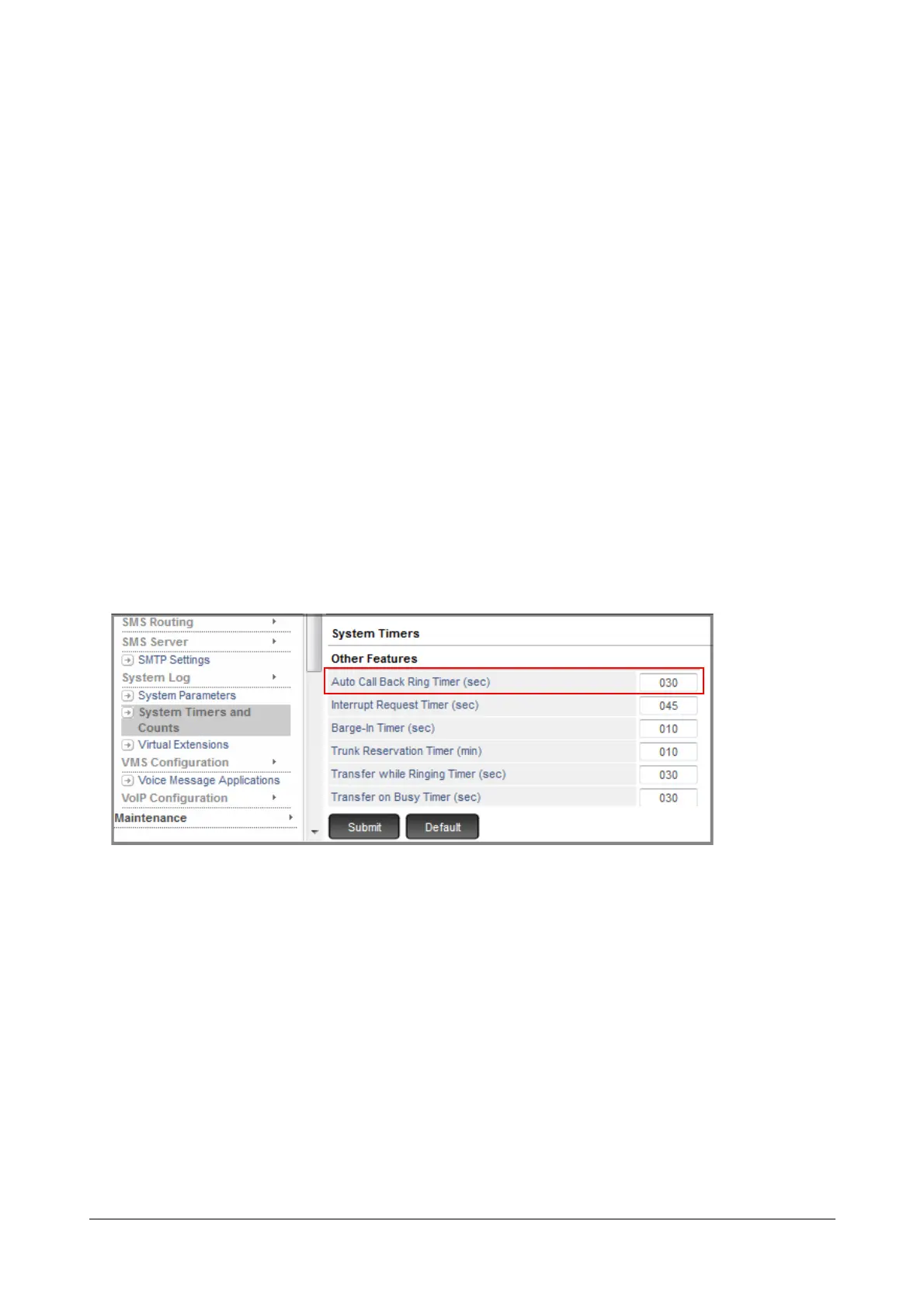
If you want to increase or decrease the duration of the of the Auto Call Back ring on both extensions, i.e. the
extension requesting Auto Call Back and the destination extension, configure the 'Auto Call Back Ring Timer'.
• Login as System Engineer.
• Under Advanced Settings, click System Timers and Counts.
• Scroll to reach 'Other Features'
• Change the value to the desired duration.
• Click Submit.
How to use
Extension users can set two types of Auto Call Back:
• Auto Call Back on Busy - when the extension/trunk they are trying is Busy.
• Auto Call Back on No Reply - when there is no reply from the extension they are trying.



 To Next Page