648 Matrix ETERNITY NE System Manual
• Call back on alternative number if programmed. If you select this option, for each number you
configured as eligible for call back, you must configure an alternative number in the Program alternate
number in respective row list.
When a missed call is eligible for call back (matches with list you configured), the 'Call Back to'
parameter determines the number on which the call back is to be made, i.e. whether on the same
number from which the missed call is received or on a different number.
In countries where CLI received on trunks can be dialed out without any modification, you may select
‘CLI Number’ as ‘Call Back to’ option.
In countries where CLI received on trunks cannot be dialed without modification, you may select
“Alternate Number’ as the ‘Call Back to’ option. You may also select ‘Alternate Number’ as Call Back on
when you want the call back to be made to a different number.
• Configure Trunk Selection on Call Back. This parameter determines the trunk port to be used to make
call back.The call back can be made using the same port or a group of trunks.
• Select Call Back from same port from which missed call is received, to use the same port to make
the call back.
• To make the call back using a group of trunks, select Call Back from trunks, and double click this field
to select the trunks.
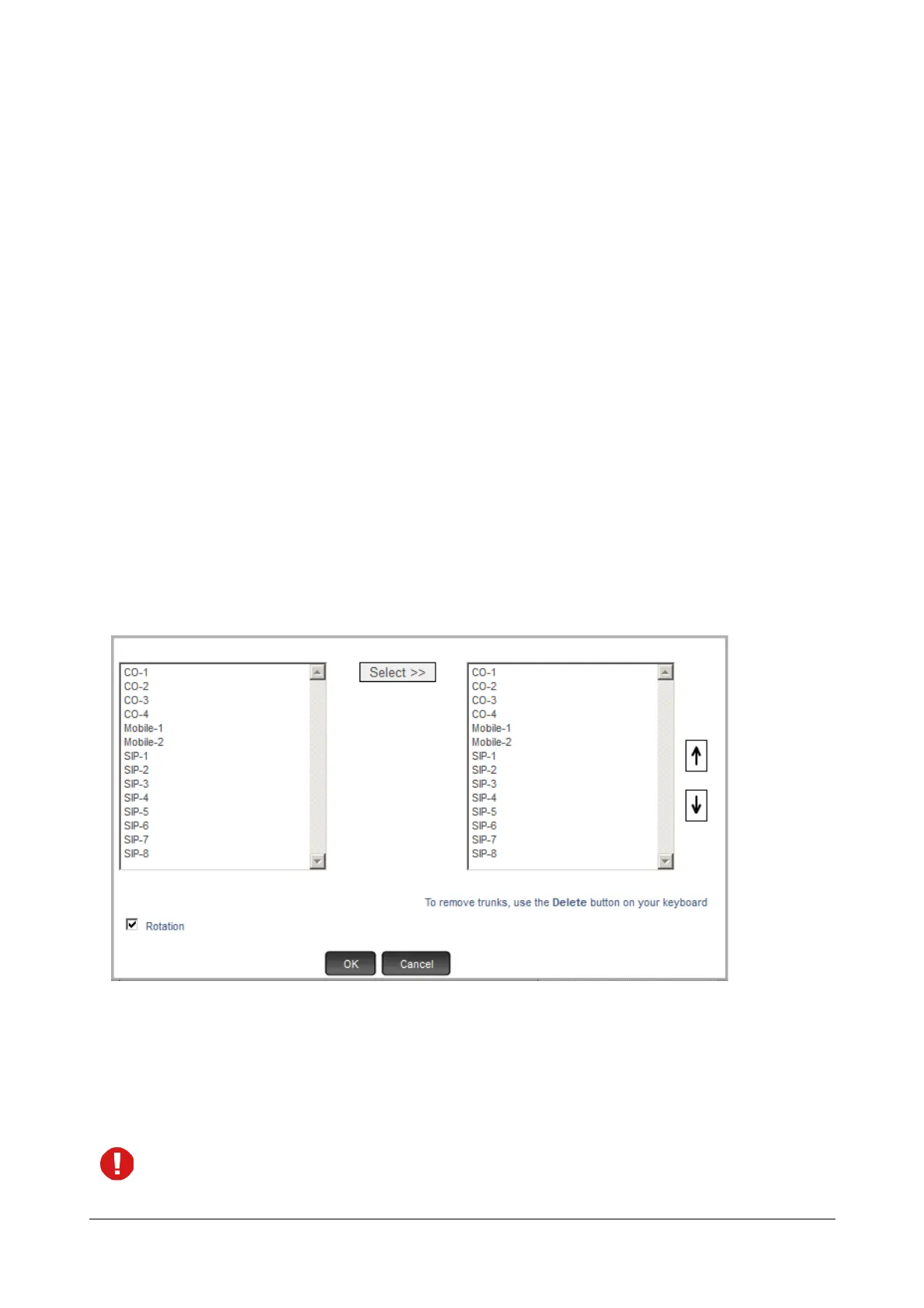
A multiple selection box opens.
On the left, the trunks appear with their names (if configured in “Trunks”) and port numbers in a
sequence, starting with CO trunks, followed by Mobile trunks and SIP trunks.
• To select a trunk, place your cursor on the desired trunk, and click Select>>.
Or
• Press the ctrl key and click the left mouse button to select multiple trunks.
When selecting a trunk port type, make sure the trunk you select is not under restricted category in Logical
Partition.



 To Next Page