Matrix ETERNITY NE System Manual 657
How to configure
To be able to use this feature, you must, configure the Call Budget parameters on the trunk on which you want to
use this feature.
For instructions, see “CO Trunks”, “Mobile Trunks” and “SIP Trunks” under Basic Settings.
Resetting Call Budget on Trunks
The consumed Call Budget can be reset manually anytime as required, or on a scheduled date either daily or on a
particular date of the month.
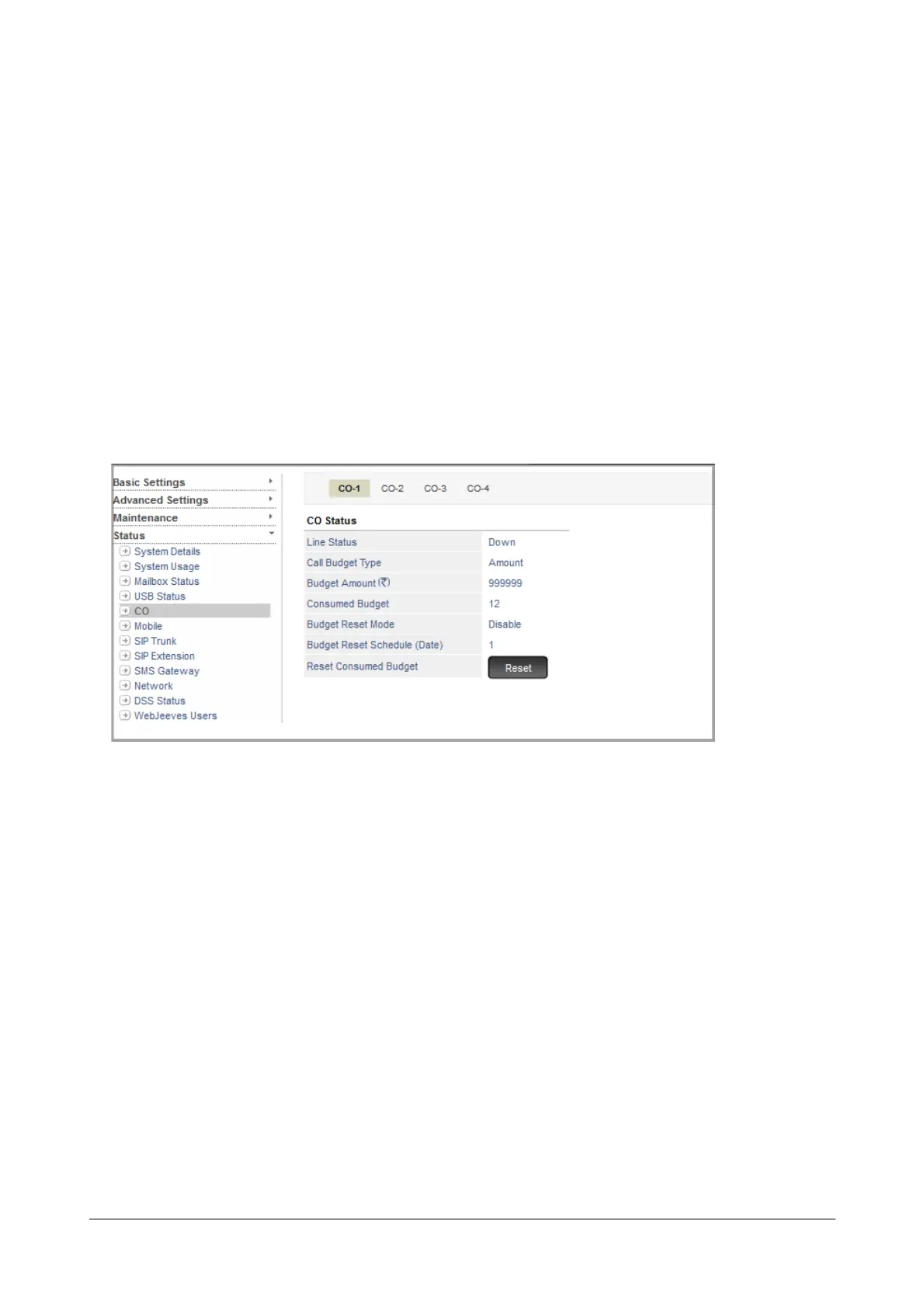
To reset the Call Budget on trunks,
• Login as System Engineer.
• Under Status, click CO.
• If you have set Call Budget to reset on a scheduled date, the date will appear in the Budget Reset
Schedule (Date).
• To reset Call Budget manually, click the Reset button assigned to Reset Consumed Budget.



 To Next Page