658 Matrix ETERNITY NE System Manual
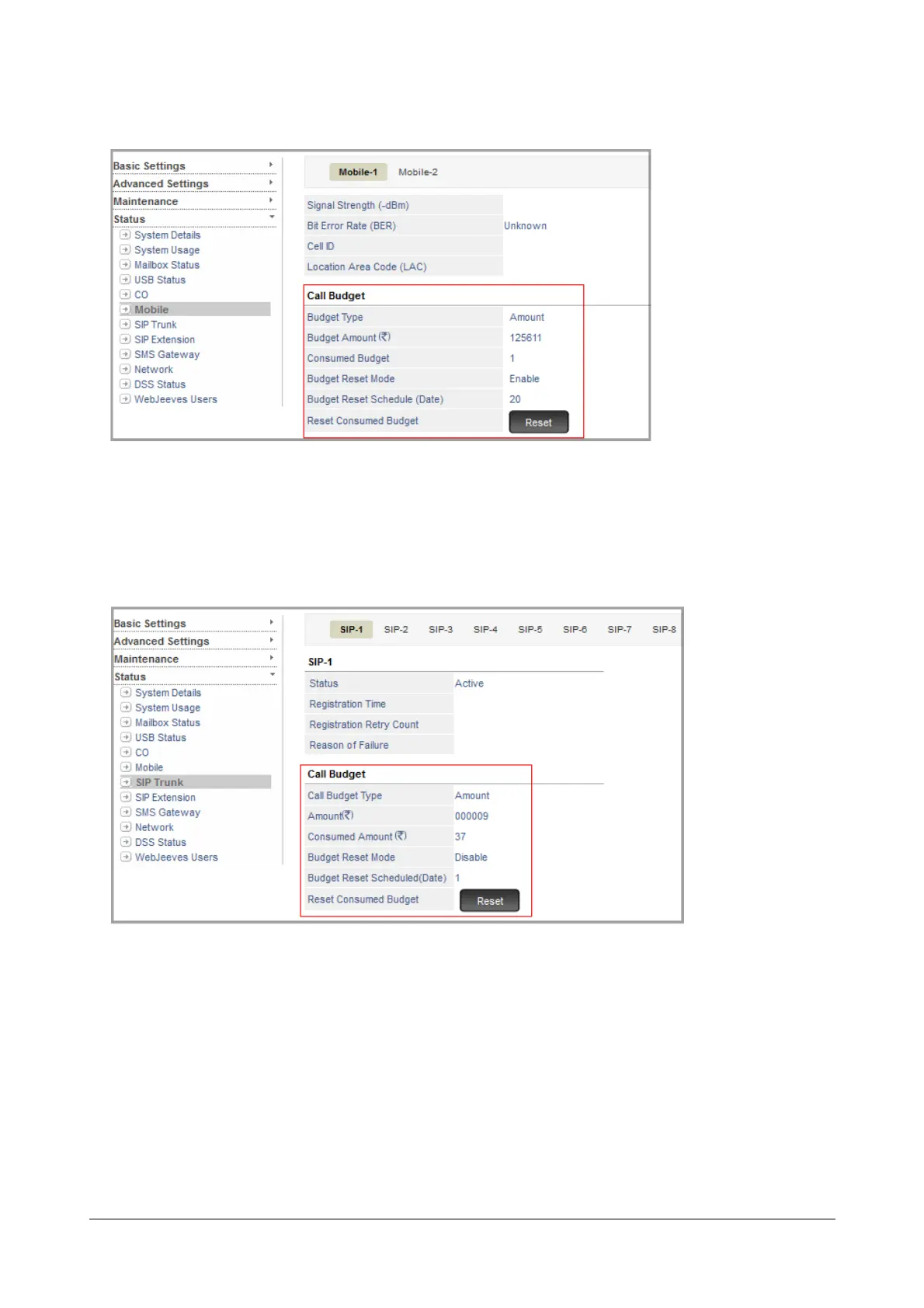
• To reset call Budget on Mobile Trunks, click Mobile under Status.
If you have set Call Budget to be reset on a scheduled date, the date will appear in the Budget Reset
Schedule (Date).
• To reset Call Budget manually, click the Reset button assigned to Reset Consumed Budget.
• To reset Call Budget on SIP Trunks, click SIP Trunk under Status.
If you have set Call Budget to be reset on a scheduled date, the date will appear in the Budget Reset
Scheduled (Date).
• To reset Call Budget manually, click the Reset button assigned to Reset Consumed Budget.
Similarly, you can reset Call Budget on Trunks from the SA mode.



 To Next Page