684 Matrix ETERNITY NE System Manual
How to use
Call Forward-Scheduled can be set/canceled by users for their own extension, or for any other extension from the
System Administrator mode.
• The destination number for forwarding calls can be a maximum of 16 digits. Terminate the command
with #* if destination number is less than 16 digits.
• If the destination number is an external number, enter the Trunk Access Code followed by the
destination number.
Setting Call Forward-Scheduled for Extensions Users
The Operator or any extension user having access to System Administrator mode can set or cancel Call Forward-
Scheduled for other extension users using Jeeves or by dialing SA commands from a telephone.
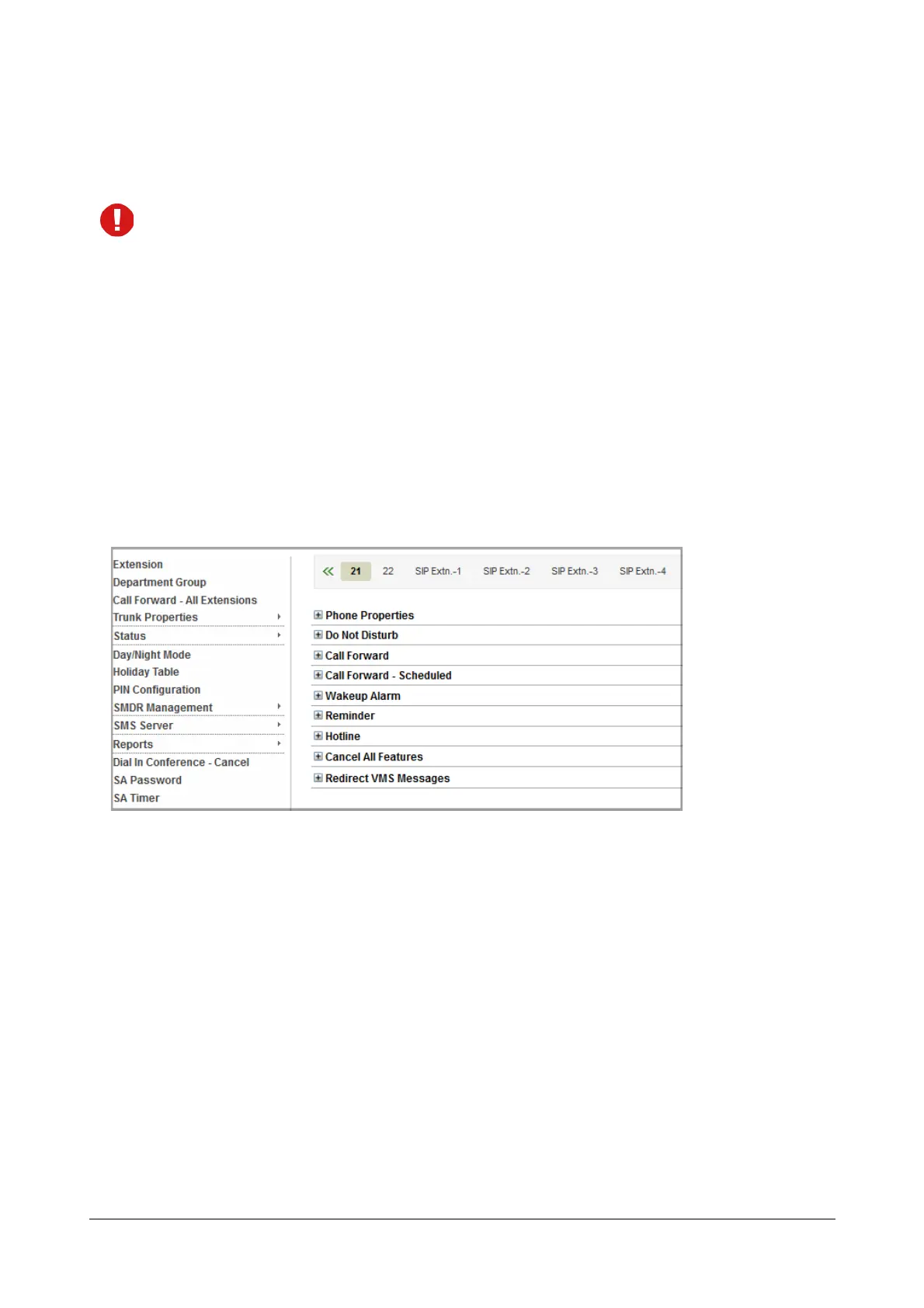
Setting Call Forward-Scheduled using Jeeves
• Login as System Administrator.
• Click Extension. The Extension numbers appear on the tabs on the top pane, starting with SLT
extensions.
• To select a particular extension number or type, click the tab.



 To Next Page