Matrix ETERNITY NE System Manual 685
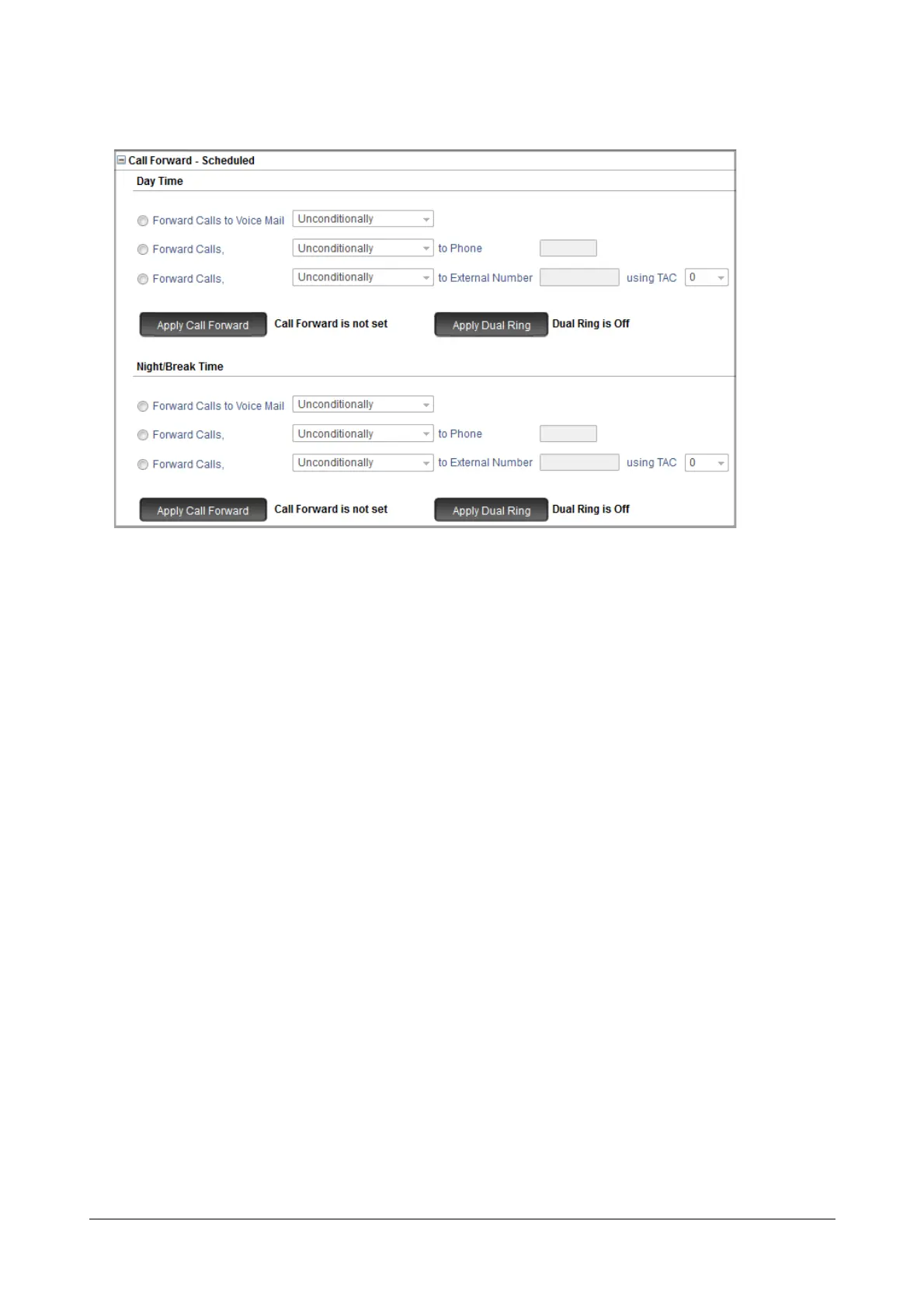
• Click Call Forward-Scheduled to expand.
• You can set Call Forward - Scheduled for Day Time and Night/Break Time.
To set Call Forward for the extension for the Day Time, under Day Time, select the type of Call Forward:
• To forward calls to voice mail, select Forward Calls to Voice Mail radio button and the type of call
forward. Default: Unconditionally.
• To forward calls of this extension to another extension, select Forward Calls to Phone radio button
and the type of call forward. Default: Unconditionally.
Enter the extension number to which calls must be forwarded.
• To forward calls of this extension to an external number, select Forward Calls to External Number
radio button, and select the type of call forward. Default: Unconditionally.
Enter the external number to which calls must be forwarded.
By default, TAC 0 is assigned for routing external calls. You can change the TAC as per your
requirement.



 To Next Page