694 Matrix ETERNITY NE System Manual
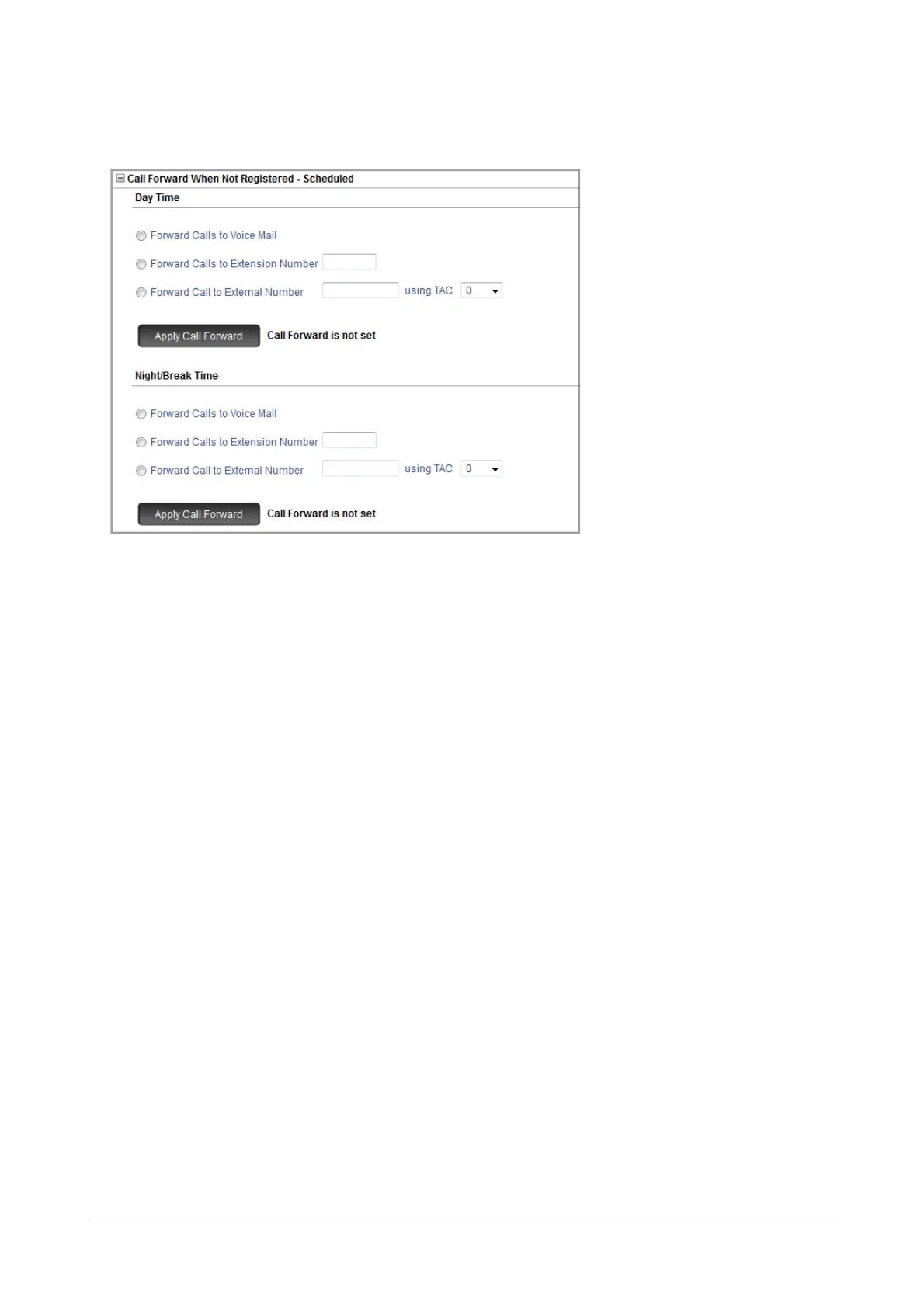
• To set time-zone based Call Forward - When Not Registered, click Call Forward When Not Registered-
Scheduled to expand.
• To set Call Forward When Not Registered for the day, under Day Time, select the desired destination
from the following options:
• Forward Calls to Voice Mail.
• Forward Calls to Extension Number. If you select this option, you must enter the desired
Extension Number in the corresponding box.
• Forward Calls to External Number. If you select this option, you must enter the desired number in
the corresponding box, and assign a trunk to route the call by selecting the Trunk Access Code in
the using TAC list.
• Click Apply Call Forward. The message “Call Forward is set” appears.
• To set call forward for Night/Break Time, follow the same instructions as above.
• To set Call Forward When Not Registered - Scheduled for another extension, follow the same
instructions as above.
Call Forward-When Not Registered set/canceled by SIP Phone Users
SIP extension users can set/cancel Call Forward-When Not Registered from their SIP Phones. The SIP Phone may
be a Matrix Extended IP Phone or any open standard SIP Phone.
For Matrix Extended IP Phone Users
• Lift handset.
• Press DSS key assigned to Call Forward-When Not Registered (if programmed).
OR
• Dial *13.
• Scroll to the desired option.



 To Next Page