Matrix ETERNITY NE System Manual 739
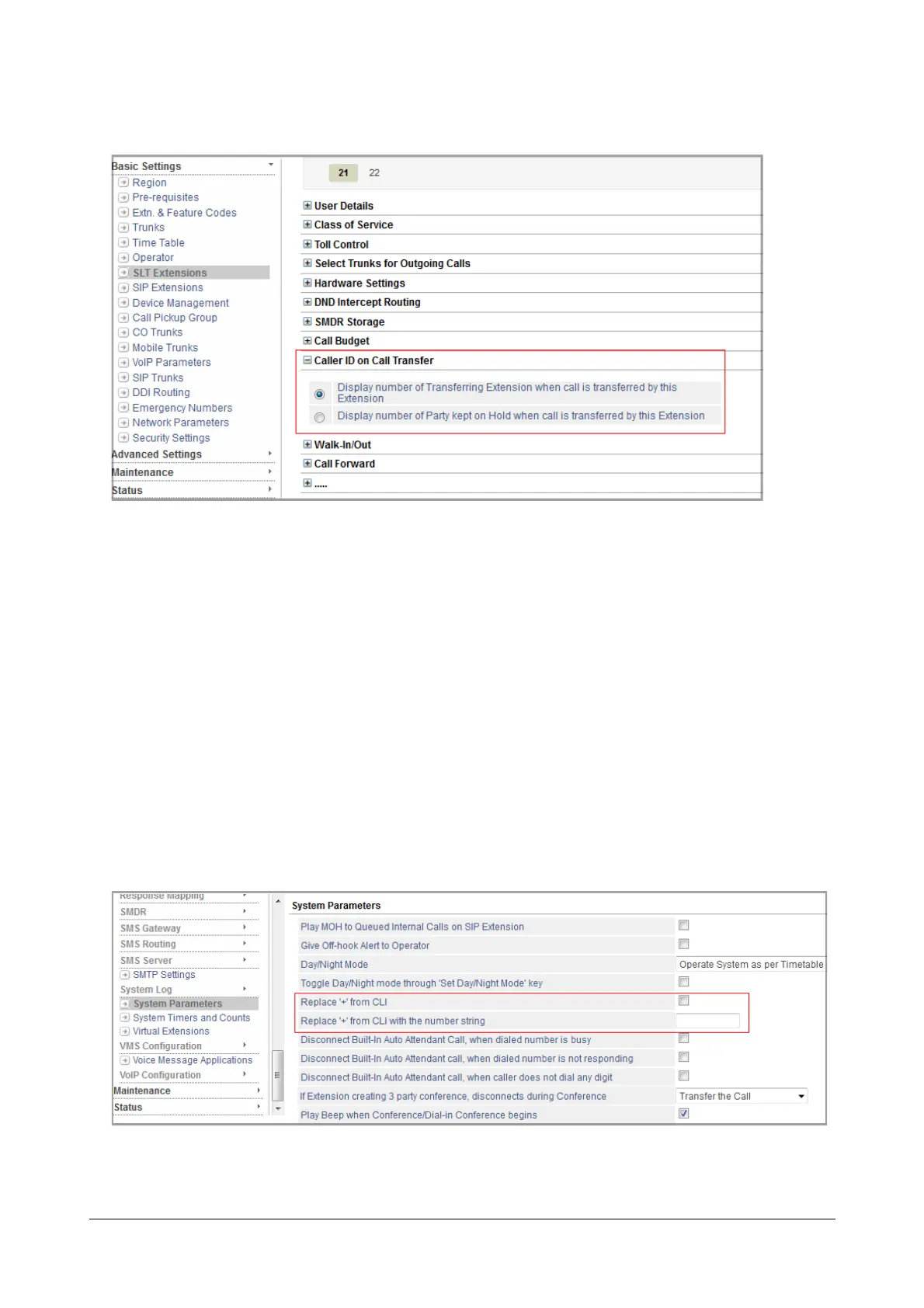
• Select the desired option for displaying Caller ID to this extension when a call is being transferred to this
extension:
• Display number of Transferring Extension when call is transferred by this Extension
• Display number of Party kept on Hold when call is transferred by this Extension
• Click Submit.
• To configure CLIP Type and Caller ID on Call Transfer on another SLT extension, click the desired
extension number tab and follow the instructions as above.
To replace '+' characters received as CLI on telephones that do not support CLI prefixed with this character,
• Under Advanced Settings, click System Parameters.
• Click System Parameters to expand.
• Select Replace '+' from CLI check box.



 To Next Page