748 Matrix ETERNITY NE System Manual
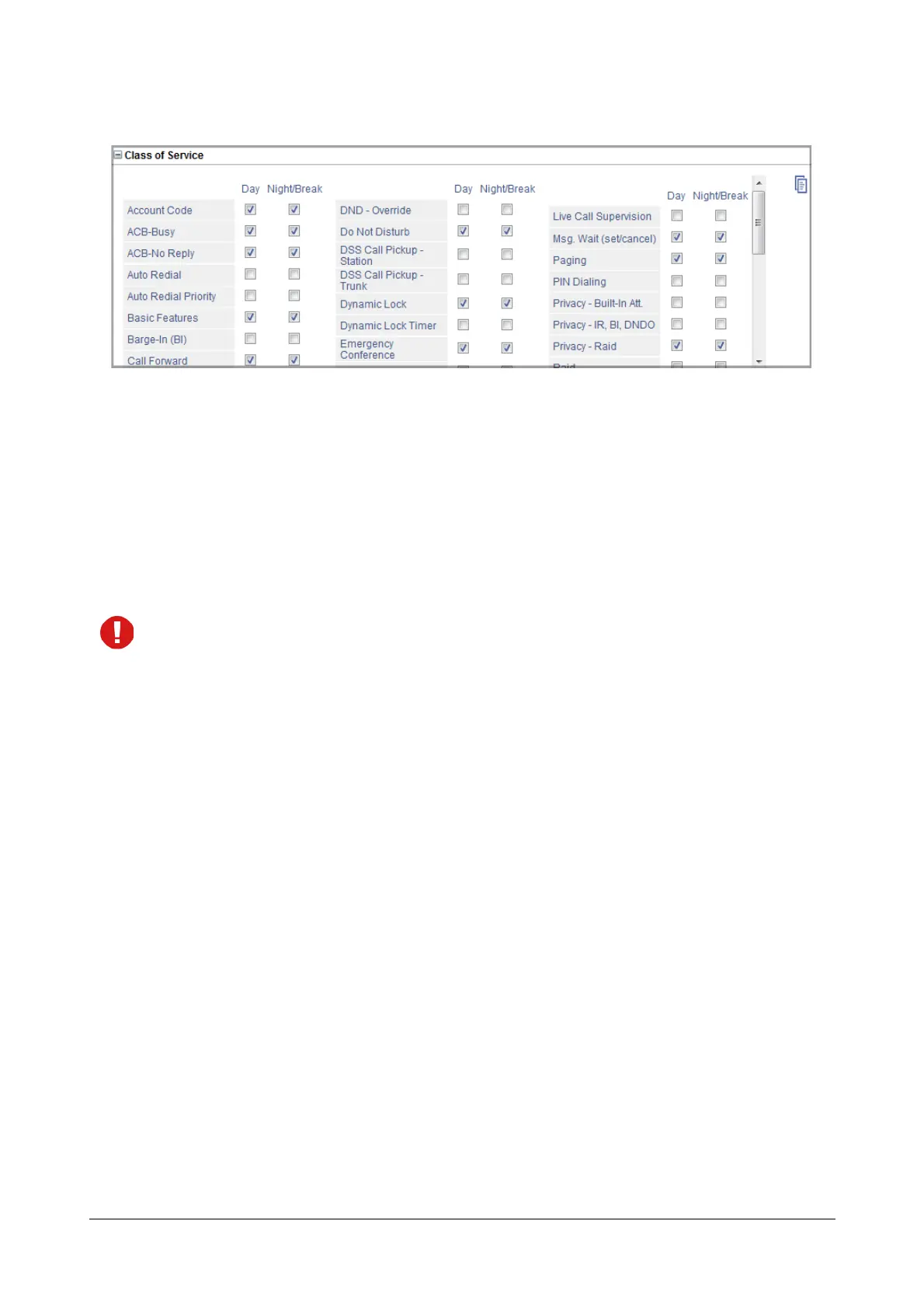
The default CoS group features appear under Class of Service.
• The check boxes of features that are allowed for the Day and Night/Break are selected.
The default CoS fulfills the requirements of most extension users. Check if the default CoS features
you want to allow are enabled and features you want to deny are disabled.
• To allow a feature for the Day and Night/Break, select its corresponding check box.
• To deny a feature for the Day and Night/Break, clear its check box.
• Click Submit.
The following features can be set/canceled on extensions from the SA mode, regardless of whether these
features are allowed or denied in the CoS assigned to the extensions:
• Call Forward
• DND
• Dynamic Lock and Timer
• Hotline



 To Next Page