Matrix ETERNITY NE System Manual 753
It the CUG is connected over Analog Trunks, you must select the CO Trunk connected to the SLT
(FXS) port of PBX A.
If the CUG is connected over IP network, you must select the SIP Trunk to be used for routing the
calls.
• Apply Toll Control: When Self Route check box is disabled, system will check this parameter. By
default, it is enabled. The system will apply toll control to all the outgoing calls.
Disable this check box, if you do not want to apply toll control to the CUG numbers dialed by you. See
“Toll Control” for more details.
• Apply Call Cost: By default, this check box is enabled and the system will calculate the cost of each
call.
For certain calls (internal calls) you do not require the call cost calculation, clear the check box
corresponding to these entries.
You may also generate a report according to the Call Cost. For details, see “Station Message Detail
Recording–Report”.
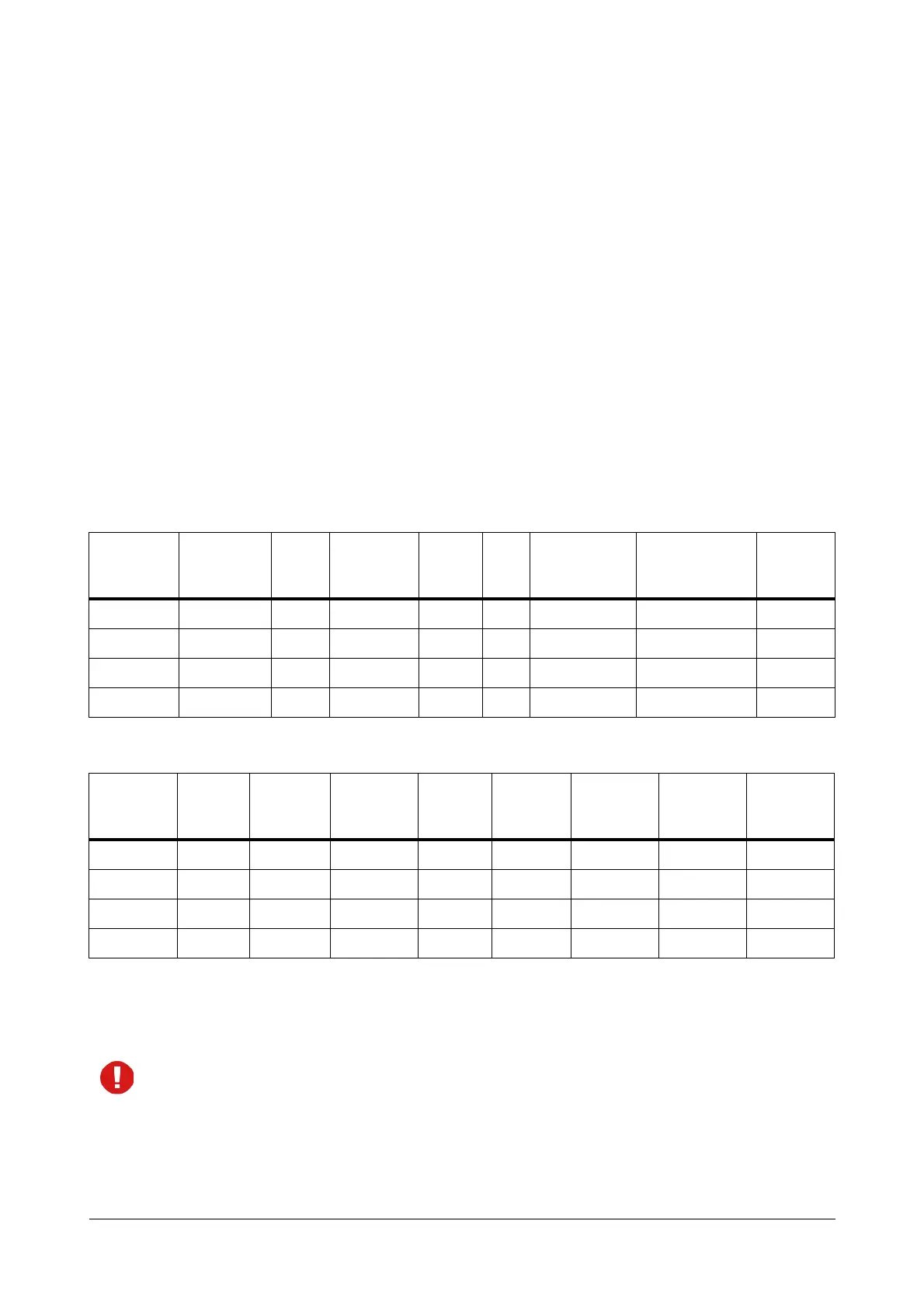
The CUG Table you configure on SARVAM UCS would look like this:
• At Location B, you may do a suitable configuration of the PBX. If the PBX at Location B were SARVAM
UCS, the CUG Table you configure would look like this:
• With the necessary configuration done at both locations, when an extension user 201 of SARVAM UCS at
Location A dials extension 301 of PBX A, the system checks the CUG table to match the dialed digits with
the Route Code and the Dialed Digit Count. As a match is found, it selects the Tie Trunk defined for routing
the Route Code, i.e. CO2.
If the CUG is connected over IP network, you must also configure the SIP Trunk as Peer-to-Peer trunk
and configure the Peer-to-Peer Table. See “Peer-to-Peer Calling” for instructions.
Route
Index
Route Code
Strip
Digit
Count
Self Route
Dialed
Digit
Count
LCR
Route using
Trunks
Apply Toll
Control
Apply Call
Cost
1 3 0 Disabled 3 Off CO2 Disabled Disabled
2
:
32
Route
Index
Route
Code
Strip
Digit
Count
Self Route
Dialed
Digit
Count
LCR
Route
using
Trunks
Apply Toll
Control
Apply Call
Cost
1 2 0 Disabled 3 Off CO2 Disabled Disabled
2
:
32



 To Next Page