754 Matrix ETERNITY NE System Manual
How to configure
To configure Closed User Group,
• Login as System Engineer.
• Under Advanced Settings, click Closed User Group.
•In Route Code, enter the extension numbers of the other PBX in the CUG. Instead of entire number
strings, you can configure a single digit, the starting digit of the extension numbers as Route Code. A
maximum of 16 characters can be configured as Route Code. Default: Blank.
• Keep the Strip Digit Count as ‘0’. Default: 0
• Clear the Self Route check box. Default: Disabled.
• In the Dialed Digit Count field, enter the digit length of the extension numbers of the other PBX in the
CUG. The digit length may be up to 99. Default: 99.
• Keep the LCR option as OFF. Default: OFF.
To know more about LCR, see “Least Cost Routing (LCR)”.
When there are trunks connected directly to the network and you want to allow extension users to access
these trunks without dialing the Trunk Access Codes for these trunks, enable LCR to select the lowest cost
trunk from these trunks.
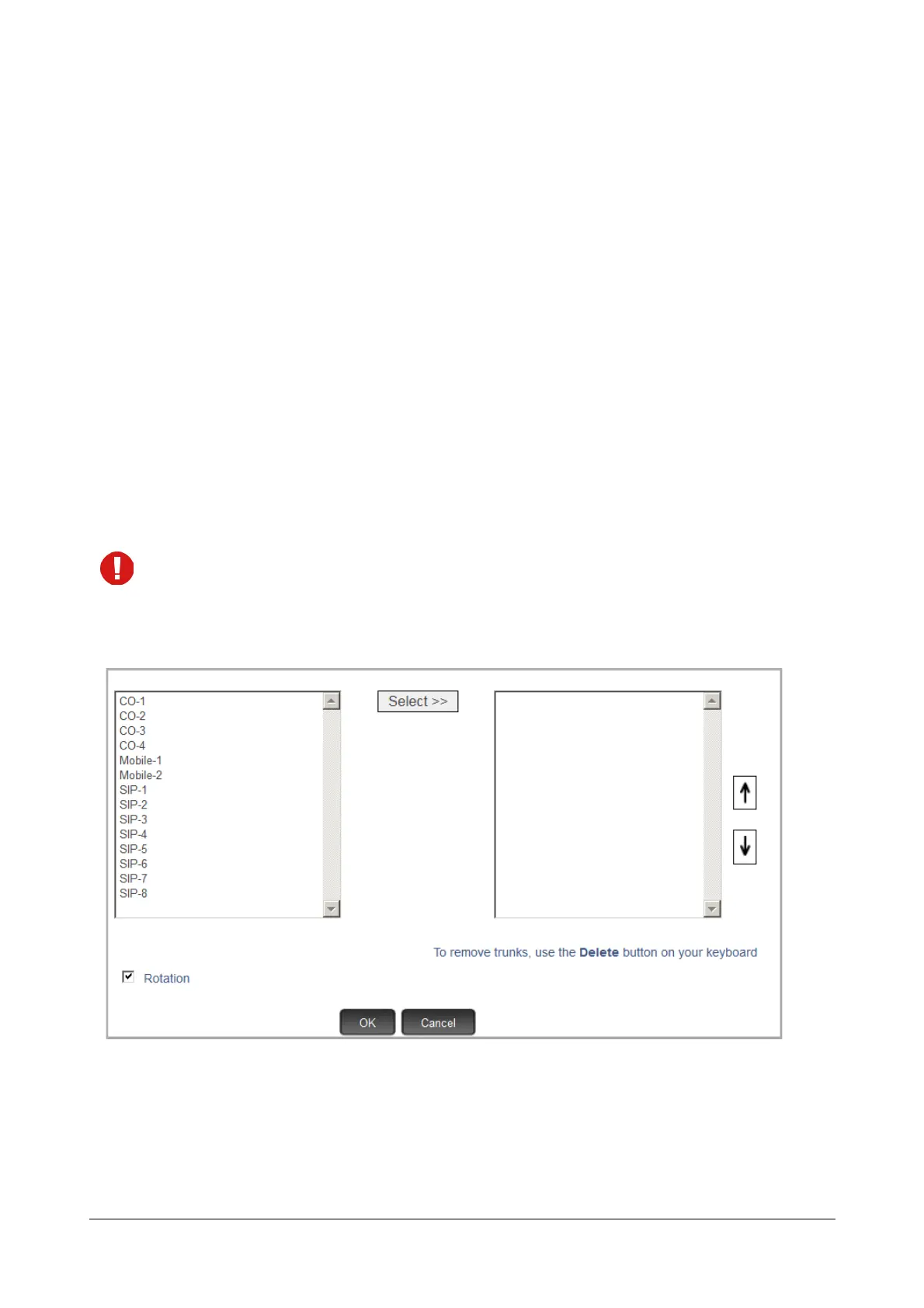
• Double click the Route using Trunks field. A multiple selection box opens.
• On the left, the trunks appear with their names (if configured in “Trunks”) and port numbers in a
sequence, starting with CO trunks, followed by Mobile trunks and SIP trunks.
If you have not assigned any names to the trunks, they will appear with their default names (CO, MOB,
SIP) and port numbers.
If you have enabled On-Site Configuration, only those trunks that are connected will appear in the box.



 To Next Page