770 Matrix ETERNITY NE System Manual
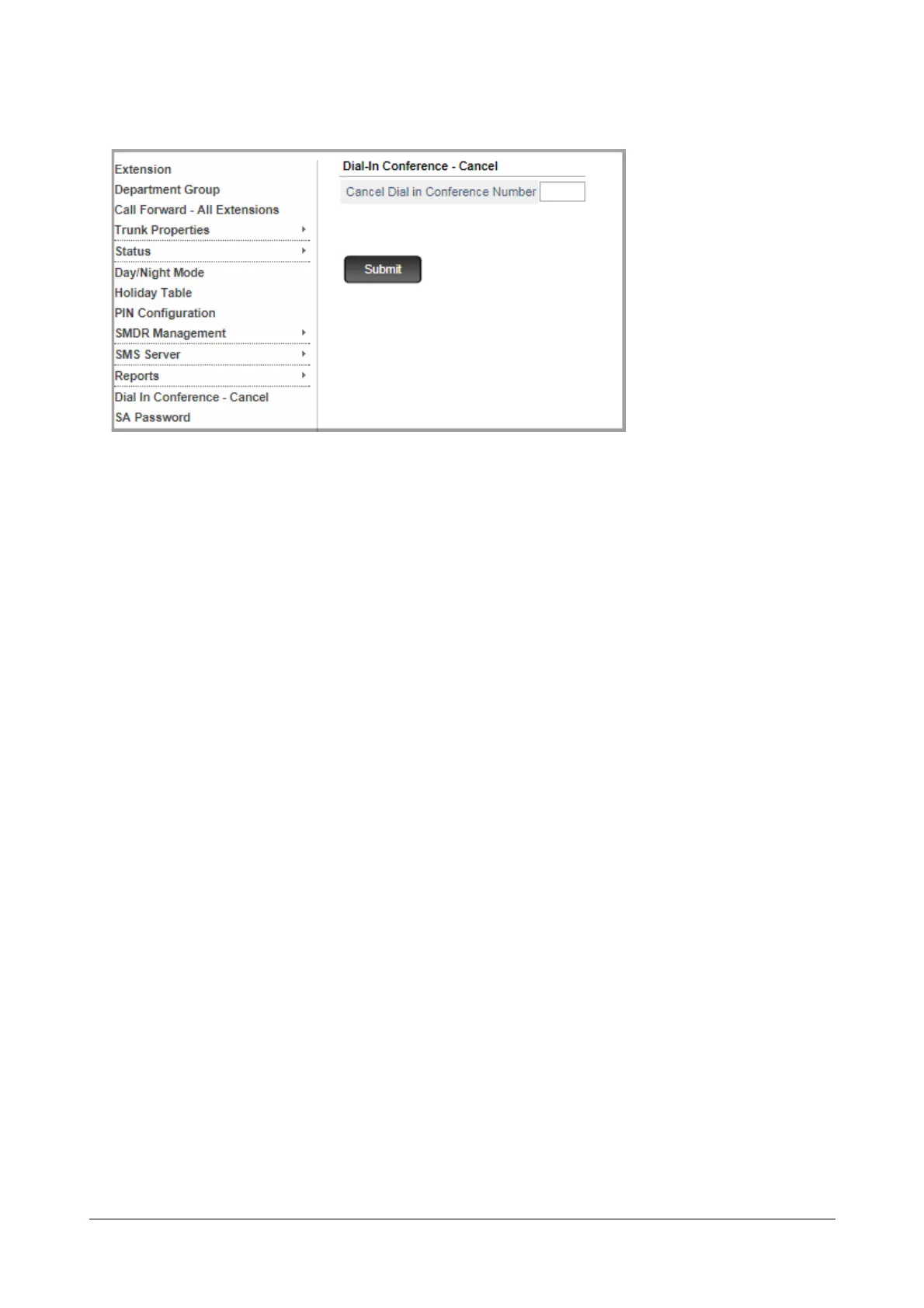
• Click Dial-In Conference - Cancel.
• Enter the conference number (1 or 2) which you want to cancel in the Cancel Dial-In Conference
Number.
• Click Submit.
For SLT Users
The instructions are the same as for Extended IP Phone users, except you will not get any confirmatory or prompts
as text messages on your phone.
• Lift the handset.
• You get dial tone.
To schedule a Dial-In conference
• Dial *191-Conference Number-Conference Password.
• You get confirmation tone.
• Replace Handset.
• Inform all intended participants about the time, conference number and password.
To initiate the Dial-In conference
• Dial *192-Conference Number-Conference Password.
• Talk, if you hear speech, or wait for others to join in.
OR
• Include any participant in the conference.
To join the Dial-In conference
• Dial *192-Conference Number-Conference Password.
• Talk, if you hear speech, or wait for others to join in.
OR
• Include any participant in the conference.



 To Next Page