Matrix ETERNITY NE System Manual 69
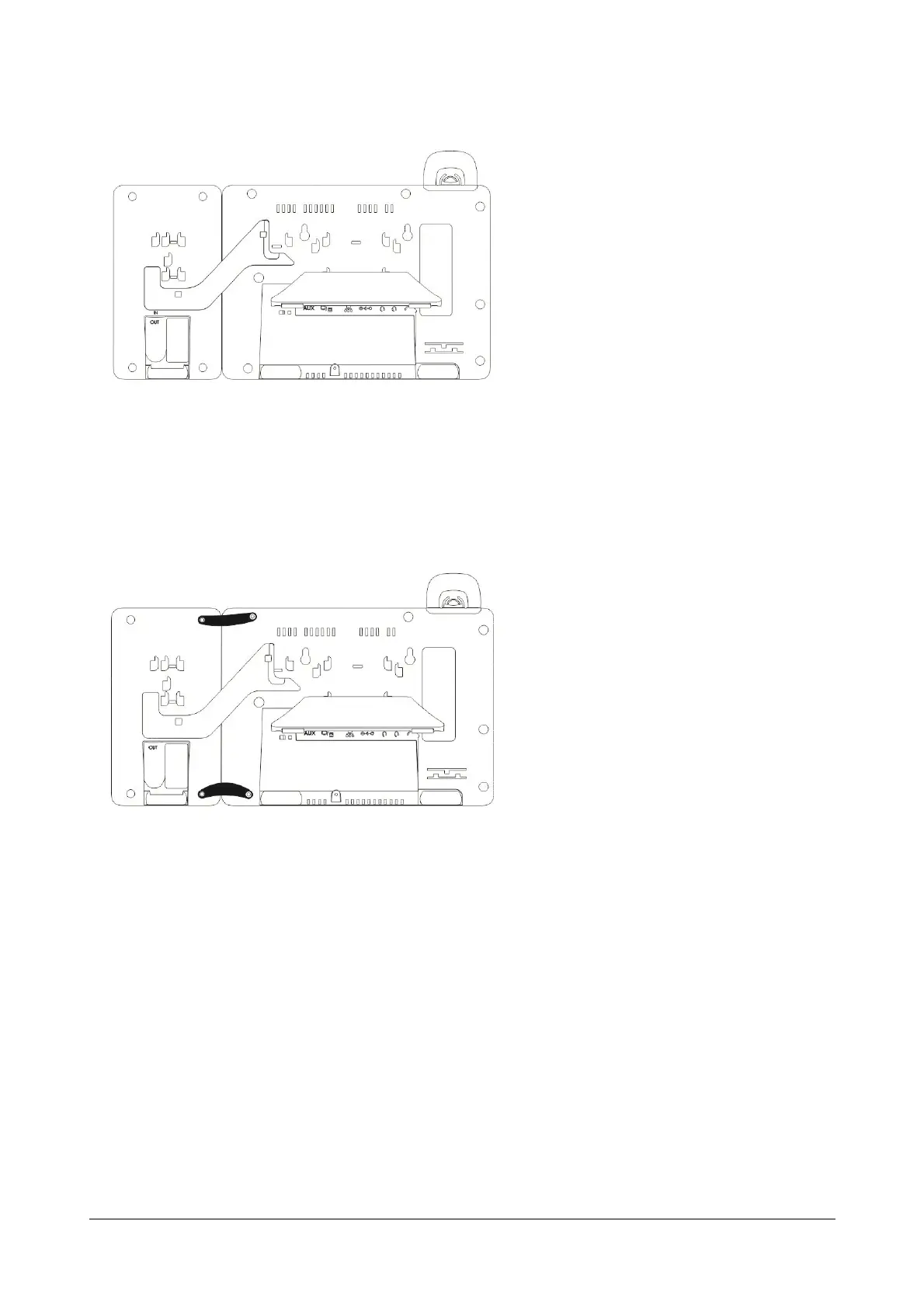
• Firmly slide the DSS Extender upwards to lock them in place.
Attaching the Clamps
• Now attach the clamps. To do so,
• Remove the screws to attach the clamps.
• Place the DSS-Phone Clamps between the DSS532 and the phone.
• Insert the screws back to fix the clamps.



 To Next Page