Matrix ETERNITY NE System Manual 79
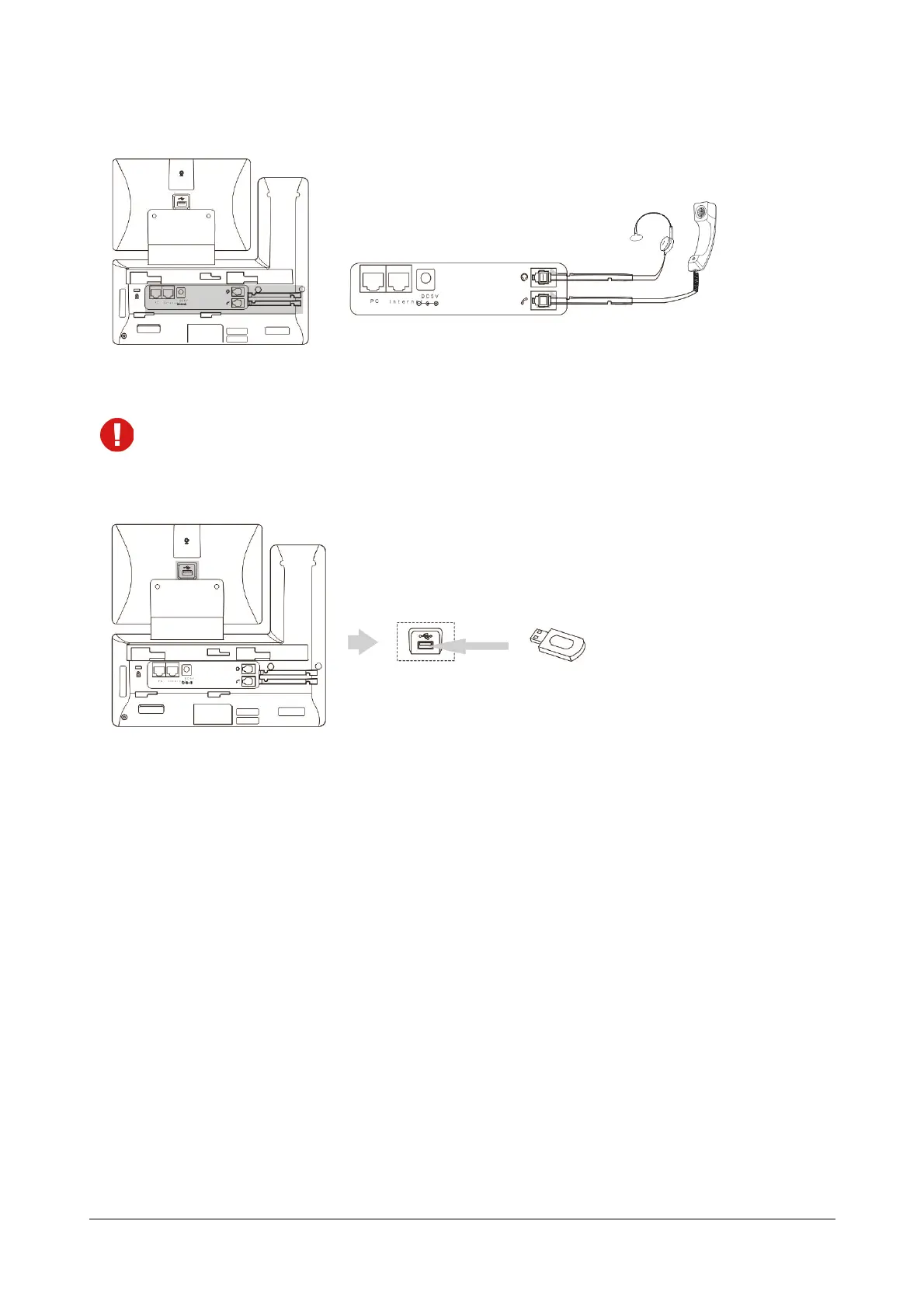
5. Connect the handset and optional headset.
A headset is not included in the packaging contents. Contact your dealer/reseller for more information.
6. Connect the optional USB Flash drive.
7. Connect the network and power.
There are two options to connect the power and the network.
• AC power
• Power over Ethernet (PoE)
AC Power
To connect the AC power:



 To Next Page